
Essential Circuits or Whole-Home Battery Backup: Write the Load List First
Plan essential-circuit or whole-home battery backup with a practical load list, clear exclusions and runtime assumptions that fit your household.
Plan essential-circuit or whole-home battery backup with a practical load list, clear exclusions and runtime assumptions that fit your household.

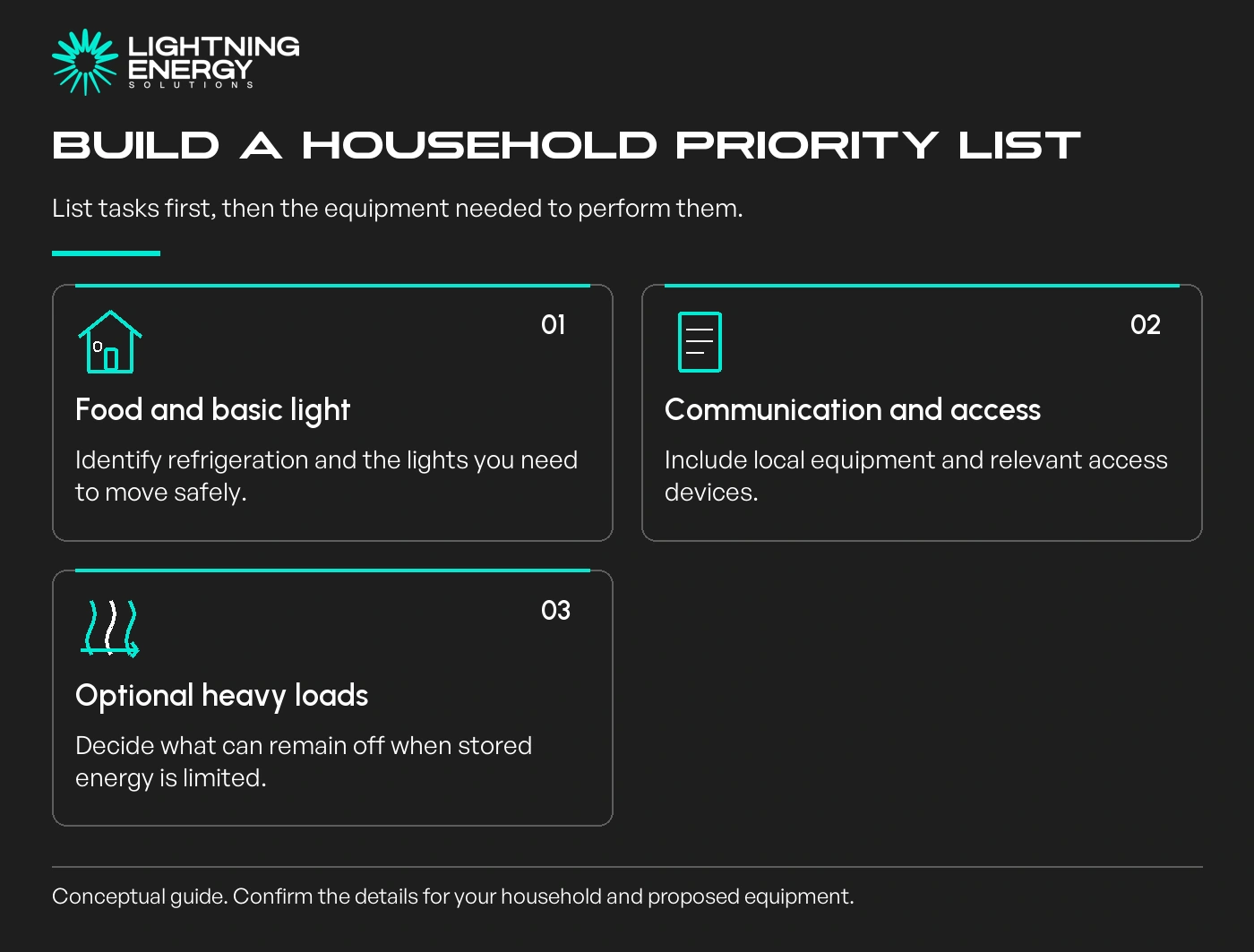
Write down what your household needs to keep doing during an outage before choosing essential-circuit or whole-home backup. The useful decision is which jobs the system must support and for how long.
A whole-home description does not remove power or energy limits. Equally, a carefully chosen essential-circuit arrangement may cover your priorities without supplying every appliance in the house.
Start in the kitchen: food storage, a light and any agreed cooking option. Then consider communication, selected room lighting, access to the garage and any essential household pumps.
List the equipment needed for each task, including the power supply for your internet equipment. A powered router does not guarantee that the external communications network remains available.
Give each item a priority: essential, useful if capacity allows, or acceptable to leave off. Discuss the list with everyone who will use the house during an outage.
When comparing home battery systems, separate stored energy from the circuits that can receive it during an outage.
Ask the installer to map your priorities to the actual circuits and assess their electrical requirements. A circuit can supply more than the single appliance you had in mind.
For example, a socket circuit containing the fridge might also include a kettle or portable heater. That matters because an unexpected extra load can change the backup demand significantly.
Do not identify or alter circuits by opening electrical enclosures yourself. The design and any circuit changes belong with the qualified installer.
Energy Safe Victoria explains the professional responsibilities around battery installations.
Energy Safe Victoria: battery energy storage systems.
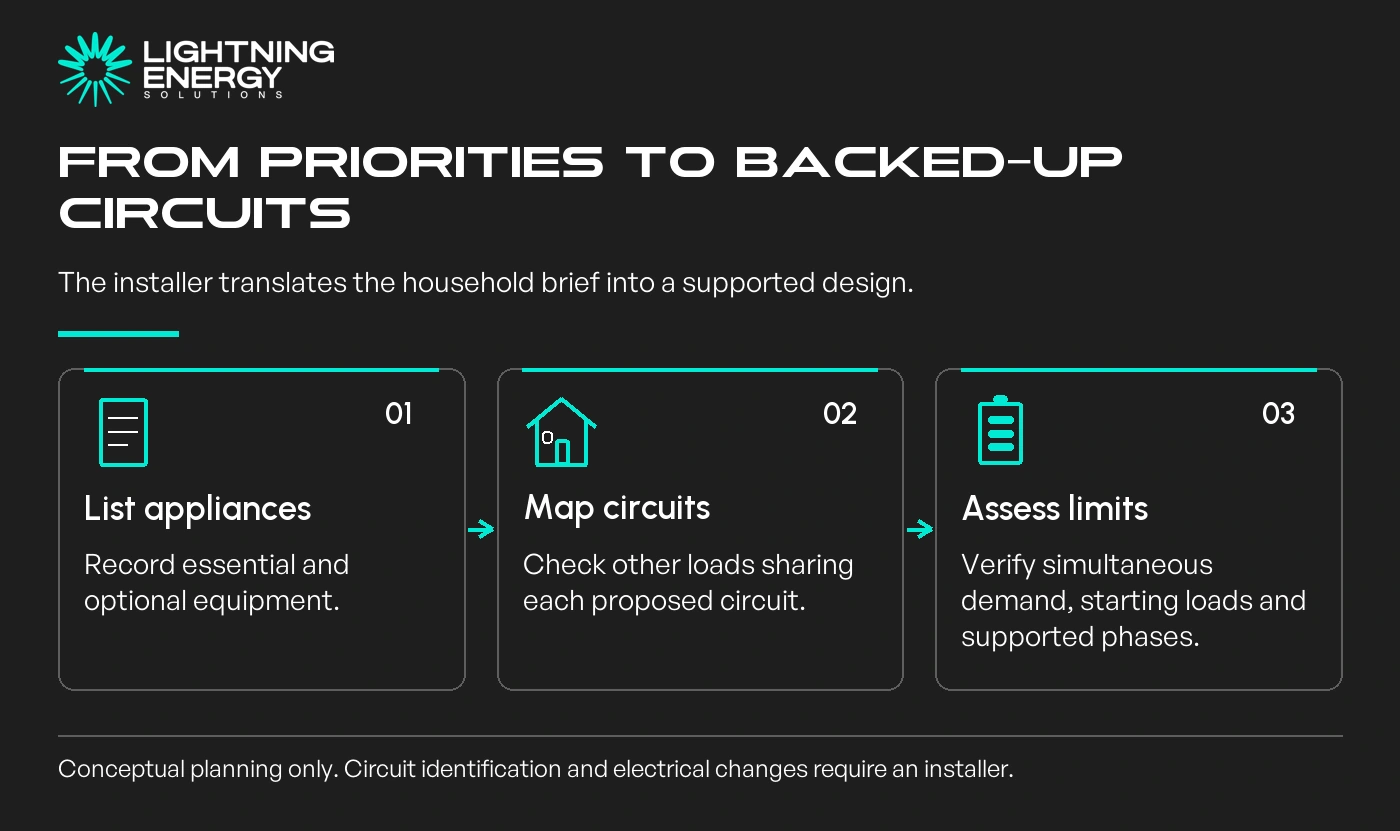
Add the appliances likely to run together, then separately assess starting demand from motors and compressors. The battery's continuous output and short-duration capability must suit the planned loads.
Tesla's Australian design guidance, for example, checks configured output and large motor starting demand. A capacity figure in kWh cannot answer those questions on its own.
Consider a hypothetical home that prioritises refrigeration, lighting and communication. Adding ducted heating to that brief can change both the required output and the energy used across the evening.
Compare two written scopes if needed. Ask what extra equipment and cost are required to include optional heavy loads, rather than treating the larger scope as the automatic choice.
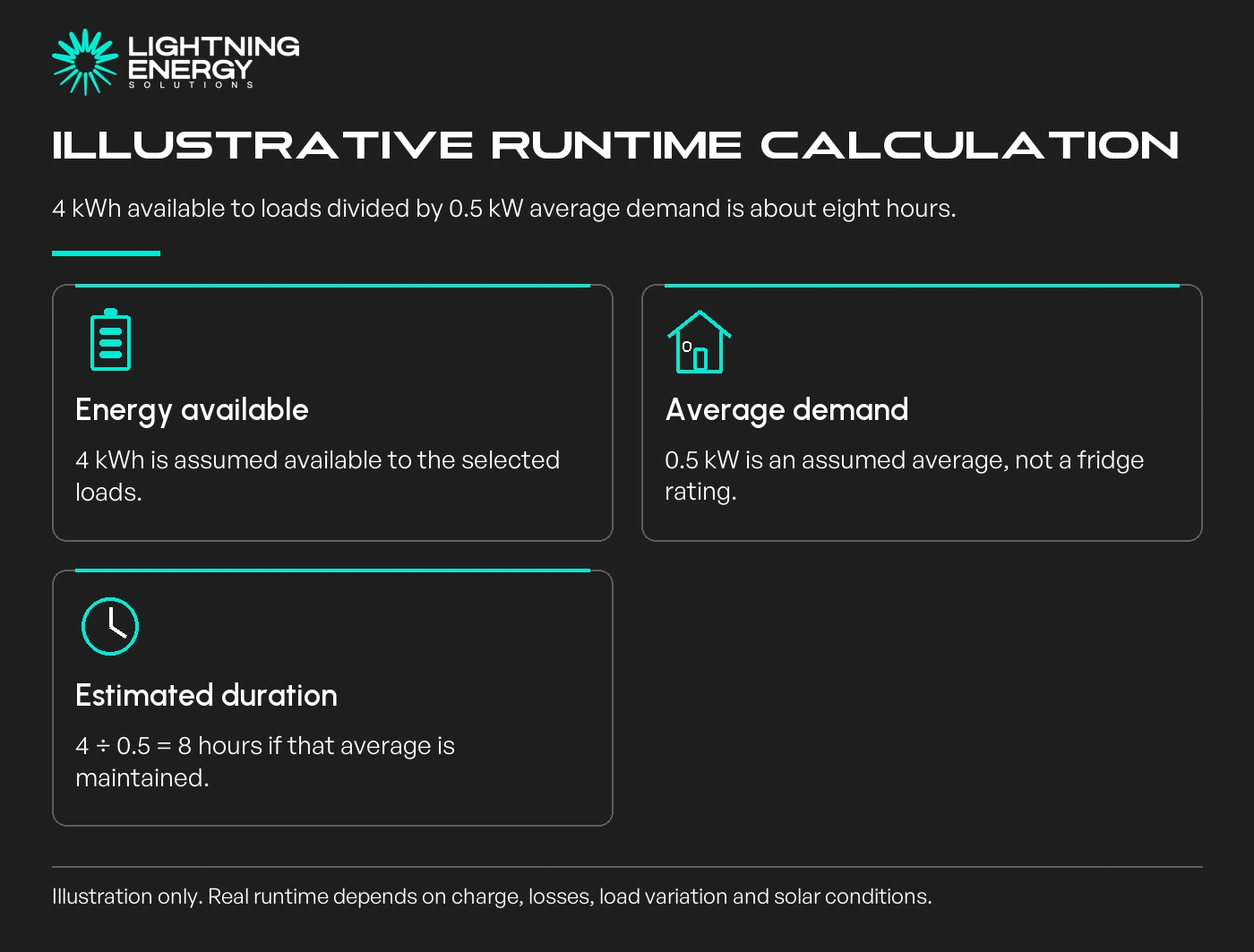
Use the energy available at the start of the outage, not an assumed full battery. Allow for system losses and the energy the equipment needs to keep operating.
For a simple illustration, 4 kWh available to the chosen loads at an average 0.5 kW corresponds to about eight hours. That arithmetic assumes the average stays constant and is not a household runtime guarantee.
A fridge cycles, lights are switched, and household routines change. Solar recharge may help in a supported installation, but an overnight outage or poor weather calls for a different expectation.
Our battery quote checklist helps keep those assumptions alongside the equipment specification.
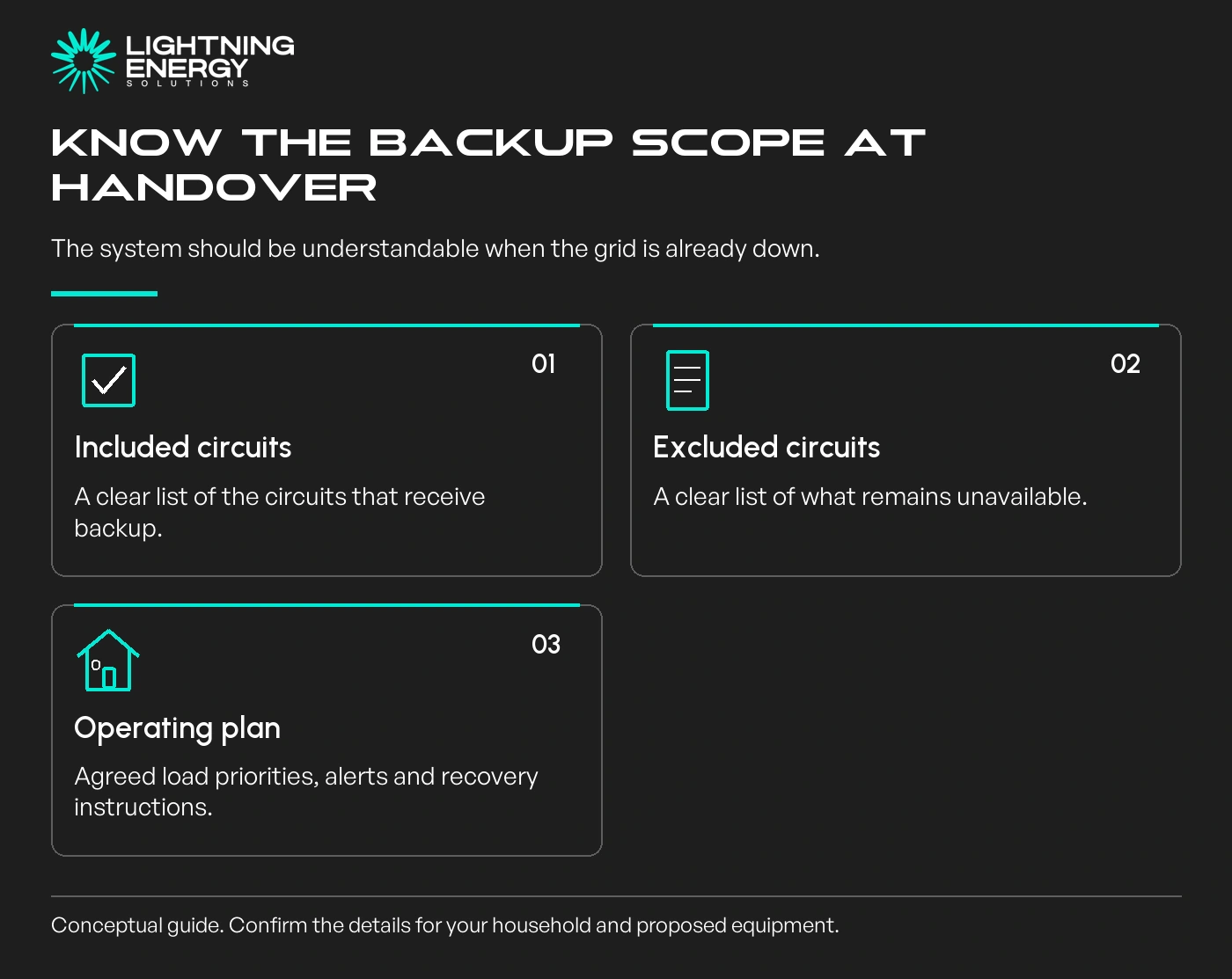
Request a clearly labelled list of backed-up and excluded circuits. Ask the installer to demonstrate the agreed operation and explain any load-management rules, app alerts and recovery instructions.
If a household member relies on critical equipment, involve its supplier and the relevant care team in the backup plan. A generic home-battery claim is not evidence of suitable continuity for that equipment.
Choose the smaller scope when it meets the household's priorities and the larger scope offers little practical value. A battery design should reflect how you would actually manage an outage.
Plan your battery upgradeBring a room-by-room list of essential and optional loads. We can turn it into an assessed backup brief with clear limits and exclusions.Available times
Book a consultation and we'll map solar, storage, hot water, and the rebates around your bills and your goals.
Question 1 of 6