
Tesla home batteries · Australia
Tesla Powerwall 3, built around your home.
Store daytime solar, plan useful backup and leave room for tomorrow’s electricity needs. Explore DC expansion, Powerwall 2 upgrades and the upcoming three-phase Powerwall 3P.
The Australian model
Solar storage, with the inverter built in
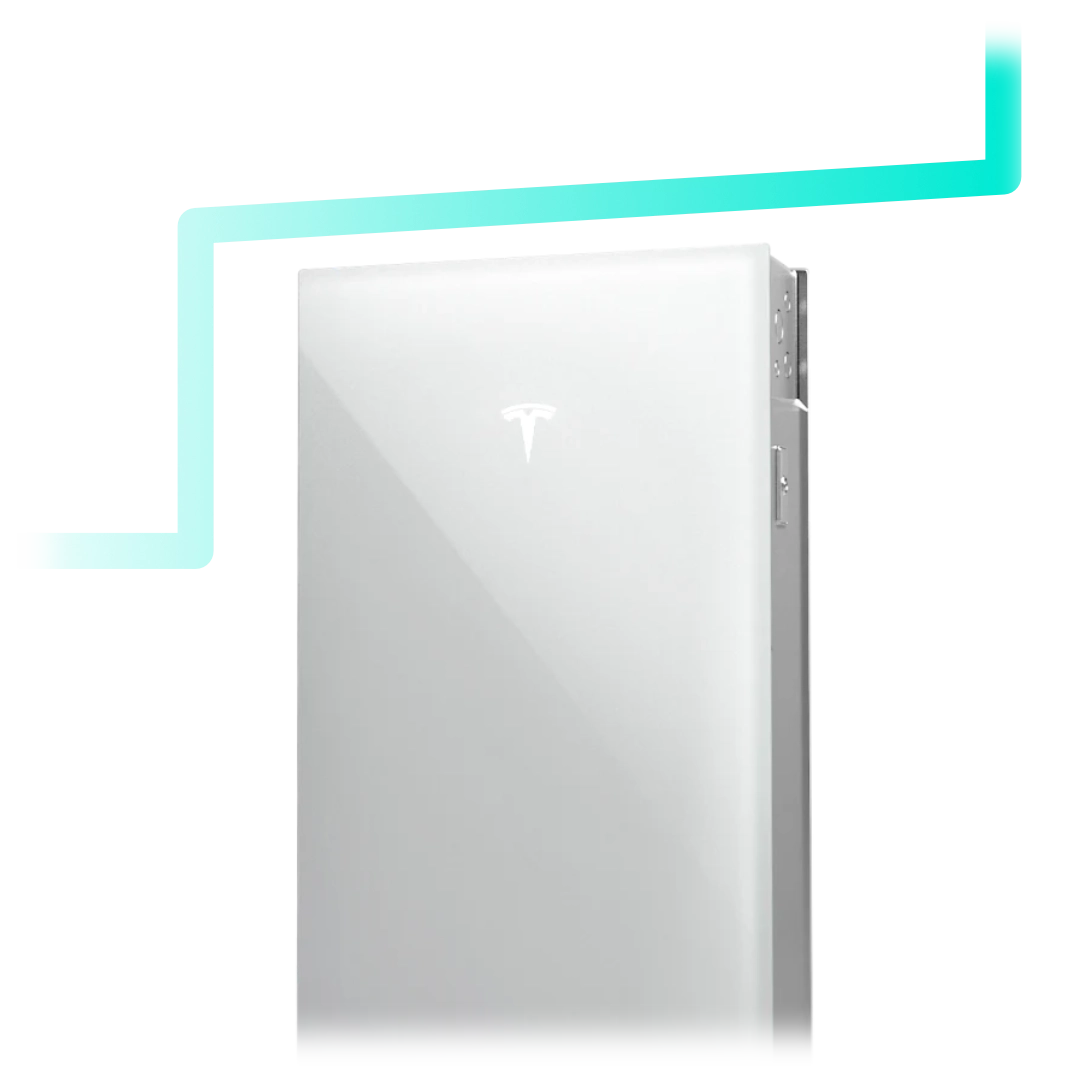
Powerwall 3 combines a battery and solar inverter. The Australian datasheet lists 13.5 kWh usable energy, three solar trackers and up to 20 kW solar input. AC output settings are 5, 10 or 11.04 kW, subject to the approved design.
Stored energy
Capacity helps answer how long your chosen loads could run.
Powerwall 3 unit
Discuss supply phases and backup coverage together.
Available output
Your quote should state the configured output and connection limits.
A three-phase property and a three-phase battery are different things. Ask which circuits receive backup and what the system can supply simultaneously. A large storage figure alone does not settle that question.
Australian Powerwall 3 datasheet. Figures describe equipment capabilities, not a guaranteed installation outcome.
More energy for later
Powerwall 3 DC expansion packs explained
A Powerwall 3 Expansion adds battery storage without another inverter or system controller. It works through a compatible Powerwall unit; it is not a standalone battery system. Tesla’s current owner documentation identifies support for Powerwall 3, 3P and 3AC.
Think about the problem you want to solve. Running out of stored energy before breakfast is different from exceeding the system’s output when several appliances start together.
| Expansion units | Total storage | Inverter output |
|---|---|---|
| None | 13.5 kWh | Existing configured limit |
| 1 | 27 kWh | Existing configured limit |
| 2 | 40.5 kWh | Existing configured limit |
| 3 | 54 kWh | Existing configured limit |
For a capacity upgrade, compare your evening and overnight imports with the solar surplus or charging window available to refill it. More storage has limited value if the household rarely fills or uses it.
Ask for space, mounting, cable-route, compatible hardware and commissioning checks before ordering. Floor-stacked and wall-mounted arrangements need different space planning; the installer must confirm the permitted layout.
Sources: Australian Expansion specifications, current system components and Powerwall 3 datasheet.
An upgrade path for existing owners
Powerwall 2 and Powerwall 3 compatibility
Tesla now supports eligible mixed systems in Australia with software 26.26 or later. Its launch configuration permits up to four Powerwall 2 units, one Powerwall 3 and three Expansion units.
Gateway 1 and Neurio metering are excluded. In this mixed-system arrangement on a three-phase connection, Tesla limits Powerwall 3 output to 5 kW. Powerwall 2 keeps its original warranty.
Source: Tesla Australia’s backwards-compatibility requirements. Installation and any equipment changes must be assessed by a Tesla Certified Installer.
Identify what you own
Collect battery, gateway and meter model details, commissioning records and the existing backup scope.
Define the missing benefit
Is the goal longer backup, less evening grid use or support for a new appliance? Put that goal in the quote brief.
Compare the complete job
Include any gateway or metering changes, installation work and approvals alongside the added storage.
An Expansion pack is not a direct add-on to Powerwall 2. A supported mixed-system proposal must include the compatible newer equipment. Existing batteries also have different ages and histories, so request realistic operating assumptions.
The three-phase option to watch
Powerwall 3P in Australia
Powerwall 3P is a distinct three-phase system. Tesla’s Australian FAQ says it cannot be combined with Powerwall 2 or Powerwall 3. Do not treat a Powerwall 3 purchase as an automatic stepping stone to 3P.
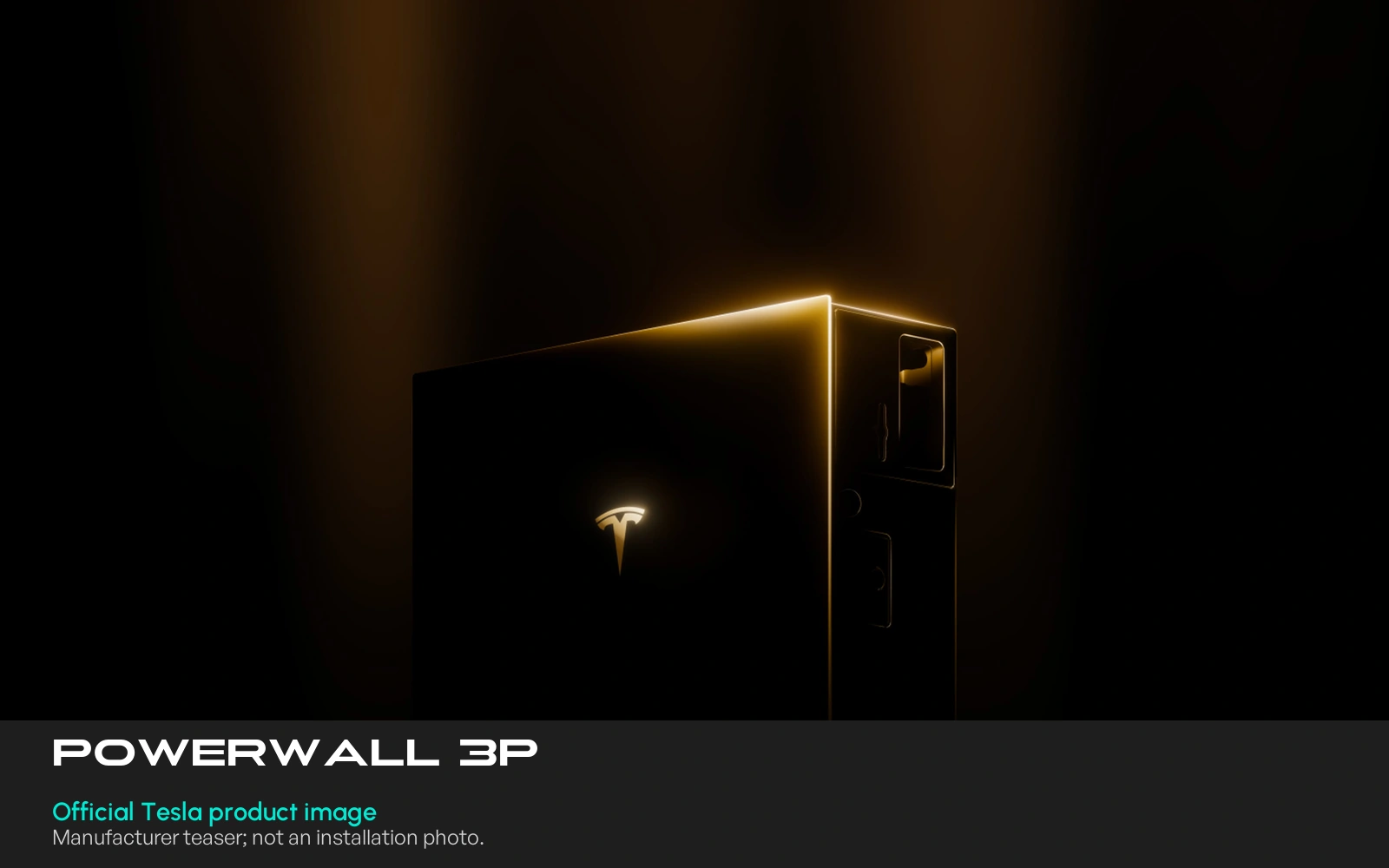
The Australian 3P datasheet lists 13.5 kWh usable energy. Its 15 kW output requires sufficient solar and ambient temperature at or below 25°C; without solar, or at higher temperatures, the stated ceiling is 11.5 kW. Other settings and derating apply.
For households considering three-phase backup, request a load schedule showing what must run together. Check whether cooking, cooling and vehicle charging compete with essential loads, and what can be paused during an outage.
Sources: Australian availability and compatibility FAQ and Australian/New Zealand 3P datasheet.
A useful quote starts with your home
Powerwall installation costs, backup and system design
The right comparison is the finished installation. Ask for the battery and Expansion count, Gateway, installation labour, switchboard changes, backup circuit work and any exclusions as separate items.
If an incentive is included, ask for its eligibility basis and calculation separately. An old battery installation, an expansion and a new system should not be assumed to receive identical support.
Tesla’s home-assessment process checks energy needs, equipment location and installation hardware. Bring interval usage data, a recent bill and plans for an electric car, heat-pump hot water or electric heating.
Everyday use
When do you import electricity? How much solar is left after household demand?
During an outage
Which appliances matter, what can wait and how much reserve will you keep?
After installation
Agree monitoring access, a backup demonstration, handover records and support contacts.
Explore home battery options, our battery quote checklist and backup planning guide.
Tesla’s home-assessment guidance. This page is researched product information, not a report of hands-on 3P testing.
Warranty: keep the terms with your quote
Tesla’s Australian warranty, effective 3 September 2026, lists Powerwall 3, 3P and Expansion. It provides ten-year defect cover and 70% capacity retention at year ten, subject to conditions.
Solar self-consumption, time-based control and backup have unlimited cycles under the listed terms. Other applications or combinations have a 37.8 MWh throughput limit. Registration, connectivity and installation requirements also matter.
Keep the model numbers, invoice and installation date. The manufacturer warranty operates alongside Australian Consumer Law rights. Ask how the proposed use fits the applicable terms, particularly if a third party will control charging and exports.
Read the complete Australian/New Zealand Powerwall warranty.
Tesla Powerwall questions answered
How much does a Tesla Powerwall 3 installation cost?
Request an itemised installed quote for your property. Battery hardware, expansion units, Gateway, switchboard work, backup circuits, labour and any eligible incentive all affect the total. A hardware-only price is not a complete installation price.
What does a Powerwall 3 DC expansion pack do?
It adds stored energy through the compatible Powerwall system. It does not provide a separate solar inverter. Choose expansion when the assessment identifies a need for longer duration or more stored energy, rather than assuming it increases appliance power limits.
Can a Powerwall 3 Expansion connect directly to Powerwall 2?
No direct Powerwall 2 expansion connection is specified. Tesla supports eligible mixed systems that include Powerwall 3; the Expansion connects through the supported newer system. Ask the installer to identify the complete configuration.
Can Powerwall 2 and Powerwall 3 work together in Australia?
Yes, for eligible installations under Tesla’s current Australian backwards-compatibility guidance. Software, gateway, metering, unit-count and phase requirements apply. It is an installer-assessed upgrade, not an automatic change to every existing system.
Is Powerwall 3P available in Australia?
As checked on 3 November 2026, Tesla’s Australian FAQ says it is not yet available and provides no Australian launch date or price. A year-end expectation is unconfirmed and should not be treated as a delivery commitment.
Will a battery run everything during a blackout?
That depends on the installed backup circuits, simultaneous demand, starting loads, available stored energy and system limits. Ask for a written list of included and excluded loads, plus an installer-led demonstration at handover.
Can I keep my existing solar inverter?
Some retrofit designs retain the existing solar inverter. Have the installer check its model, phase arrangement and behaviour during outages, and compare the proposed retrofit with any redesign. Do not assume all existing solar will keep operating in backup.
Reviewed 3 November 2026 against Tesla’s Australian support pages and linked technical documents. Confirm current availability, approved configuration and warranty at quotation.
Available times
Plan your Powerwall installation or upgrade.
Tell us what you already have and what you want to improve. We’ll assess the equipment, backup priorities and installation scope for your home.
