
Installer Closed Down? Recovering Solar and Battery Monitoring Access
Recover legitimate solar and battery monitoring access after an installer closes, using ownership records, manufacturer support and correct account permissions.
Recover legitimate solar and battery monitoring access after an installer closes, using ownership records, manufacturer support and correct account permissions.

If your solar installer closes, you may still be able to recover monitoring through the equipment manufacturer or platform provider. Start by identifying whether the problem is your login, the system’s account permissions or missing data.
Prepare ownership records and use the official support process. Do not try to bypass authentication, reuse an installer’s credentials or reset equipment settings simply to make an app accept the system.
Record the inverter, battery and communications equipment brands and models. The app may belong to the manufacturer, a monitoring provider or another service, rather than the business that sold the installation.
Note whether you cannot sign in, can sign in but cannot see the site, or can see the site without recent readings. These are different issues and should be described separately to support.
The government’s monitoring guide explains that systems can use local displays, websites, apps and additional monitoring equipment.
For an illustrative household, a router replacement and an installer closure might happen in the same month. Missing readings could concern the internet connection rather than a lost ownership record.
Start with the supported owner troubleshooting for the exact solar system. Do not open electrical covers or change commissioning settings to investigate an app problem.
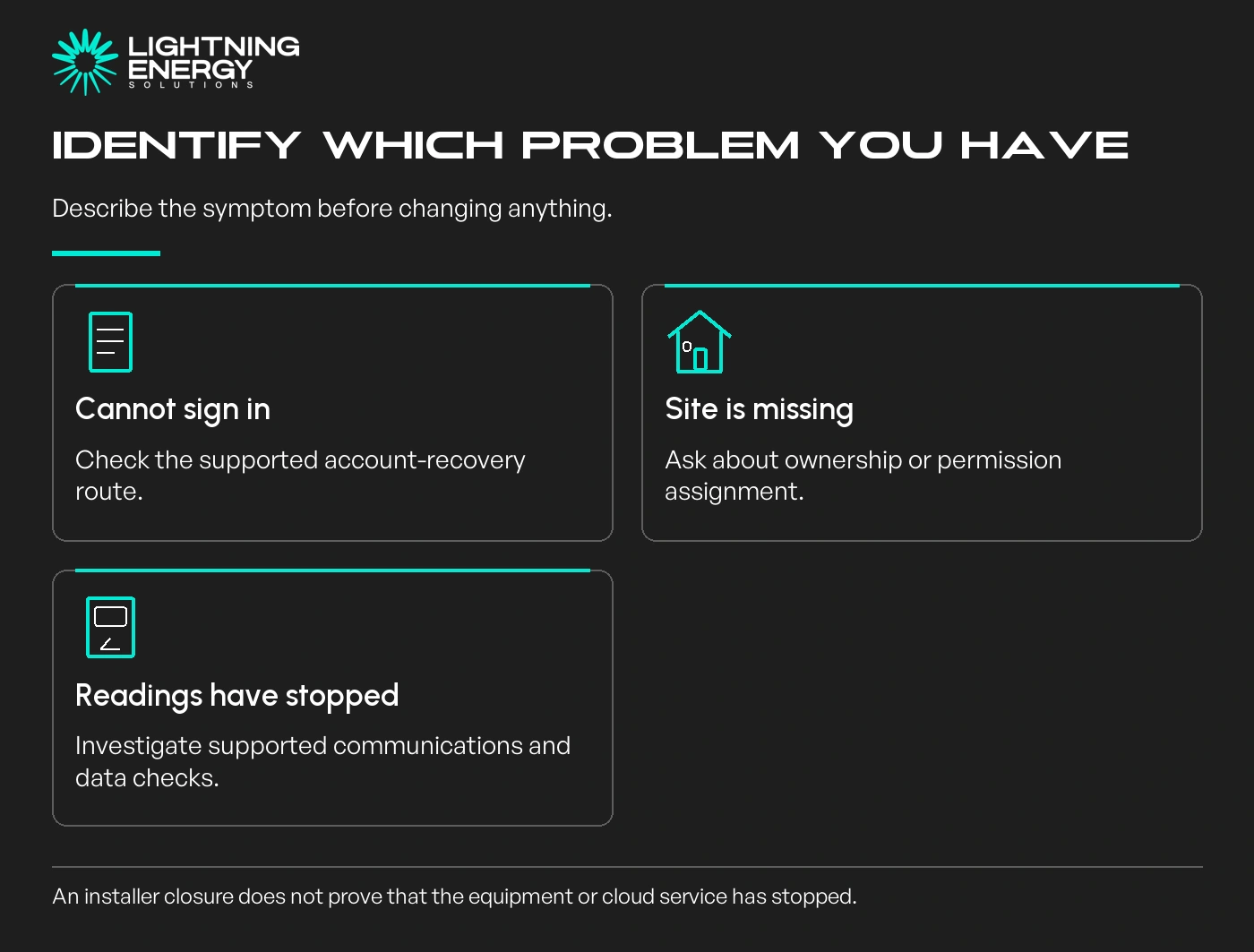
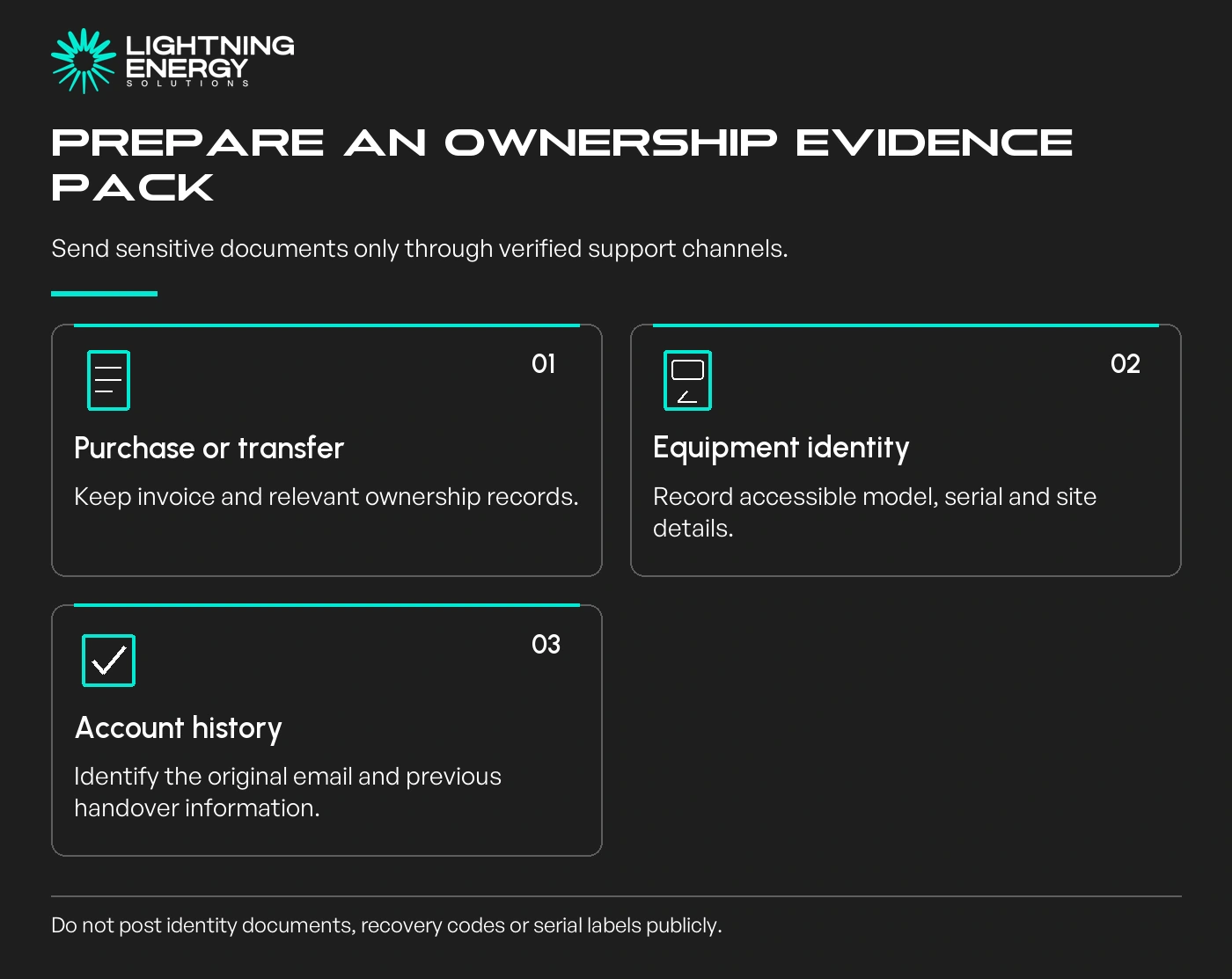
Prepare the installation invoice, service address, installation date, model and serial details, and the email address originally used for monitoring. Keep any handover emails or existing site identifier.
If ownership changed with a property sale, ask the platform what proof of the completed transfer it requires. A previous owner’s login is not a substitute for establishing your own authorised access.
Fronius explains that changing an inaccessible registered email involves its support process and identity checks, because the account provides access to confidential system information.
Send requested identity material only through the manufacturer’s verified channel. Do not post serial labels, identity documents or recovery codes in a public group seeking informal assistance.
Keep a case number and copies of the non-sensitive correspondence. A concise evidence pack helps support distinguish a legitimate ownership issue from an ordinary forgotten password.
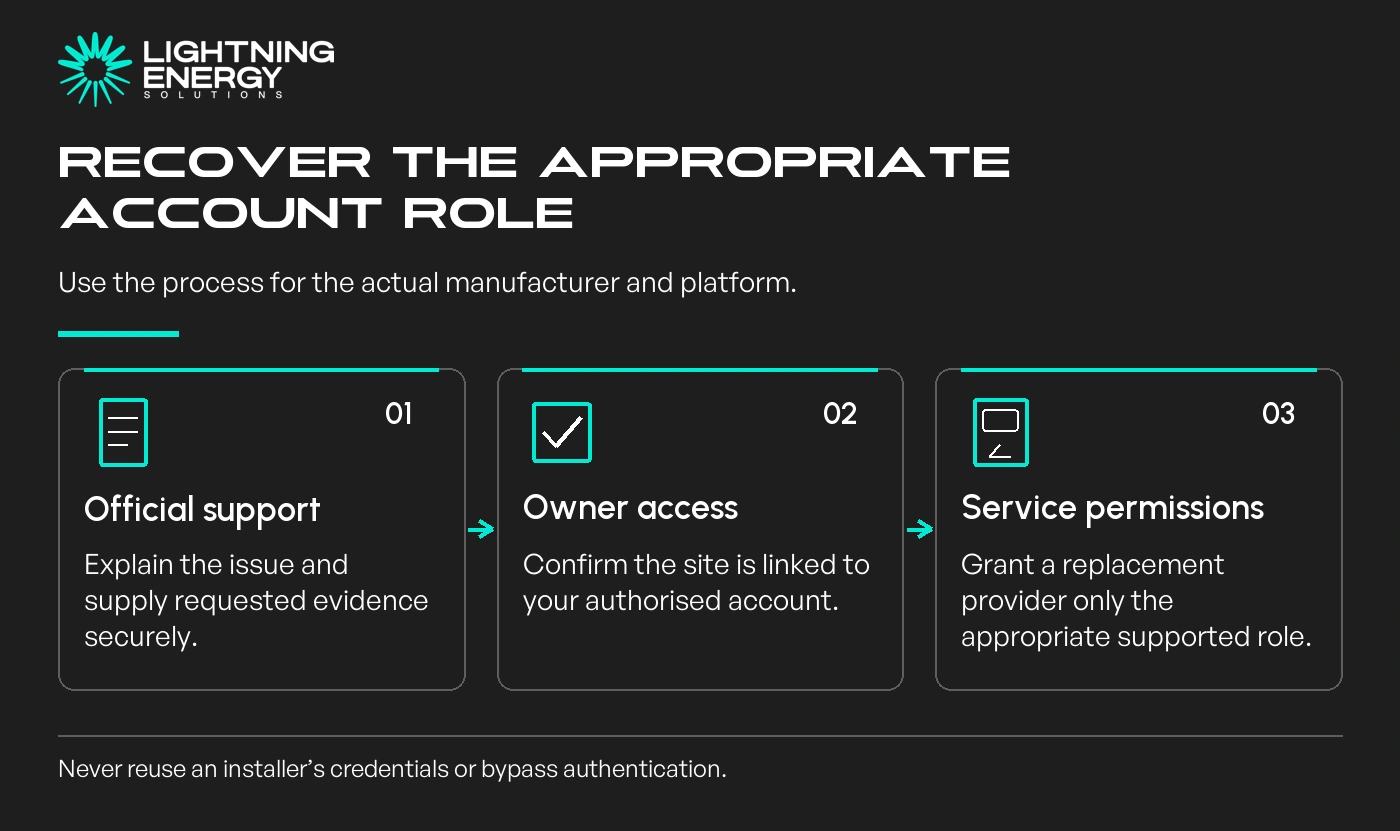
Use the platform’s password-recovery function if you still control the registered email and the problem is only login. If the site belongs to another account, explain that to support rather than creating repeated duplicate sites.
Owner access and installer service permissions are not the same. Fronius, for example, documents owner, supervisor and guest roles with different capabilities.
Tesla’s Australian registration guidance includes a transfer pathway when a Powerwall is already registered, and directs unresolved registration issues to customer support.
Tesla Australia registration support.
Follow the current process for your model and circumstances. Do not assume the sequence or documents for one brand apply to another battery system.
If a replacement service provider needs access, authorise the appropriate role through the supported process. Confirm what it can view or change, and retain control of your own owner account.
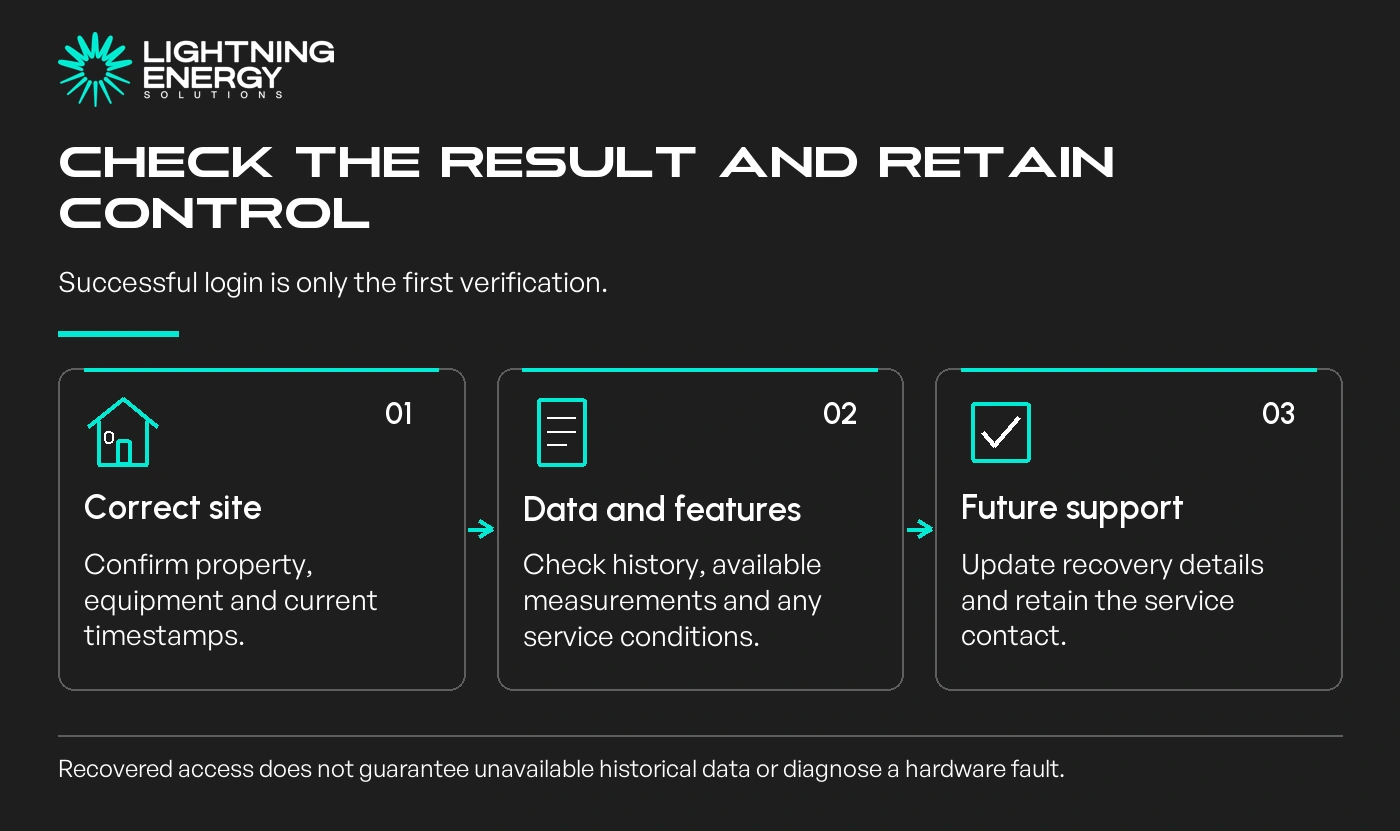
After recovery, check that the correct property and equipment appear and that timestamps advance. Compare the available data with what the installation actually measures; not every system has household-consumption monitoring.
Ask whether historical records remain available and whether any features require a current service or subscription. Restoring login cannot guarantee recovery of data that the platform no longer holds.
Review recovery email details and authorised users, using supported controls and any available additional account security. Store credentials securely rather than sharing a household-wide installer password.
If the manufacturer or cloud service is also unavailable, ask a qualified provider about supported local information or alternative monitoring. Do not promise that another app can recover proprietary history or controls.
Keep monitoring recovery separate from a suspected equipment fault or a warranty concern. The installer’s closure alone does not establish equipment condition or the available remedy.
If you need help identifying the equipment and service route, send the model details and a description of the access issue. Keep passwords and identity documents out of the initial enquiry.
Available times
Book a consultation and we'll map solar, storage, hot water, and the rebates around your bills and your goals.
Question 1 of 6