
Powerwall 2 and Powerwall 3 Compatibility in Australia
Tesla’s Australian software, equipment and configuration requirements when combining Powerwall 2 and Powerwall 3.
Tesla’s Australian software, equipment and configuration requirements when combining Powerwall 2 and Powerwall 3.
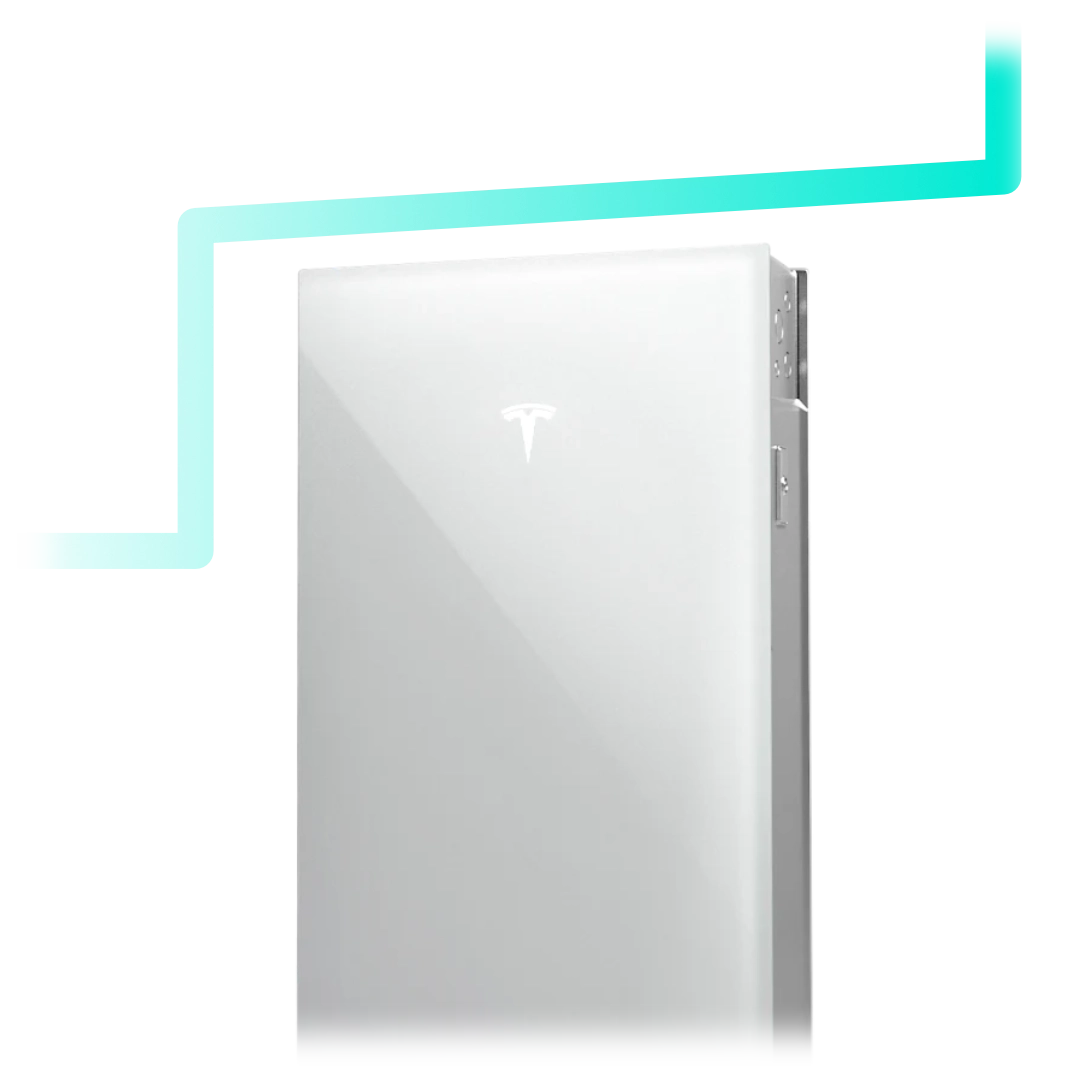
Powerwall 2 and Powerwall 3 can operate together in eligible Australian configurations. Compatibility is conditional: the firmware, gateway, metering and complete system design must meet Tesla’s requirements.
Architectures still differ. Powerwall 2 was typically AC-coupled with a separate solar inverter. Powerwall 3 integrates a hybrid inverter and takes a different role. Firmware can coordinate supported mixes. It does not erase the need for a proper redesign of control, backup and metering where the site requires it.
Resolve any unclear compatibility, commissioning or warranty information before accepting the proposal.

Additional storage needs a purpose, such as supplying more later demand or extending backup for specified loads. Compare that benefit with the installed cost; fixed charges remain part of the bill.
If you have Powerwall 2 and want more capacity, ask a Tesla Certified Installer to check the supported mixed-system pathway for your gateway, metering and firmware. The quote should identify any changes needed for control and backup.
If new solar or different backup arrangements are also planned, compare a complete redesign. Record which components remain, which are upgraded and which are replaced.
For a new installation, compare Powerwall 3 with other supported configurations using the same household and backup requirements.
The complete system should meet the intended charging, discharging and backup functions without exceeding the limits of its supported configuration.
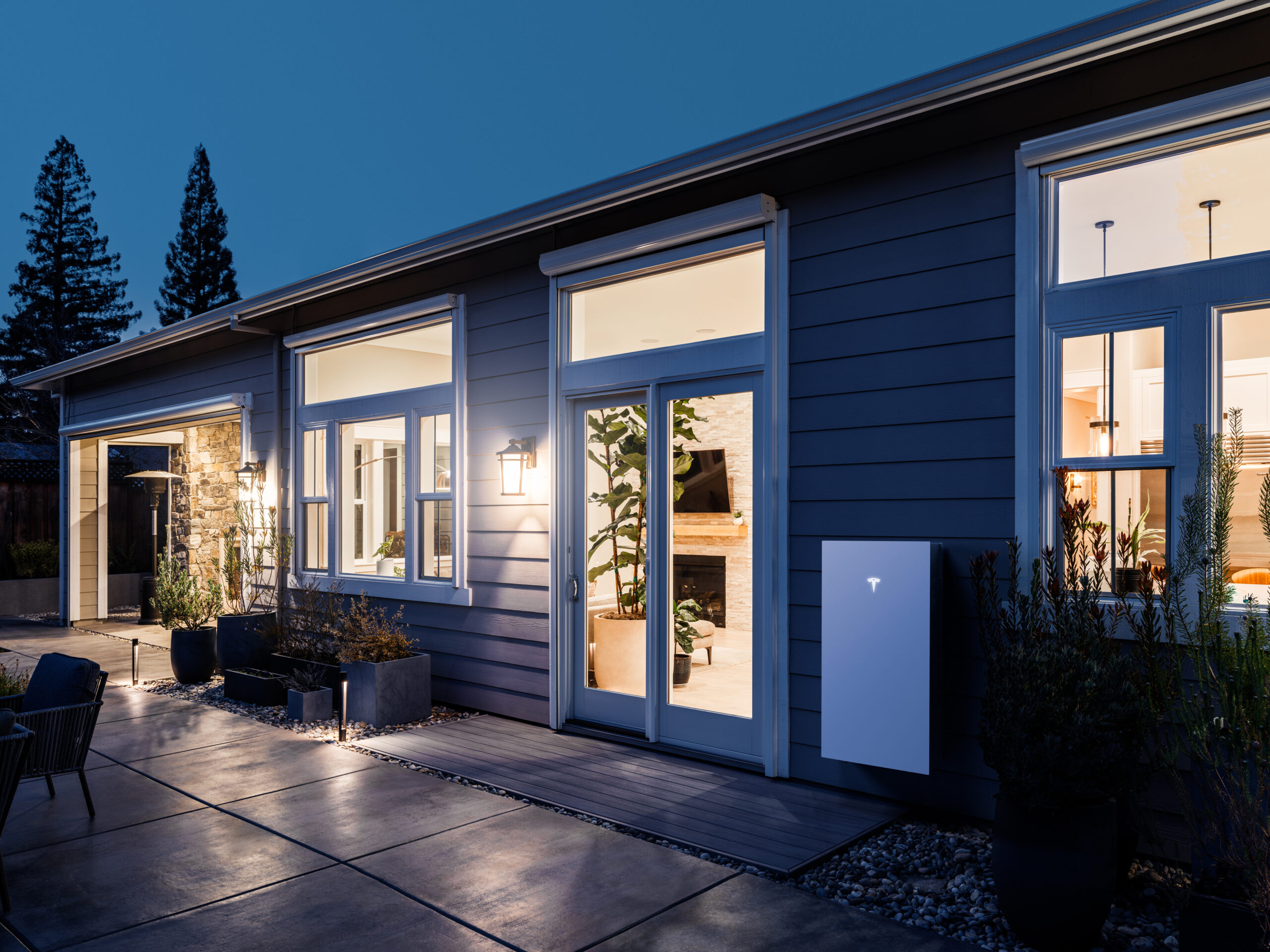
Tesla’s compatibility page specifies software version 26.26 or later. It describes support for up to four Powerwall 2 units, one Powerwall 3 and up to three Powerwall 3 Expansion units in the documented mixed-system arrangement.
For that mixed arrangement on a three-phase connection, Tesla states that Powerwall 3 output is limited to 5 kW. This is not a universal 5 kW limit for every standalone Powerwall 3 installation. Gateway 1 and Neurio Meter are not supported under the described pathway.
A Tesla Certified Installer must check and commission the supported configuration. Existing Powerwall 2 units retain their original warranty period; adding another unit does not restart it.
Contact Lightning Energy to discuss the options for your property and electricity use.
Available times
Book a consultation and we'll map solar, storage, hot water, and the rebates around your bills and your goals.
Question 1 of 6