
AirTouch 5 Quotes: Controllers, Sensors and Compatibility to Check
Compare AirTouch 5 quotes by the exact unit interface, zones, sensors, supported functions and commissioning, rather than the touchscreen alone.
Compare AirTouch 5 quotes by the exact unit interface, zones, sensors, supported functions and commissioning, rather than the touchscreen alone.

“AirTouch 5 included” does not describe a complete controls package. Ask the quote to identify the compatible air conditioner, interface, zones, sensors and commissioning work that make the screen useful in your home.
Two quotes carrying the same controller name can deliver different room control. The comparison needs a component list and an operating brief, not just a photograph of the console.
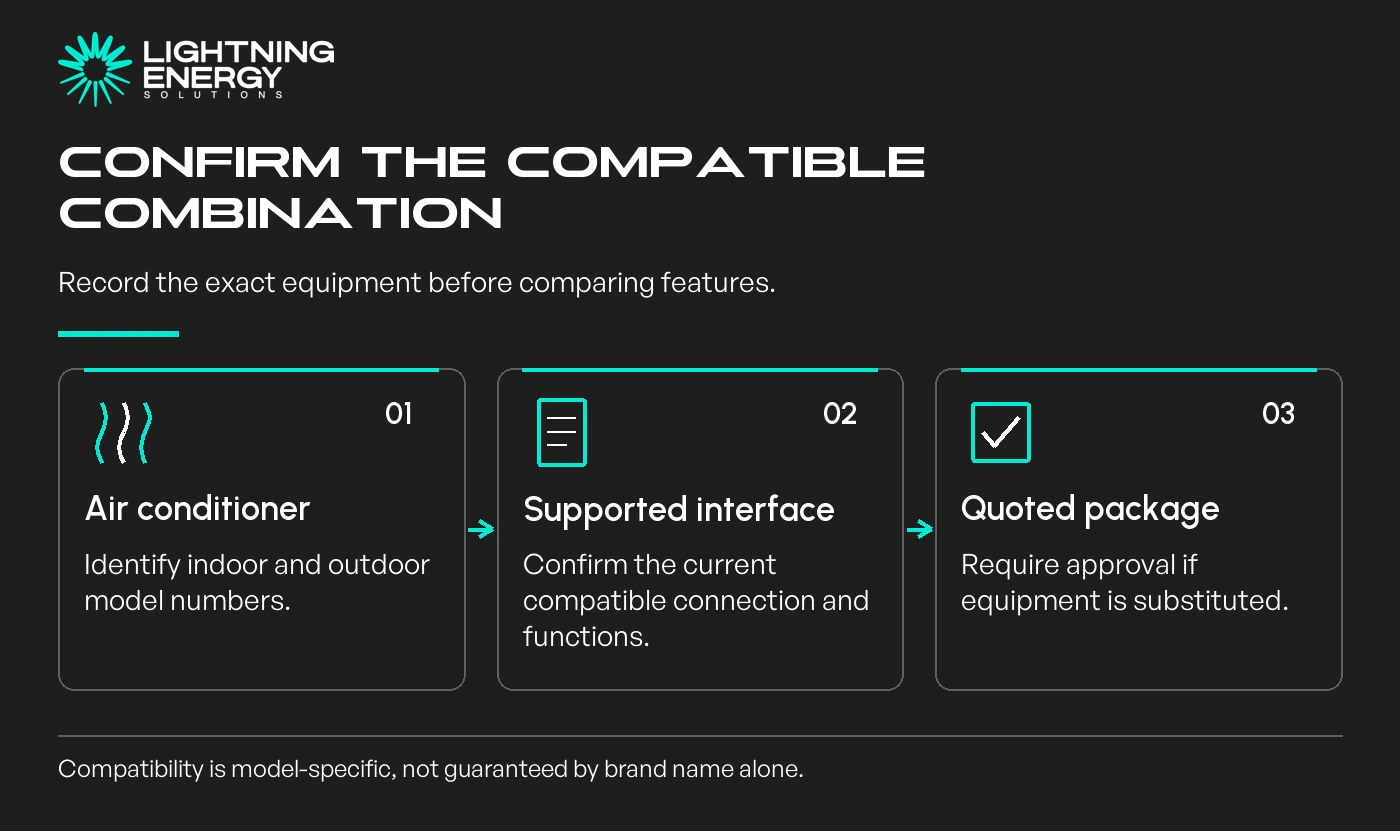
Record the exact indoor and outdoor model numbers, plus the AirTouch interface proposed for them. A brand name alone is too broad to establish which functions are supported.
AirTouch publishes a compatibility resource and manufacturer-specific installation documentation. Ask the supplier to confirm the quoted combination against the current information.
AirTouch’s compatibility information.
If you are comparing ducted air conditioning proposals, keep that check with each proposal. Compatibility confirmed for one unit does not automatically transfer to a substituted model.
Ask what happens if the unit changes before installation. Require approval of the revised equipment and supported controls rather than accepting an unexplained equivalent substitution.
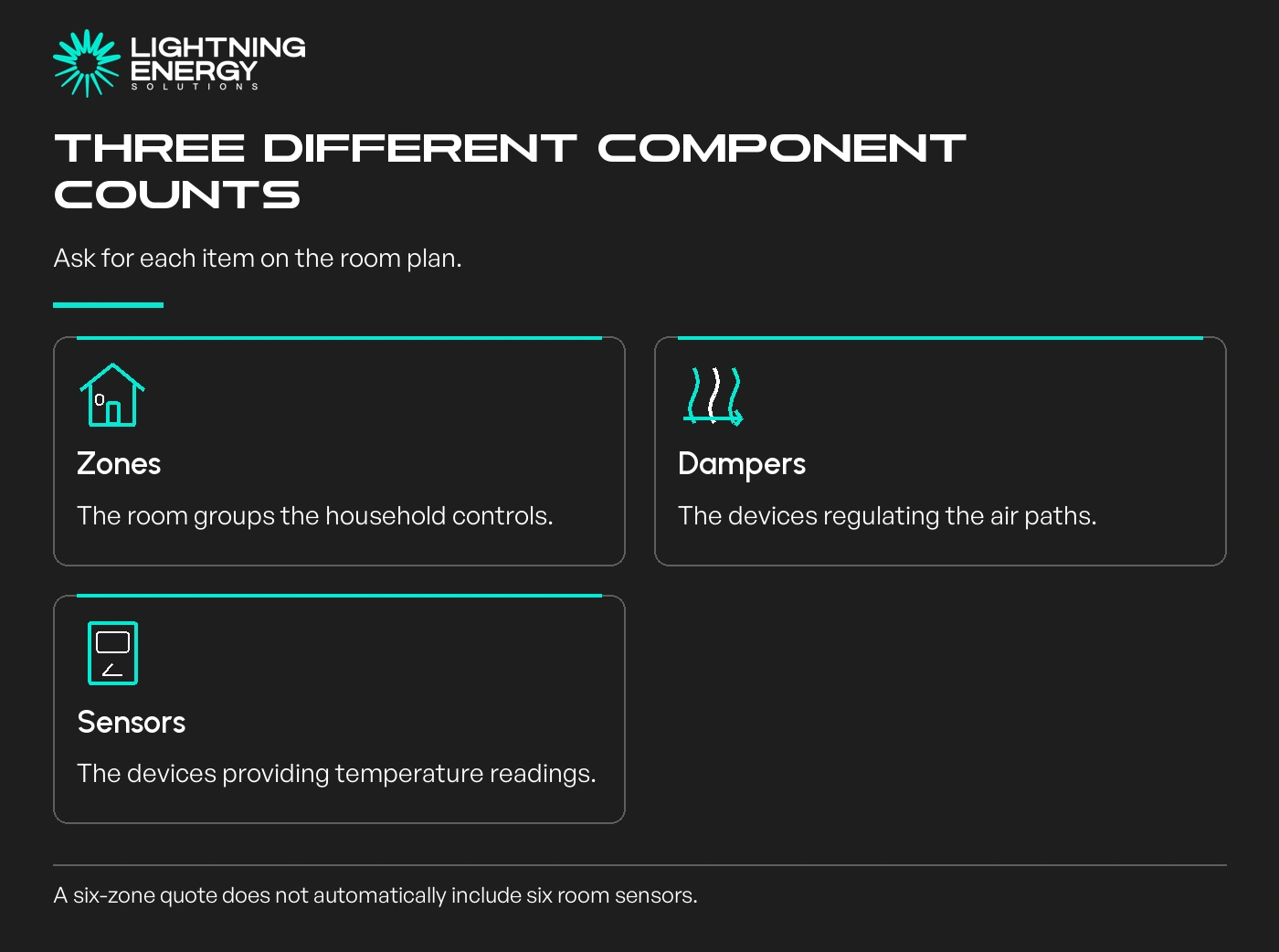
A zone is the group you control. Dampers regulate the air paths, and temperature sensors report conditions. Those counts need not be identical, so ask the quote to name each item and the room it serves.
For example, an illustrative living zone might contain several outlets while one sensor reports its temperature. A quote for six zones does not necessarily include six temperature sensors.
AirTouch’s current support guidance says AirTouch 5 uses compatible wireless Intelligent Temperature Sensors, with older-generation sensor reuse needing particular care.
AirTouch’s hardware questions.
Request a floor plan showing sensor locations and zone names. Ask who selects those positions and confirms that readings represent the occupied space.
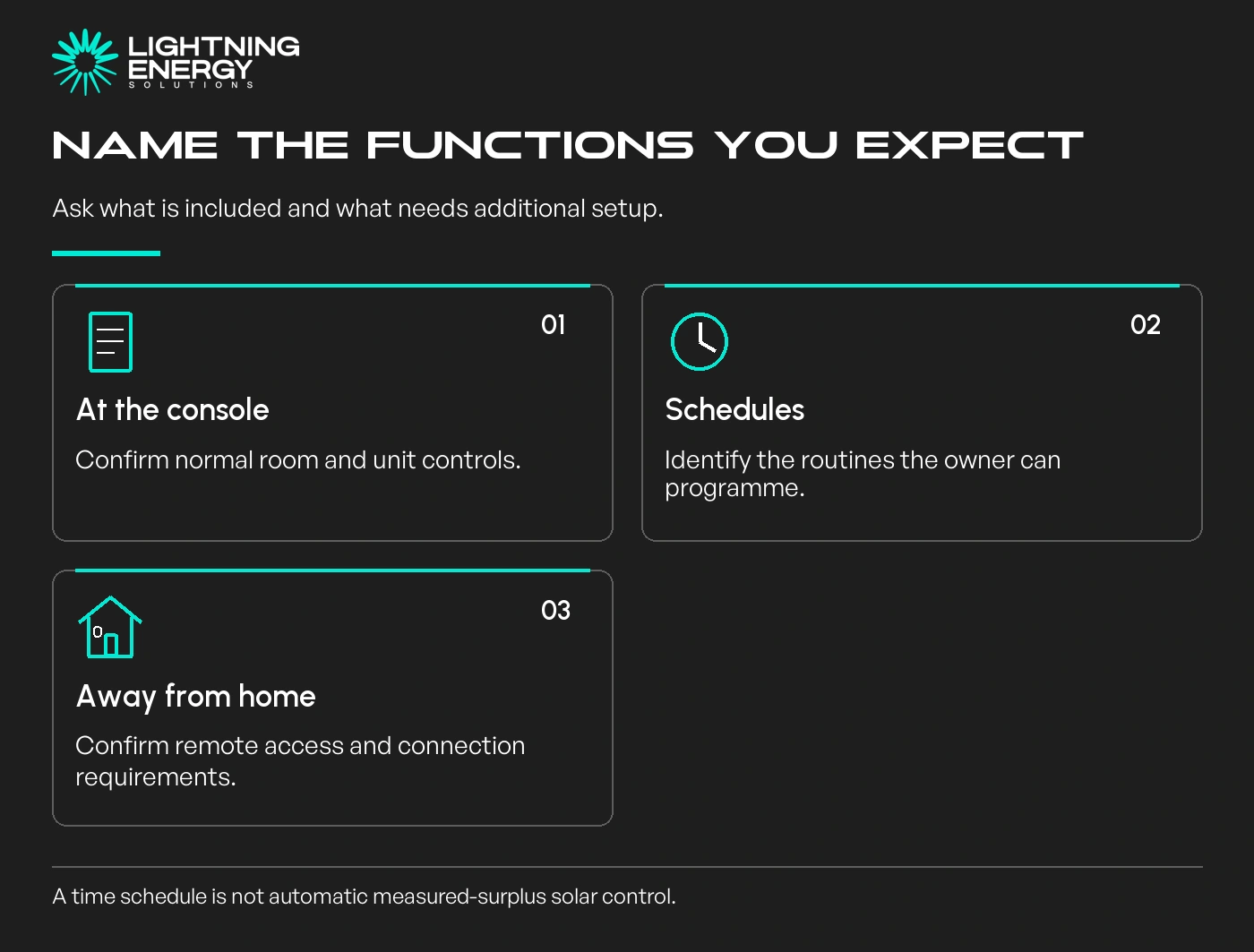
Separate central-unit control, room control, scheduling and remote app access. Ask which functions work at the wall console, on the local network and when you are away from home.
AirTouch’s installation guidance distinguishes local Wi-Fi operation and remote internet control. Confirm the setup supplied and what continues to work during an internet outage.
AirTouch 5 installer documentation.
If you want voice control or a particular home-automation integration, name it in the brief and request confirmation of any extra hardware or account requirements. Do not assume every advertised integration is included.
A daytime schedule can support your solar-use plan, but a timer is not the same as automatic control based on measured surplus solar. Ask which behaviour is actually being quoted.
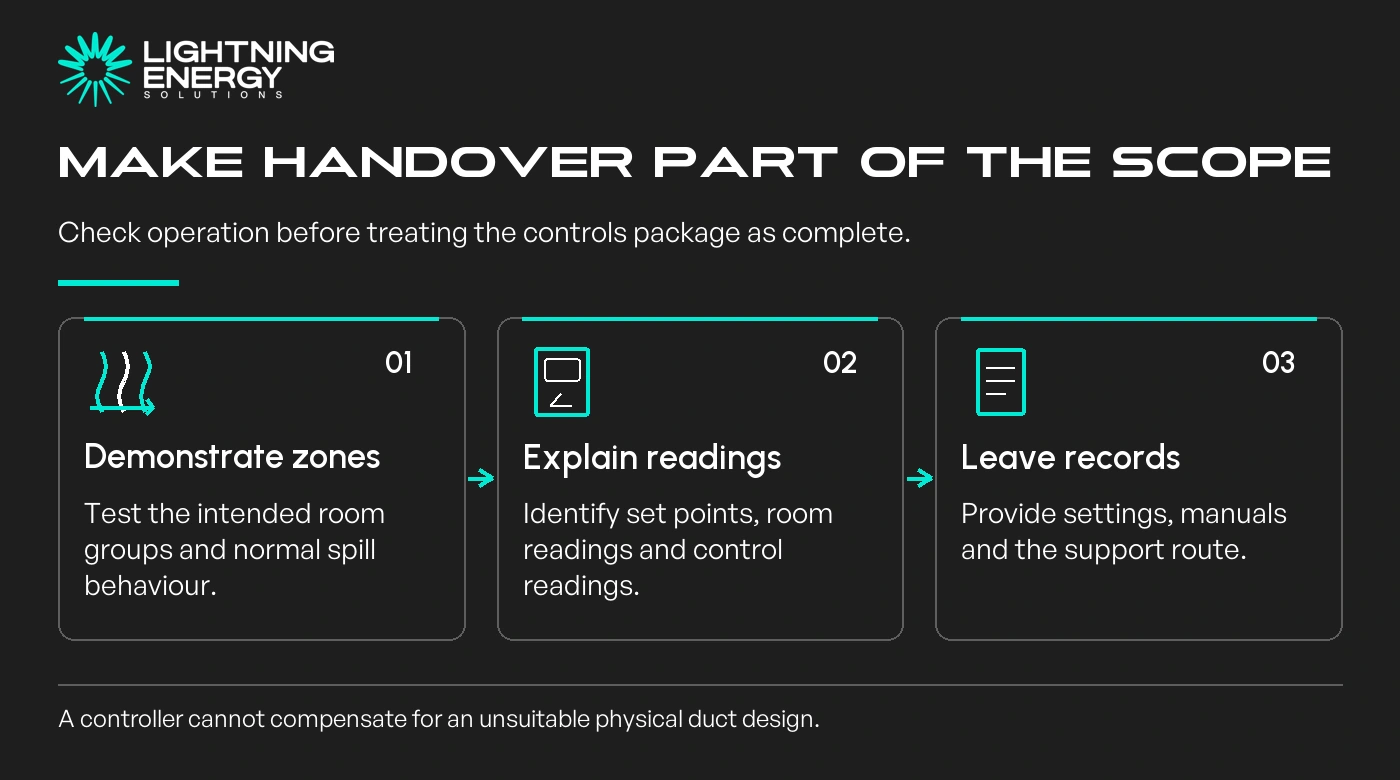
Request a demonstration of each zone, the relevant temperature readings and the intended smallest operating combination. Ask which area can open automatically for airflow and how that appears on the controller.
Imagine a household expecting the office to operate alone. The handover should demonstrate that request and explain any additional area that receives air, rather than leaving the owners to discover it later.
Keep the configuration record, manuals and support contacts. Ask who handles a controller issue, a duct problem or an air conditioner fault so the route to help is clear.
Include controls in your electrification planning, while avoiding accessories that do not serve a defined routine or comfort need.
If the existing controller already provides the required functions reliably, replacing it solely for a newer screen may not justify the work. Establish the missing capability first.
Send the model pair, room plan and desired functions when you request a quote. Ask for a priced component list and a written handover brief so the installed package can be checked against what was promised.
Available times
Book a consultation and we'll map solar, storage, hot water, and the rebates around your bills and your goals.
Question 1 of 6