
Powerwall 3 and SigenStor: Compare Backup, Expansion and Controls
Compare Powerwall 3 and SigenStor using complete Australian configurations, with separate checks for capacity, output, backup equipment and future expansion.
Compare Powerwall 3 and SigenStor using complete Australian configurations, with separate checks for capacity, output, backup equipment and future expansion.

Compare Powerwall 3 and SigenStor as installed systems, with the same household loads and backup brief. A cabinet, a controller and a stack of modules are not interchangeable shopping-list entries.
Neither brand is a universal winner. Existing solar, phase arrangement, available space, desired controls and aftercare can matter more than a single headline number.
Start with those requirements before requesting a battery proposal.
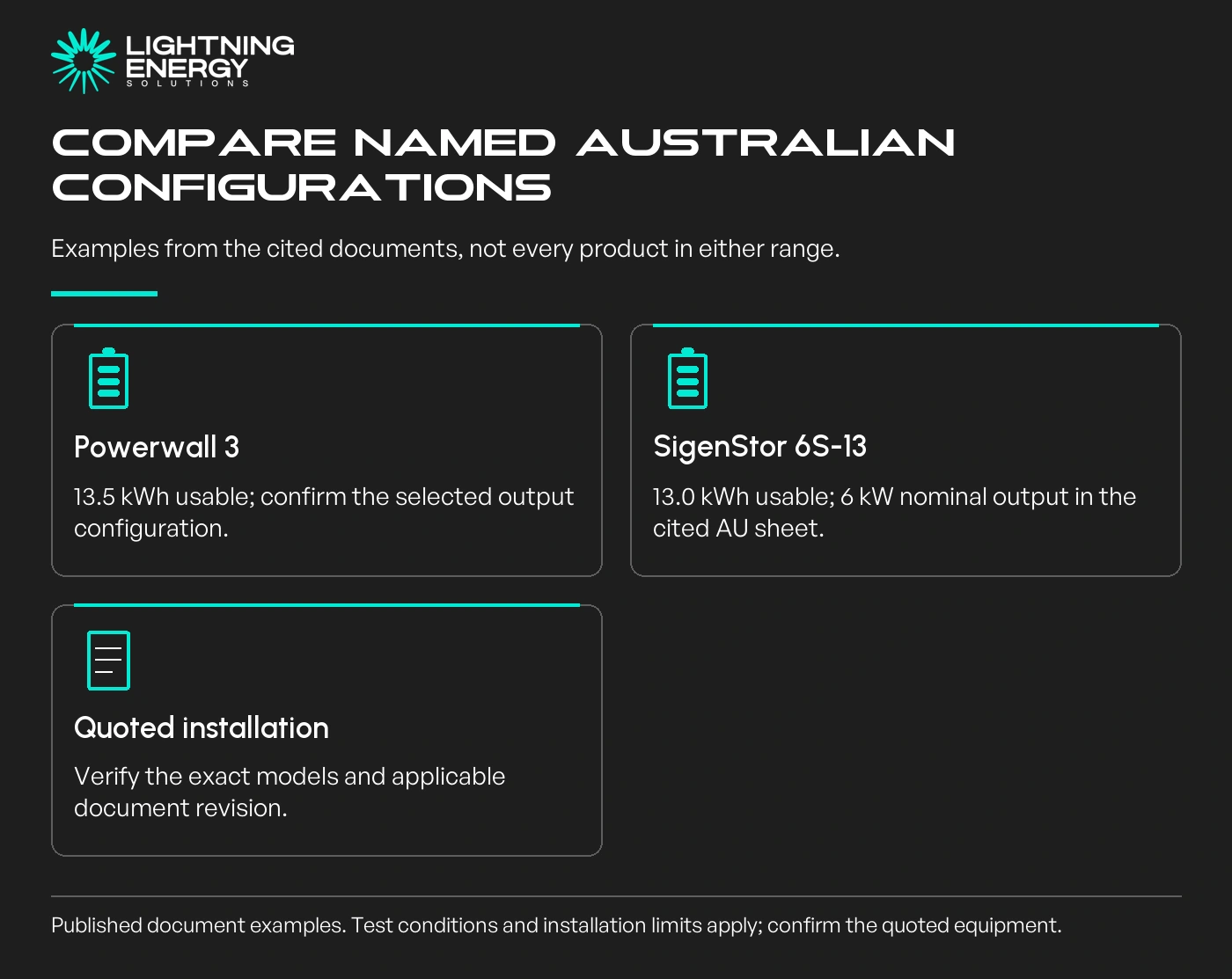
Tesla's Australian Powerwall 3 datasheet lists 13.5 kWh usable energy and output configurations of 5, 10 or 11.04 kW. The selected configuration matters; do not assume every installation delivers the highest listed output.
Tesla Powerwall 3 Australian datasheet.
As a specific documented Sigenergy example, the Australian SigenStor 6S-13 sheet lists one BAT 5.0 and one BAT 8.0 module, 13.0 kWh usable energy and 6 kW nominal output. These figures describe that configuration.
Sigenergy Australian 5S and 6S datasheet.
Those documents illustrate how to compare. Confirm the current quoted models, local approval and applicable document revision before purchasing. A different Sigen controller or module generation needs its own figures.
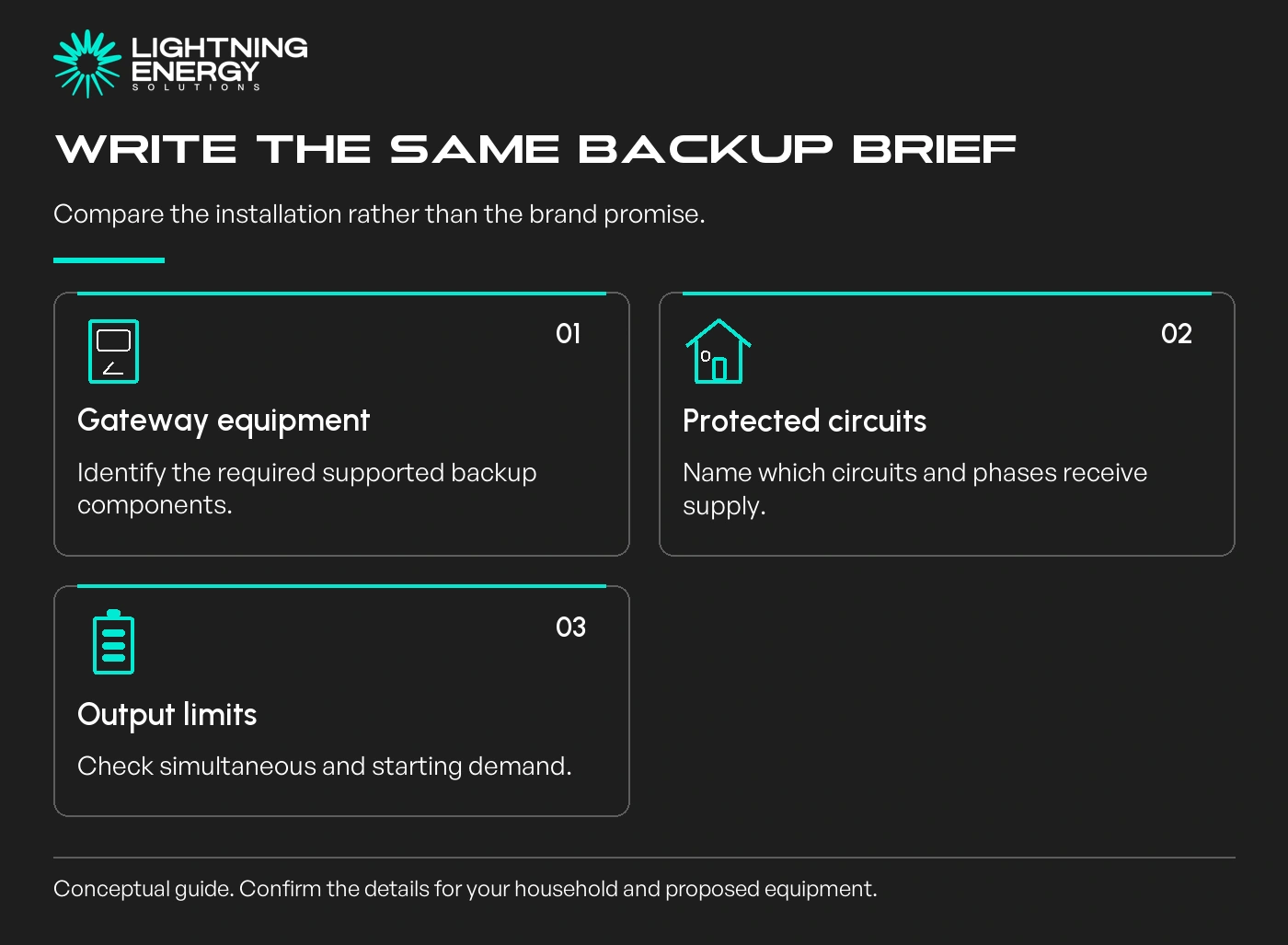
The cited Tesla datasheet identifies Backup Gateway 2 as its supported islanding device. Sigenergy's cited sheet states that its backup function requires a Sigen Energy Gateway. Confirm the complete proposed equipment with the installer.
Then request the backed-up circuits, phase arrangement and output limits. Do not turn a product family's backup claim into a promise that every appliance in your home can operate together during an outage.
Our blackout backup guide helps define a useful load list. Ask both suppliers to assess that same list and explain any difference in scope.
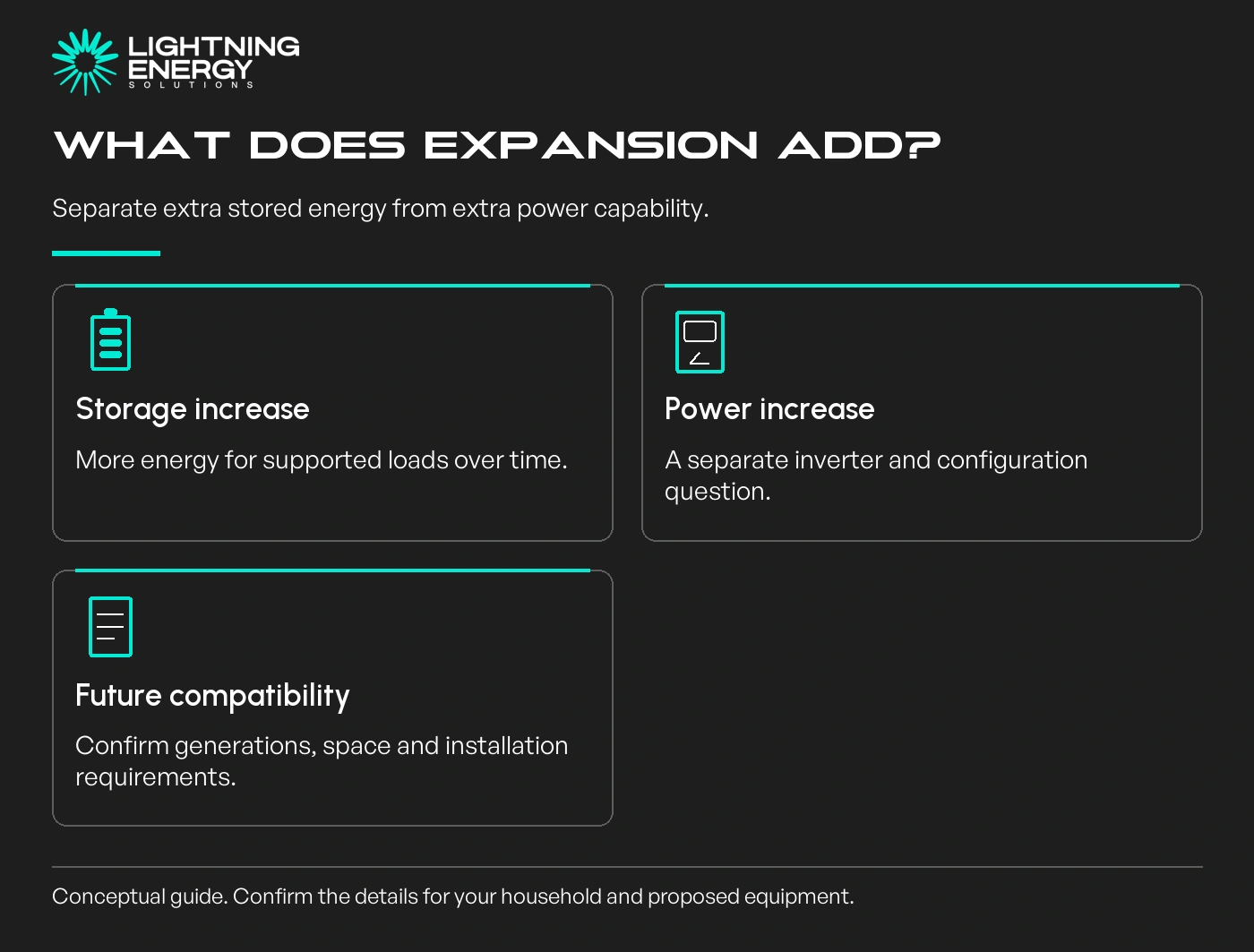
Ask whether the extra equipment being discussed adds stored energy, inverter output or both. Also confirm allowed combinations, installation space, electrical work and the warranty applying to the expanded system.
Tesla publishes a specific Australian Expansion arrangement for Powerwall 3. SigenStor uses a controller and compatible battery modules. Neither description means any future module can be fitted indefinitely without further checks.
In a hypothetical household, the immediate need might be a modest evening load with a planned EV next year. Compare suitable storage now with documented expansion, then test whether EV scheduling could reduce the later storage requirement.
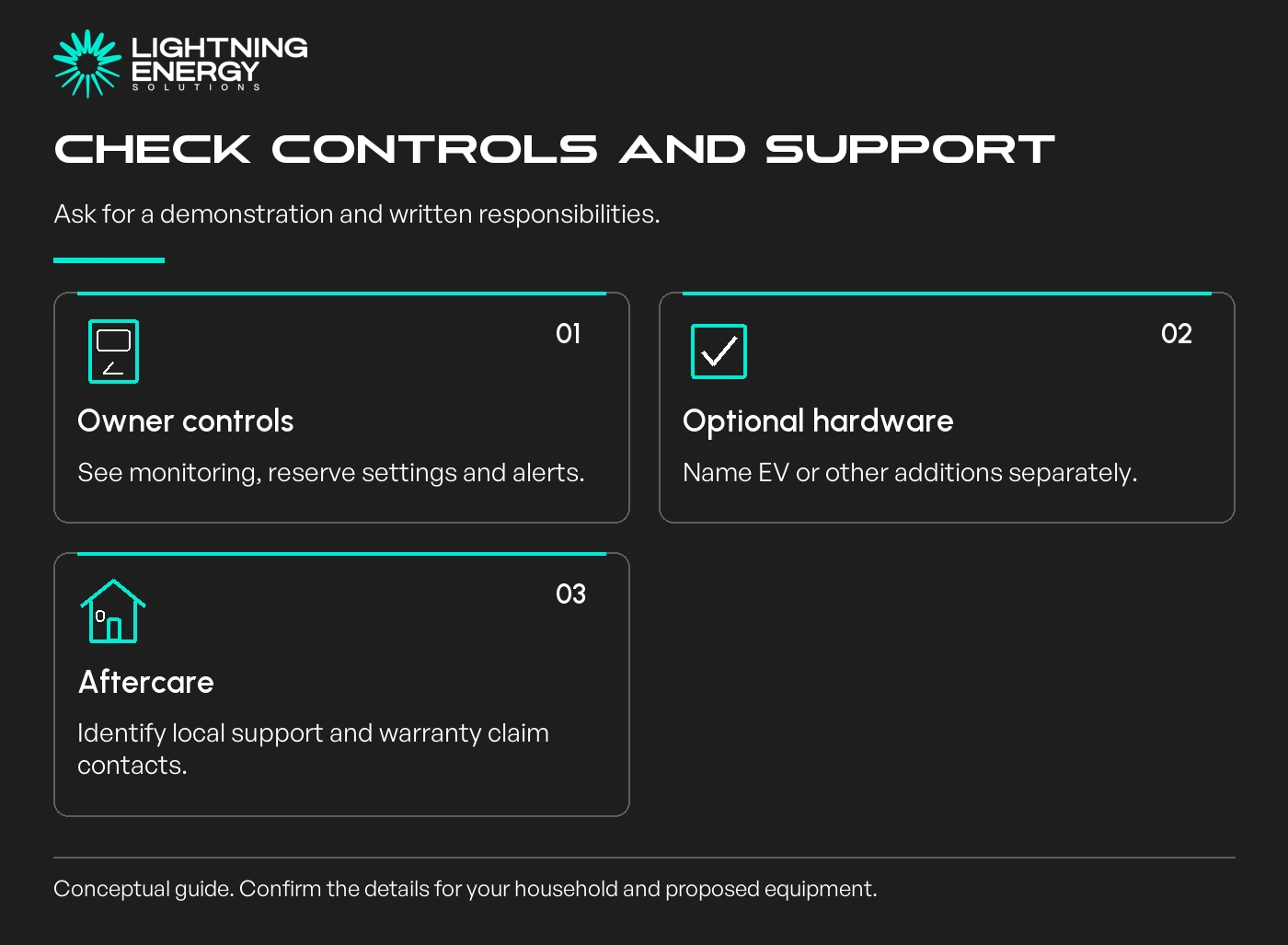
Ask for a demonstration of owner monitoring, reserve settings, alerts and the process for getting help. Record which features are supplied now and which rely on particular firmware, internet access or an external energy service.
If EV charging appears in a SigenStor proposal, identify the exact charging hardware and supported vehicle functions. Do not assume a DC module, vehicle-to-home capability or every possible integration is included with the battery stack.
The complete battery quote checklist is useful for keeping those options visible. Compare warranty documents and local support responsibilities as carefully as the equipment list.
A broader feature set is useful only when you can use it. Equally, a simpler proposal may leave out an important backup or expansion requirement.
Have both suppliers explain an ordinary evening and an outage using your actual load priorities.
Keep quoted prices, current documentation and assumptions together. The better choice is the supported installation that meets your needs at an acceptable complete cost, with clear responsibility after handover.
Plan your battery upgradeAsk Lightning Energy to compare exact Powerwall 3 and SigenStor configurations against your existing solar, household loads and backup requirements.Available times
Book a consultation and we'll map solar, storage, hot water, and the rebates around your bills and your goals.
Question 1 of 6