
Solar Monitoring: What Generation, Consumption, Import and Export Tell You
Read solar monitoring correctly by separating generation, household consumption, grid imports and exports, then check what your installed meters can measure.
Read solar monitoring correctly by separating generation, household consumption, grid imports and exports, then check what your installed meters can measure.

A solar app becomes useful when you know what it measures. Generation, consumption, imports and exports are four different quantities, and a colourful dashboard does not prove that every one is being measured at your home.
First ask which sensors and meters are installed, where they measure and which equipment is included. Then use the data to understand timing, rather than relying on an unexplained savings figure.
Our solar service can specify monitoring around the decisions you actually want to make, including later electrification or storage.
Generation is electricity produced by the solar system. Consumption is electricity used within the monitored household boundary. Imports come from the grid; exports leave the property for the grid.
Some solar electricity can be used inside the home without ever appearing as exported energy on the retailer's bill. This is why a generation total and an export total should not normally be identical.
The Australian Government monitoring guide describes generation monitoring and the additional information available through household energy monitoring.
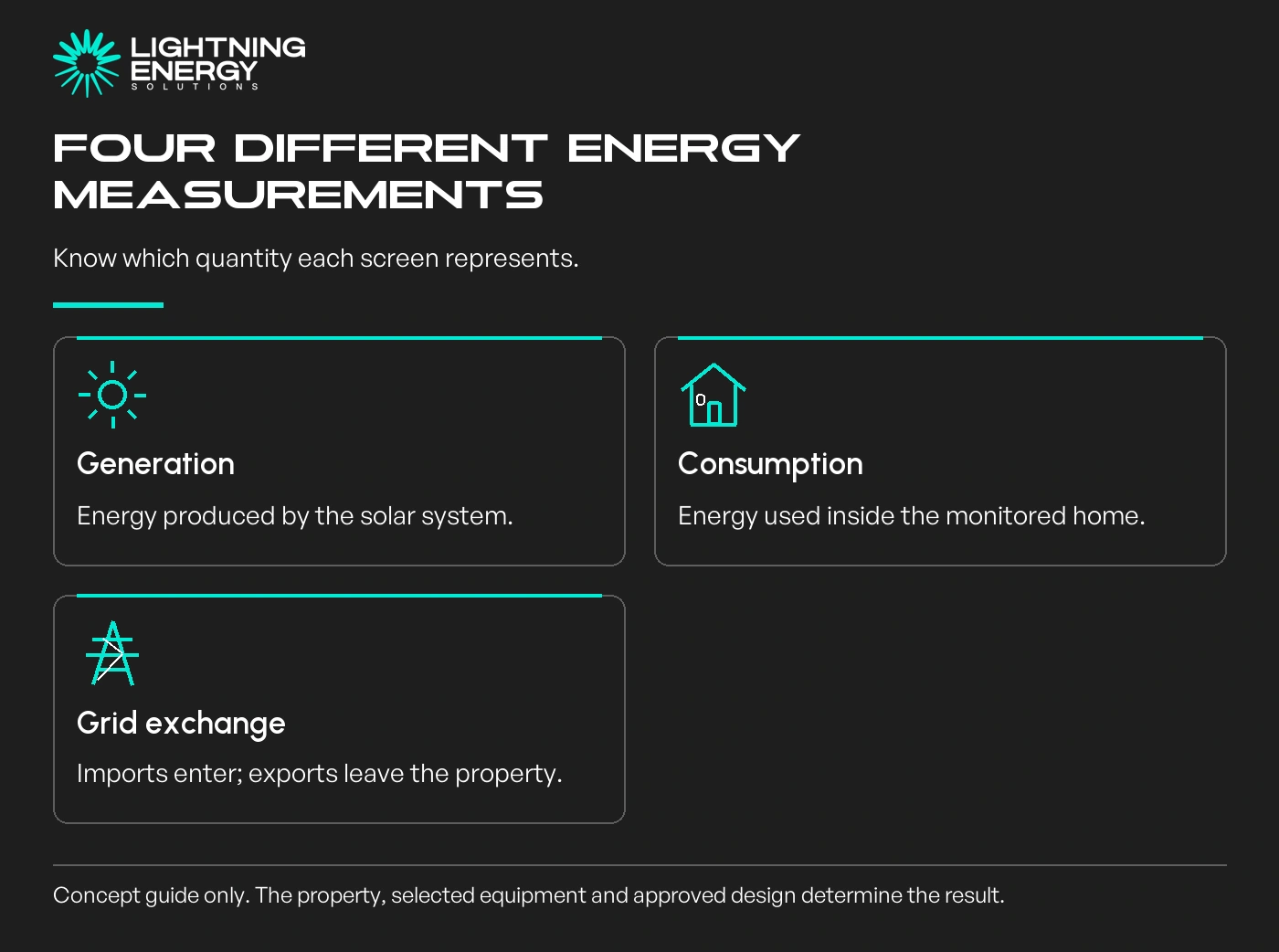
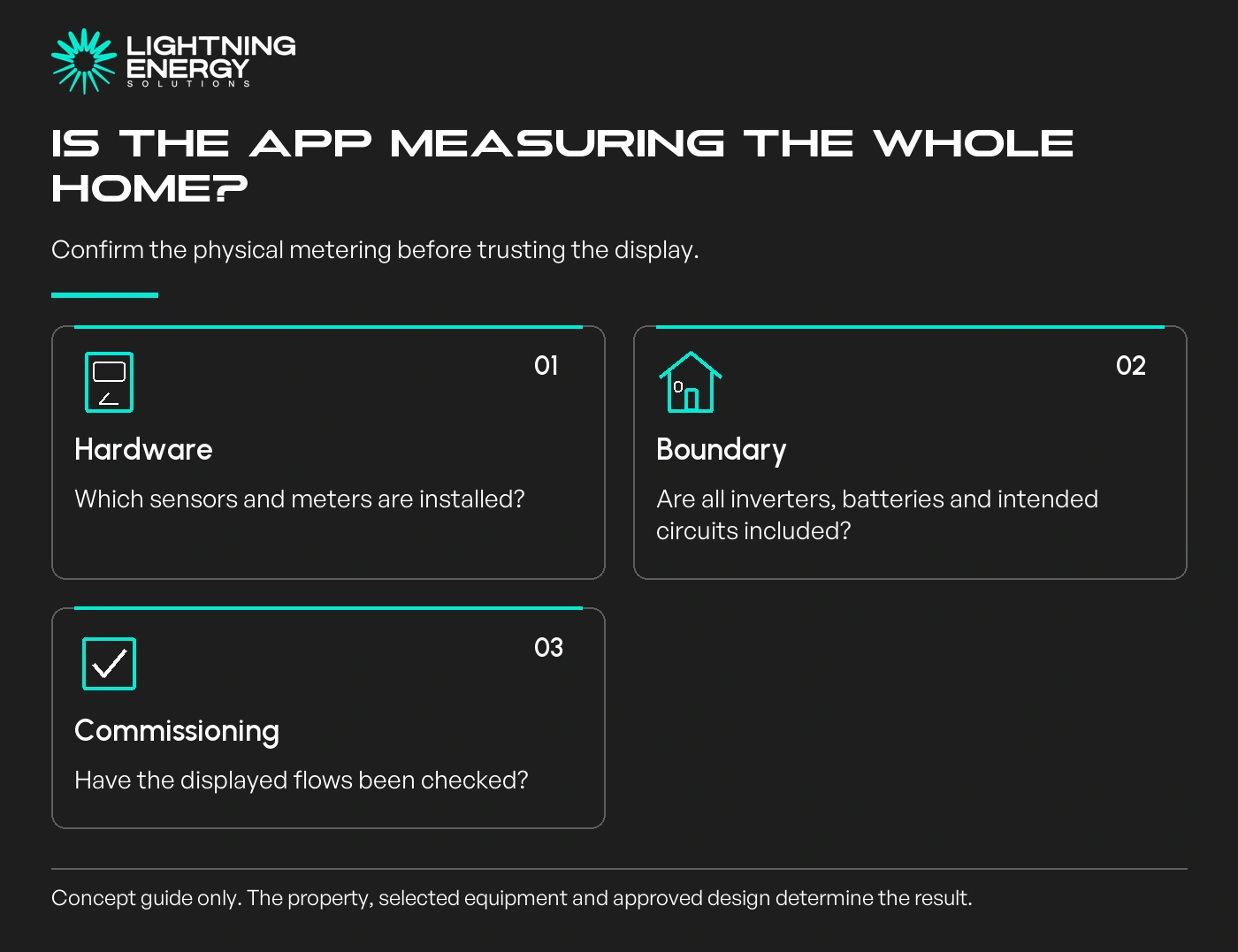
An inverter commonly reports its own generation. Whole-home consumption usually needs suitable additional measurement. Confirm whether that hardware and its installation are included in the quotation.
The inverter manufacturer's energy meter and the electricity billing meter also serve different roles. Ask which one supplies each screen rather than assuming the word smart means they are the same device.
A second inverter, battery, detached building or other circuit can complicate the measurement boundary. Have the installer confirm that the displayed home total includes the equipment you expect.
Incorrect or incomplete metering can produce implausible flows. If the app shows an unexpected result, request a commissioning check before changing appliance habits around potentially misleading data.
Fronius explains that missing Smart Meter data can leave only production visible in its platform. That is a model-specific example of why a software screen cannot supply a measurement the hardware is not providing.
Kilowatts describe power at a moment or averaged over a short interval. Kilowatt-hours describe energy accumulated over time. A midday power reading cannot be compared directly with a daily energy total.
Align the date range, local time and interval length. A screen that updates immediately and one that uploads later may appear inconsistent even when their longer-period totals are reasonable.
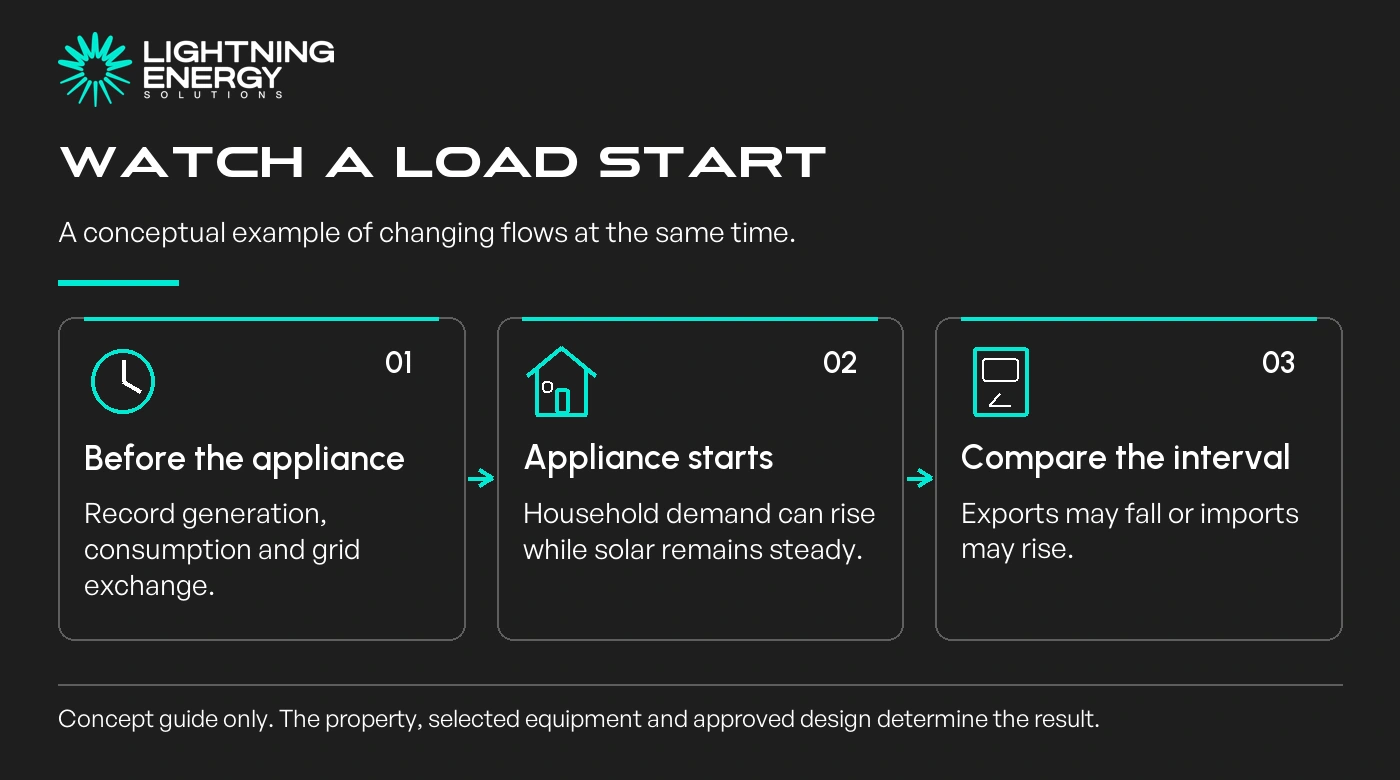
Imagine checking the app while a dishwasher starts. Household demand may rise and exports fall, although panel generation remains steady. That observation helps explain the flow without claiming that the dishwasher used only solar all day.
Our hot-water timing guide shows how those observations can inform appliance scheduling while preserving comfort and safety controls.
For a proposed battery, use representative demand and surplus records across seasons. One sunny day is not enough to establish the energy available for charging or the household's winter needs.
Our battery quote checklist explains what to take into a storage assessment.
Confirm that the household receives the appropriate owner access and knows how to invite or remove service access. Ask how long historical data remains available and whether any features require a subscription.
Save important design and commissioning records outside the app. If you move house, replace a router or change equipment, record what must happen to account access and monitoring configuration.
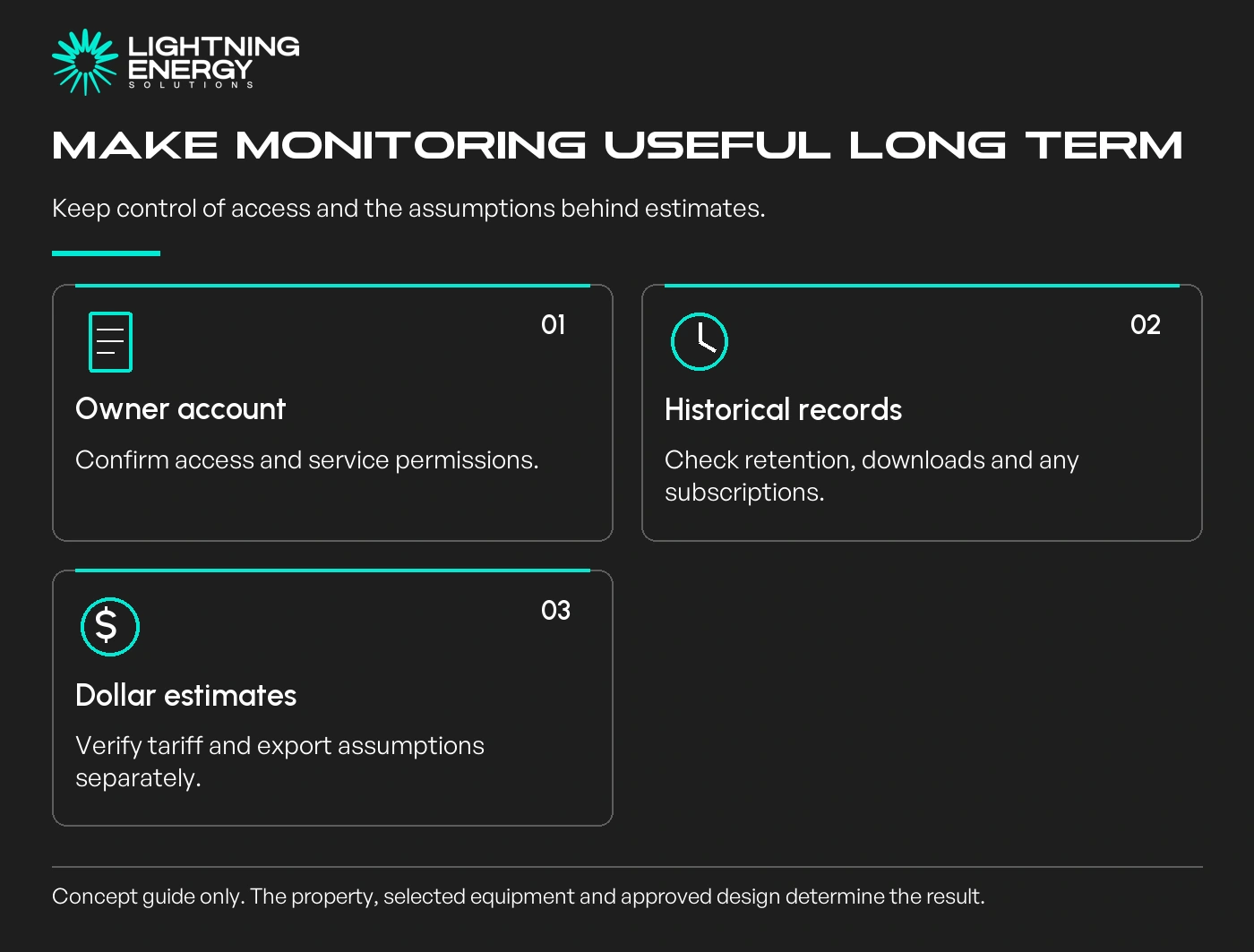
Treat automatic dollar savings as an estimate unless its tariff, export and usage assumptions match your account. Measured energy is the evidence; a platform's financial calculation is a separate interpretation.
Do not buy monitoring extras without a purpose. Detailed interval information is most valuable when it supports a decision, identifies a fault or helps verify the system's operation.
Ask us to explain your monitoring scope, including the four measurements, hardware, account access and ongoing costs. A simpler accurate picture is more useful than an impressive but incomplete screen.
Available times
Book a consultation and we'll map solar, storage, hot water, and the rebates around your bills and your goals.
Question 1 of 6