
What Still Works When a Home Battery Loses Internet Access?
A missing battery app connection does not necessarily stop local operation. Check backup, monitoring and remote automation as separate functions.
A missing battery app connection does not necessarily stop local operation. Check backup, monitoring and remote automation as separate functions.

Losing internet access does not necessarily stop a home battery, but it can stop services the household relies on. Local energy control, blackout backup, app visibility and remote tariff automation need separate answers.
The answer depends on the installed model and operating mode. Do not assume that every function continues because the lights are on, or that the battery has failed because the app is offline.
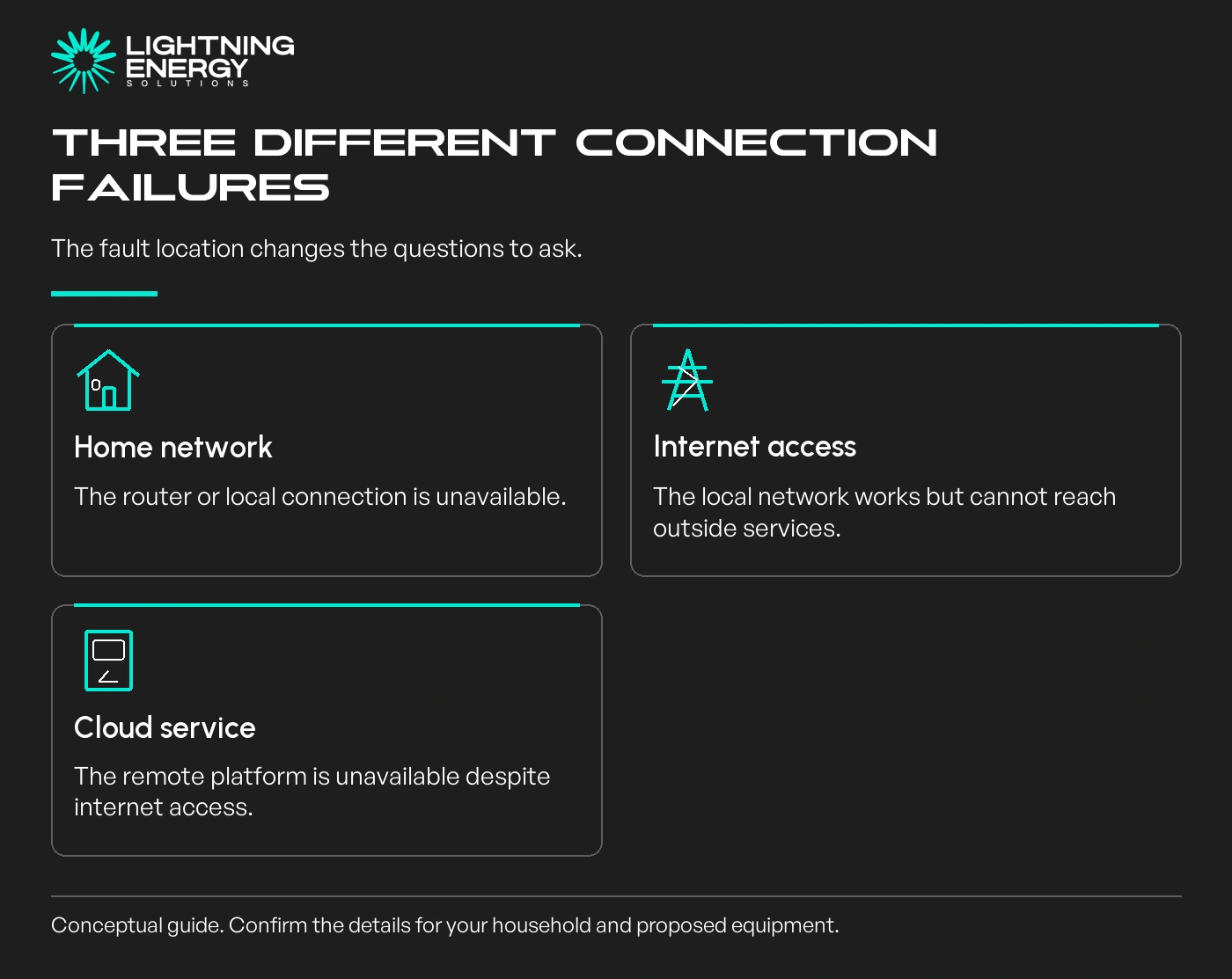
A home router failure, an internet-provider outage and a manufacturer's cloud-service outage are different events. A battery can still reach the local network while being unable to communicate with the remote service.
Check the timestamp on displayed data before interpreting it. A remembered charge level may describe the last successful update, rather than the battery's present condition.
Our battery overview separates the installed equipment from optional services that may use its data.
Tesla's connectivity guidance says Powerwall continues its last operating mode and supported backup without internet, while remote monitoring is unavailable. That is manufacturer-specific guidance, not a guarantee for all batteries.
Local backup still depends on the installed backup arrangement, remaining charge and supported loads. Internet independence does not add energy or turn a grid-only installation into an outage supply.
If a quoted system matters for outage resilience, ask the installer to explain its documented offline behaviour at handover, including how status can be checked safely without cloud access.
The blackout backup guide covers the physical limitations that remain even when the control system is working.
Tesla's Australian limited-connectivity guide describes local app monitoring on supported software, with prior phone pairing and a connection to the same local network. Some features can remain unavailable.
Tesla Australian local-monitoring guide.
A hypothetical household may lose its internet connection but retain a powered Wi-Fi router and local battery communication. If the router also loses power, that local path may disappear even though the battery itself continues operating.
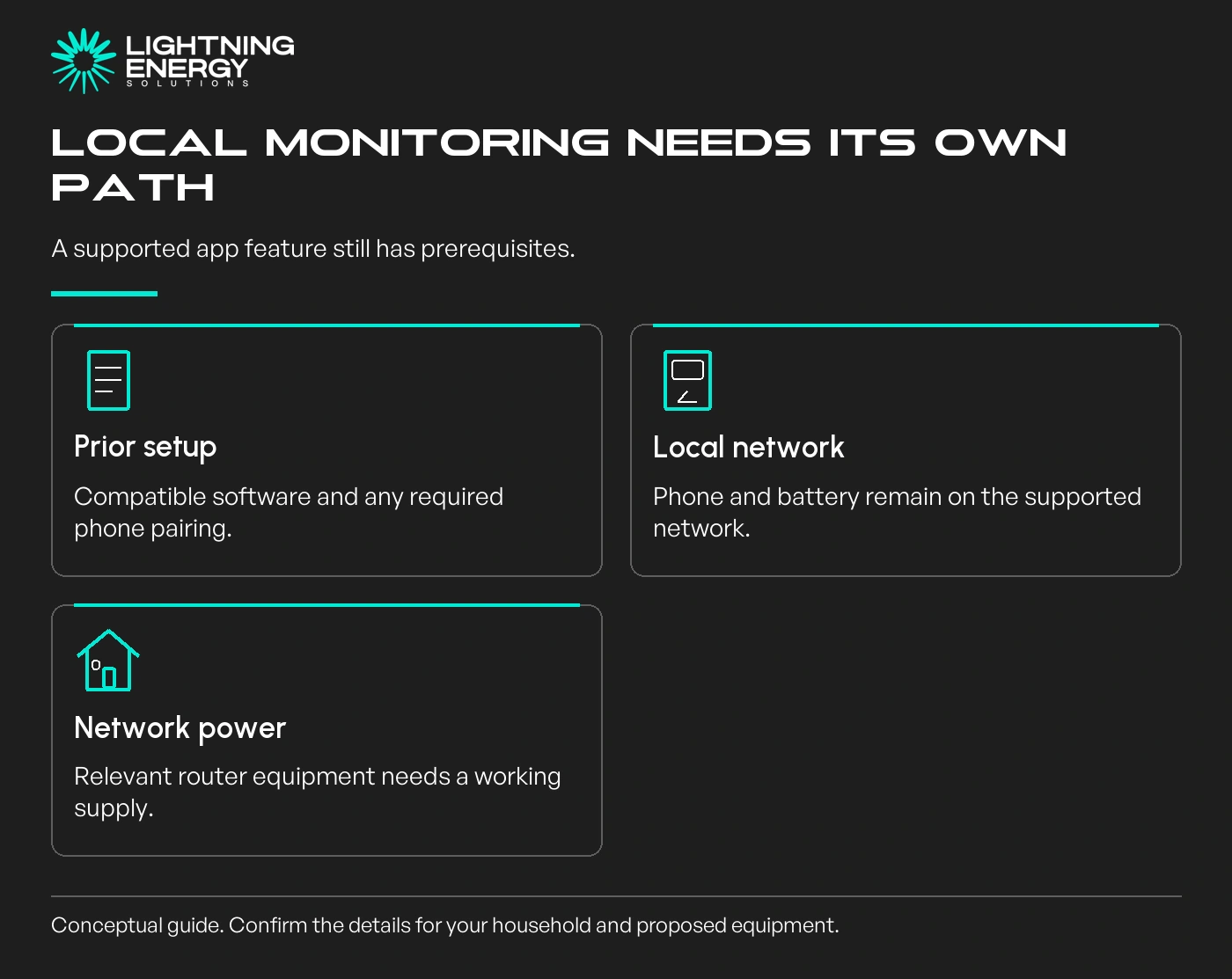
Discuss the router and any necessary network equipment as part of the household's backup-load brief. Do not assume keeping a phone charged preserves every communications link.
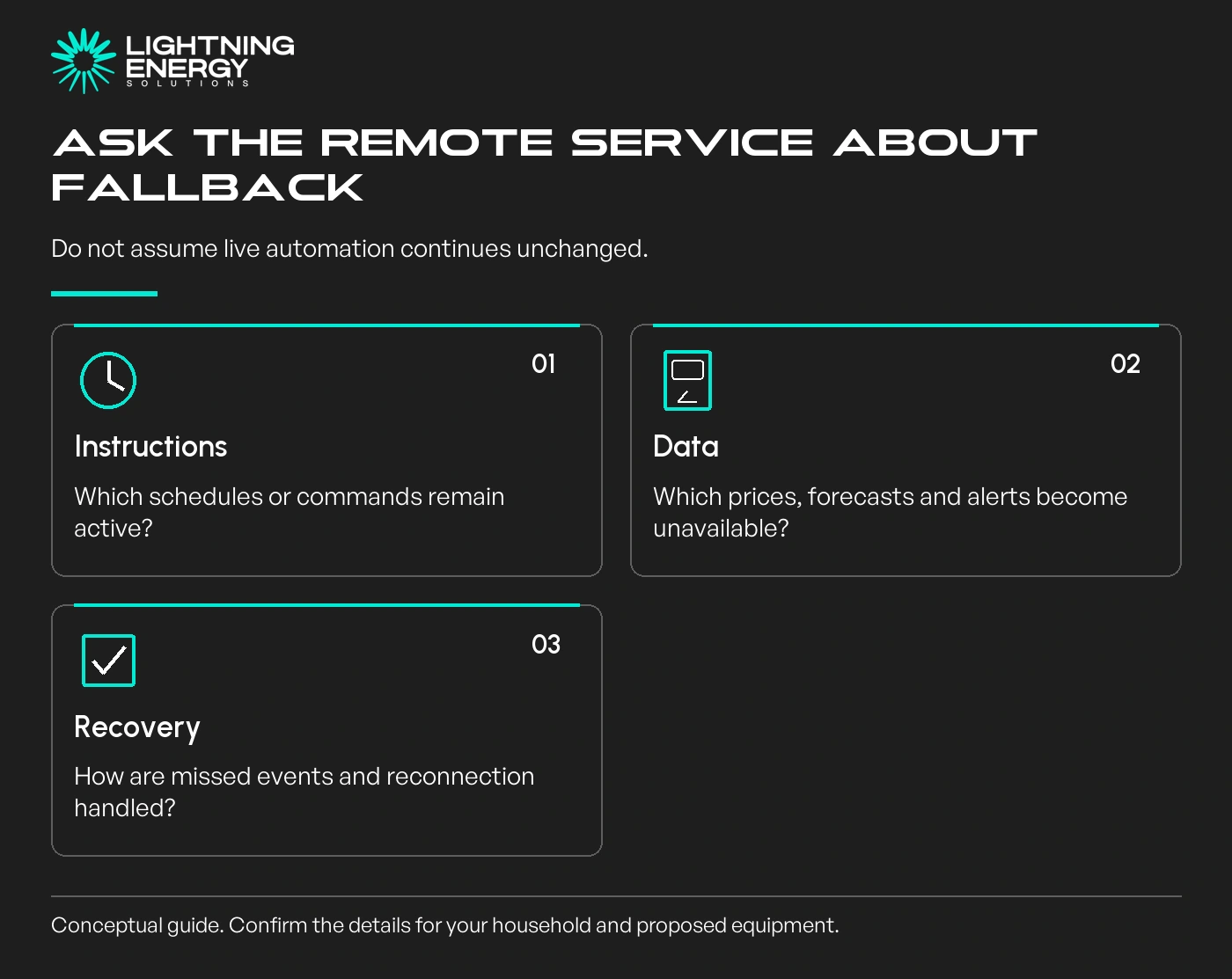
A VPP or tariff service may need current prices, forecasts and remote instructions. Ask the provider what happens when the battery cannot reach it: which settings remain, what requests are missed and how reconnection is handled.
Do not assume a last-known schedule is continuously updated. Equally, do not invent a fallback by repeatedly changing modes or disconnecting communications; that can complicate diagnosis and contract obligations.
Our VPP overview explains why the service provider and equipment manufacturer have different responsibilities.
Record whether notifications depend on both the battery and your phone being connected. A lack of alerts is not proof that no event occurred while communications were unavailable.
Use only the documented owner process for changing Wi-Fi details or reconnecting an app. Wiring, internal communications equipment and installer-only settings belong with the qualified service provider.
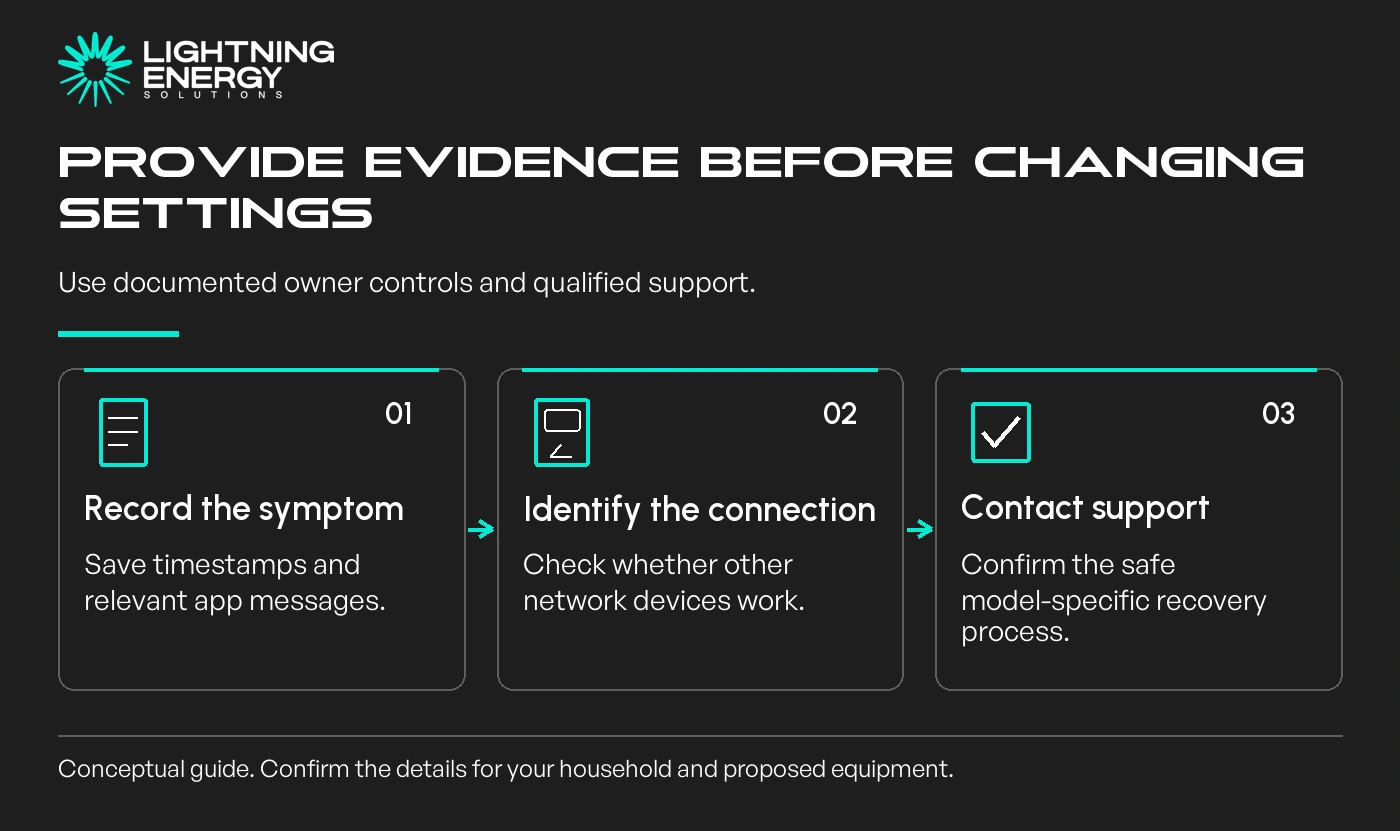
Keep the time the outage began, relevant app messages and whether other internet devices work. Give support the model and firmware details already available in your records rather than opening the enclosure.
Connectivity can also be a warranty or service obligation.
Tesla warns that extended loss of connection can prevent updates and affect warranty coverage; read the applicable Australian terms rather than assuming a short outage voids everything.
A system that cannot meet your offline needs is a poor fit even if its app looks convenient. Confirm the fallback before buying, and keep a practical support plan for an existing installation.
Plan your battery upgradeTell us which functions matter during a communications outage. We can check the proposed equipment's local controls, backed-up network loads and separate provider requirements.Available times
Book a consultation and we'll map solar, storage, hot water, and the rebates around your bills and your goals.
Question 1 of 6