
Your Home Battery Handover: Emergency Instructions and Essential Records
Build a home battery handover pack with clear emergency guidance, useful support contacts, app access and the electrical and warranty records you need.
Build a home battery handover pack with clear emergency guidance, useful support contacts, app access and the electrical and warranty records you need.

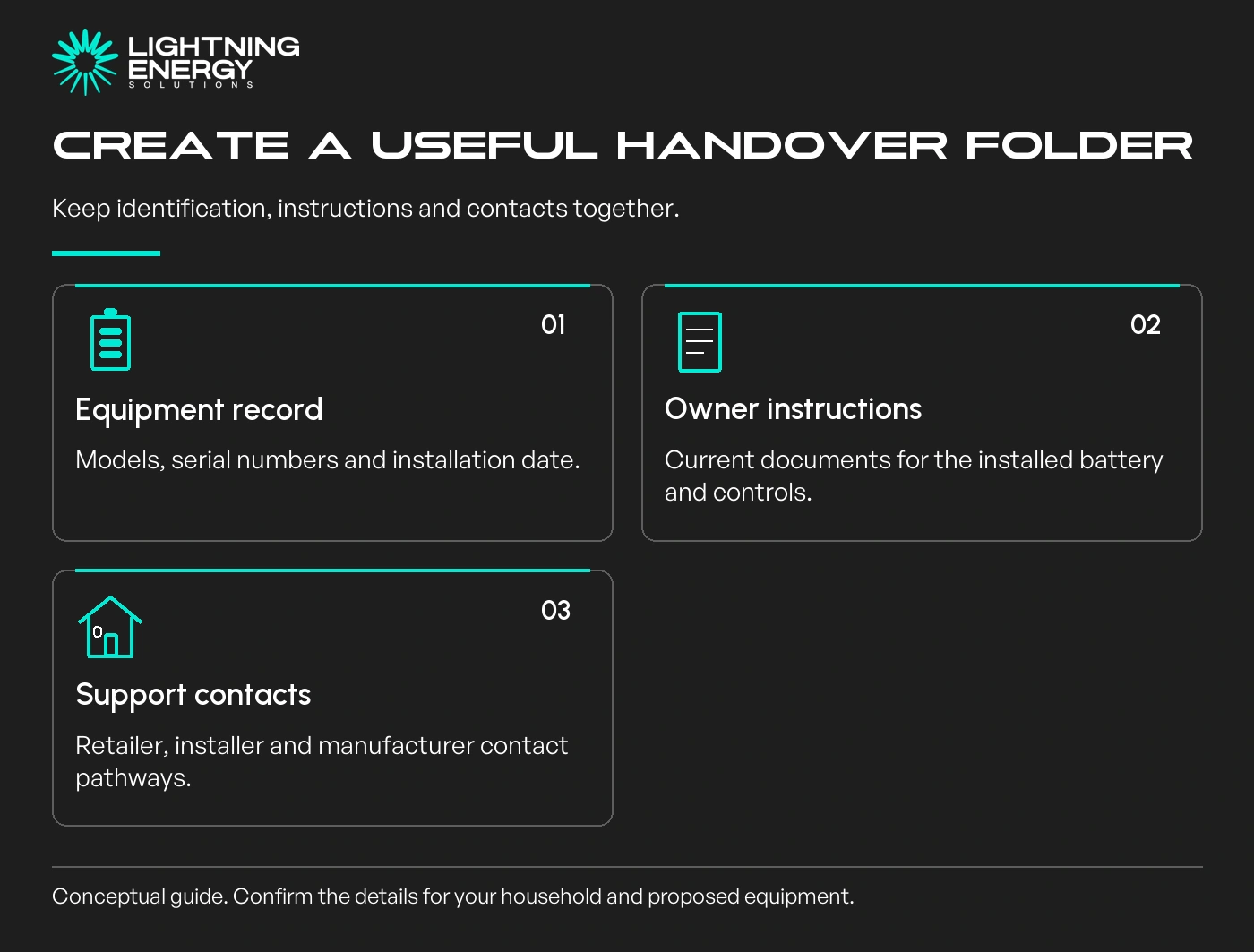
Your battery handover should leave the household able to find reliable instructions and help quickly. An app login and a paid invoice are useful, but they are not the whole handover pack.
Ask for the records before installation day, then check them with the installer when the system is commissioned. Keep an accessible paper summary as well as digital copies.
Record the battery, inverter and controller models, installation date and the retailer and installer contacts. Keep serial numbers with the documents so support can identify the equipment accurately.
Include the manufacturer's owner manual for the installed configuration. If additional modules or controllers are fitted, make sure the documents cover them too.
A household member should not need to search an old sales email to work out who to call. Use one clearly named folder and a short contact sheet that others can locate.
Our battery quote checklist helps establish who is responsible for supplying the handover information.
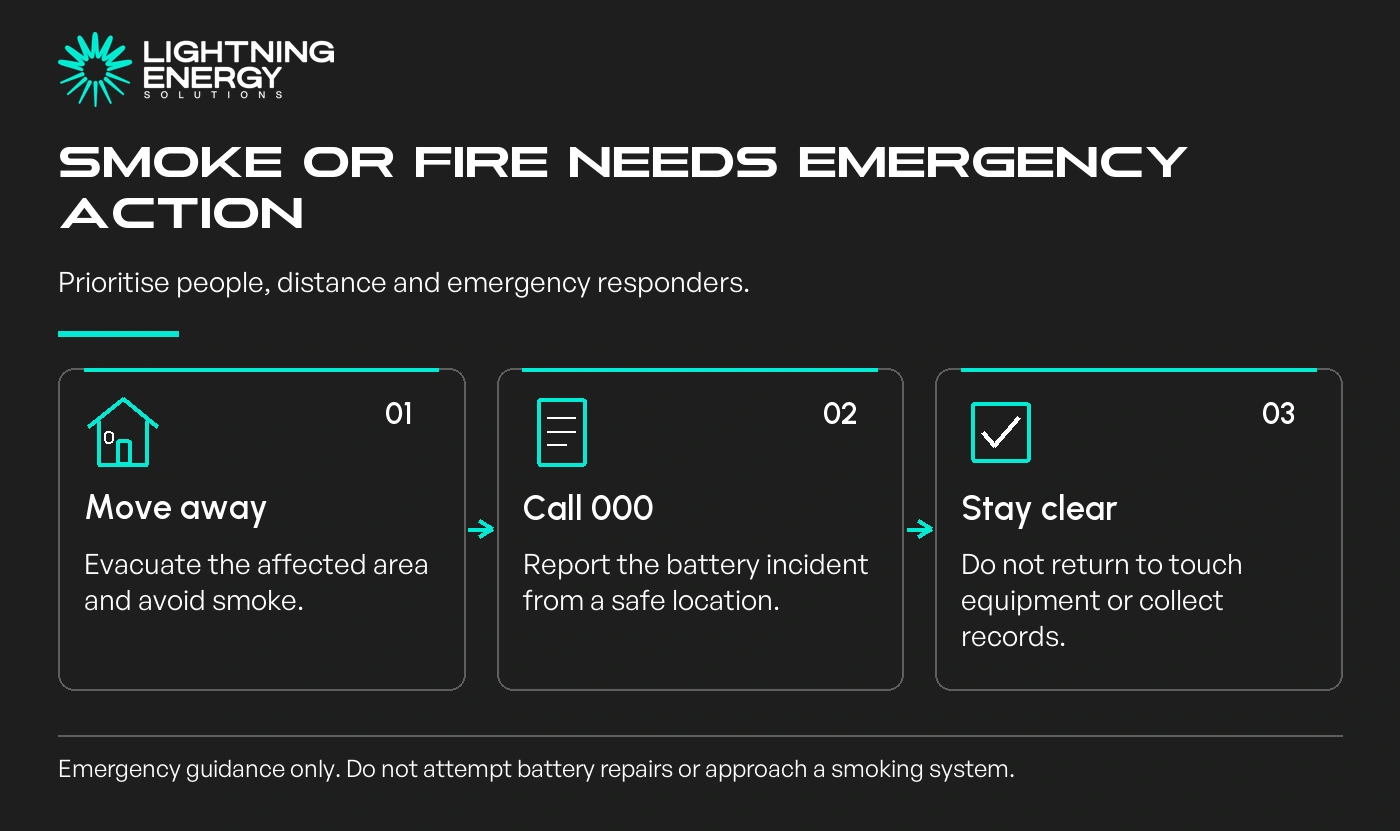
If there is smoke or fire, move people away, avoid the smoke and call Triple Zero (000). Do not approach the battery to obtain a photograph, retrieve documents or attempt a repair.
CFA's battery-fire guidance says not to touch a smoking or burning battery, to evacuate and to call 000. Keep that emergency response separate from troubleshooting an ordinary app notification.
The manufacturer's emergency instructions also matter. Tesla's Powerwall 3 APAC manual starts with contacting emergency responders and ensuring people can evacuate, with further owner actions conditional on safety.
Manufacturer emergency instructions.
Do not use a generic internet shutdown sequence for a different system. Ask the installer to explain the relevant owner instructions during handover, when there is no emergency.
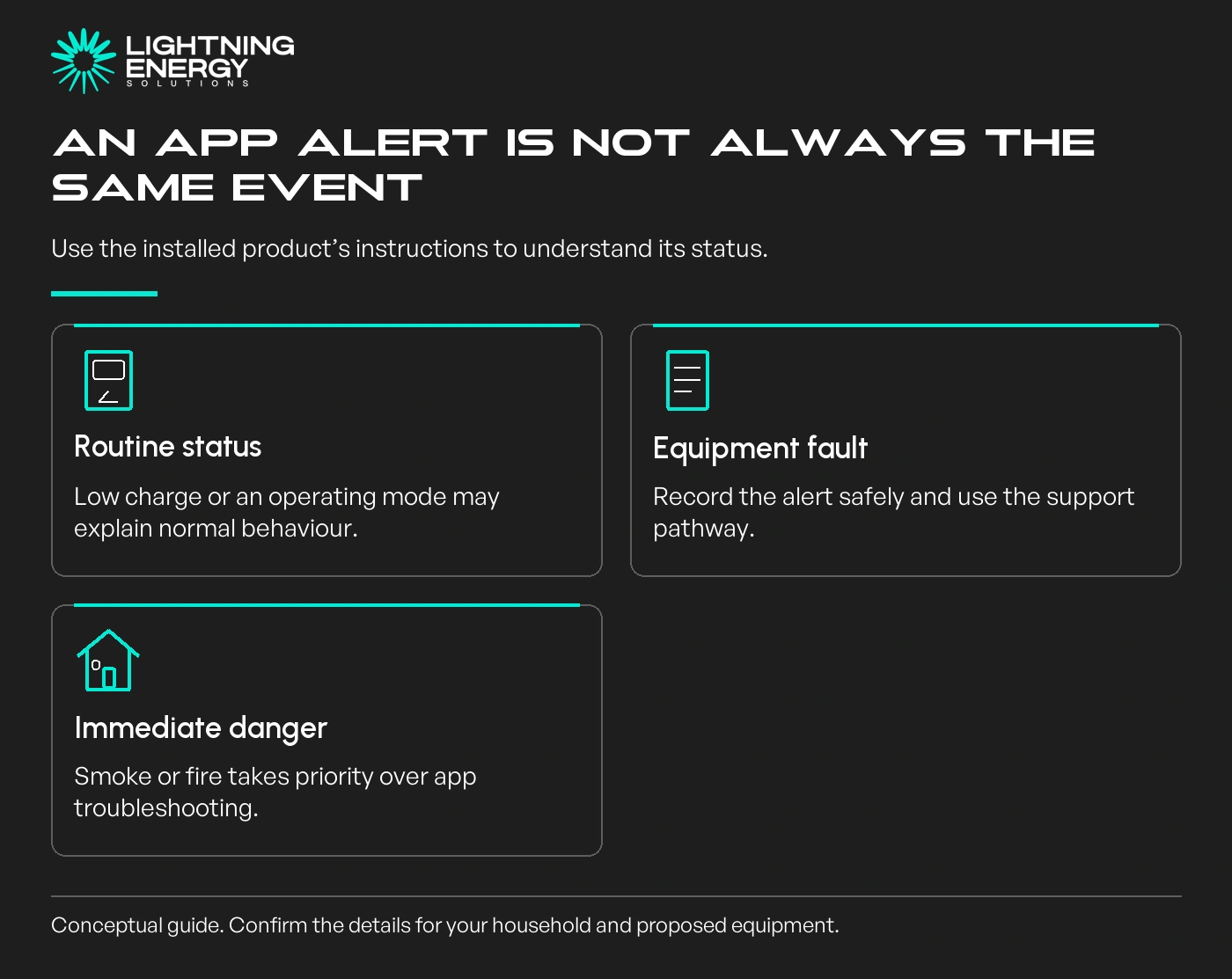
Ask which settings you can change, which should be left to the installer and where to find explanations of alerts. Check that the owner account belongs to you and that access works on the intended device.
For a hypothetical example, a low battery charge after several cloudy days is different from a fault alarm. The handover should help you find the explanation without encouraging you to open electrical equipment.
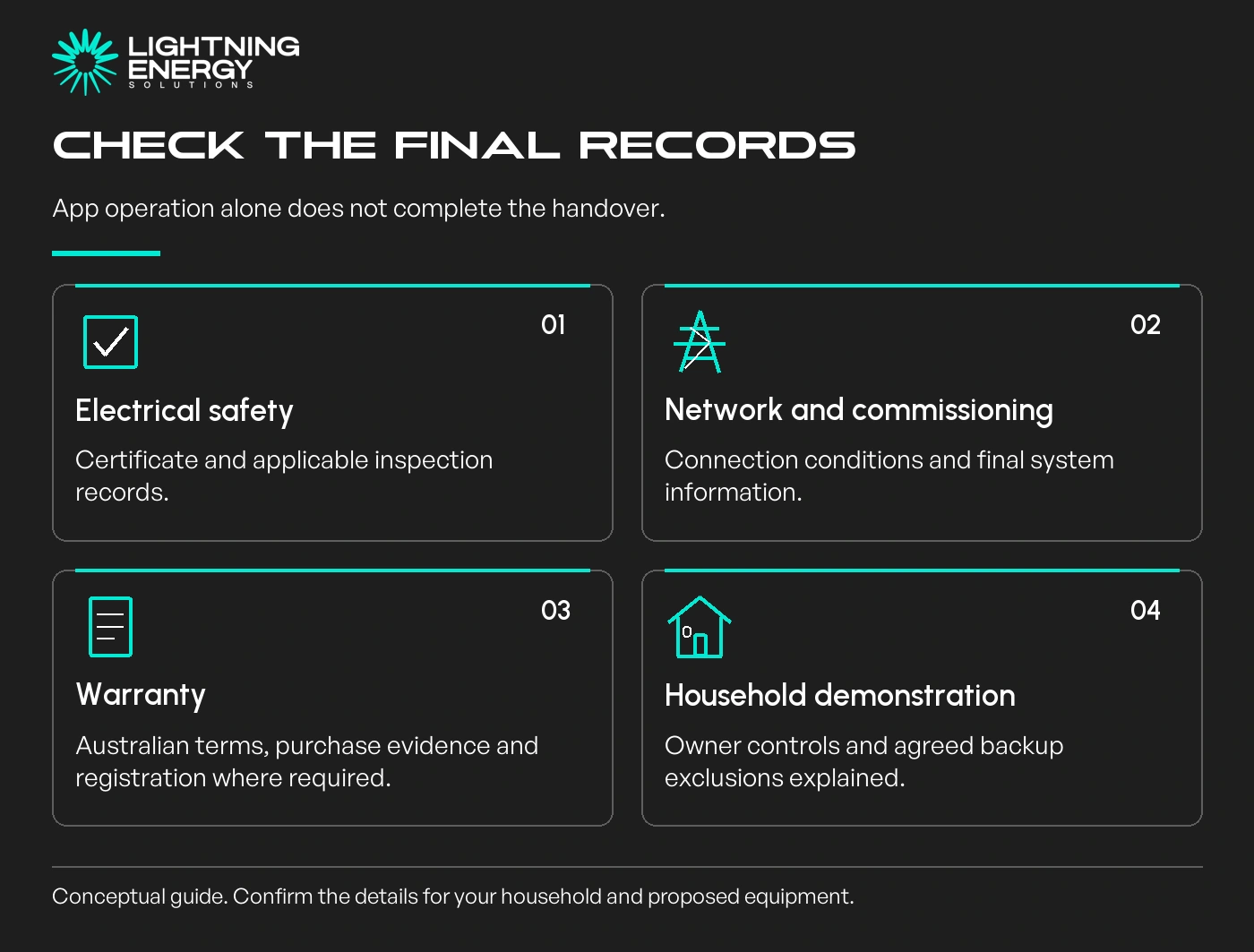
Request a demonstration of the agreed backup scope if backup is included. Know which circuits remain supplied and which loads are excluded or need to be limited.
Our blackout guide gives the household planning context for that demonstration.
Ask for the Certificate of Electrical Safety and the applicable inspection records.
Energy Safe Victoria explains that prescribed electrical work, including battery storage, requires an independent inspection before the certificate is finalised.
Energy Safe Victoria certificate guidance.
Keep the accepted network connection conditions, final equipment schedule and commissioning information together. Include the Australian warranties, proof of purchase and any registration confirmation.
If a document will arrive after the physical installation, record who will send it and when. Follow up rather than assuming that successful app operation proves every record has been completed.
Add later equipment changes, updated support details and significant service records to the same folder. Tell the installer about damage, flooding or persistent faults through the appropriate support pathway.
Do not restart flood-affected equipment on the assumption that drying the outside makes it safe. Follow the manufacturer's guidance and obtain the required professional assessment.
A battery installation is easier to own when its limits and support arrangements are clear. If you cannot identify the backup scope or find the safety documents, request a proper handover before considering the job complete.
Plan your battery upgradeAsk us what your installation handover will include. We can explain the records, demonstrations and owner guidance needed for the proposed system.Available times
Book a consultation and we'll map solar, storage, hot water, and the rebates around your bills and your goals.
Question 1 of 6