Who Can Change Your Battery Settings After Install Day? Remote Access, Explained
A modern home battery is a connected system. After install day, your installer, the manufacturer, and sometimes a virtual power plant or your network may be able to see or change how it runs. Here's what a proper quote shows.
LLuke CoveLightning Energy27 November 2026 · 6 min read
You want a home battery that works the way you intended, and you want someone who can help when it doesn't.
Those two things can go together.
Source and editorial check: 27 November 2026. This guide uses published information; it is not a hands-on test or a report of a customer installation.
A modern home battery is a connected system, not a fridge.
After install day, your installer, the manufacturer, and in some cases a virtual power plant or your electricity network may be able to see how it runs, and some of them may be able to change settings.
That is a feature when the right people hold the right keys: faults found from the office, settings adjusted as tariffs change, and network rules applied as they should be.
The work is knowing who can do what, and what a proper installer or quote shows before any money moves.
Your battery stays connected after install day
Once the system is commissioned, it usually stays online so it can be monitored, updated and, where the product allows, supported remotely.
Remote support can mean faster fault-finding and fewer site visits.
Access is part of how these systems are looked after, not automatically a problem.
It is also not one switch.
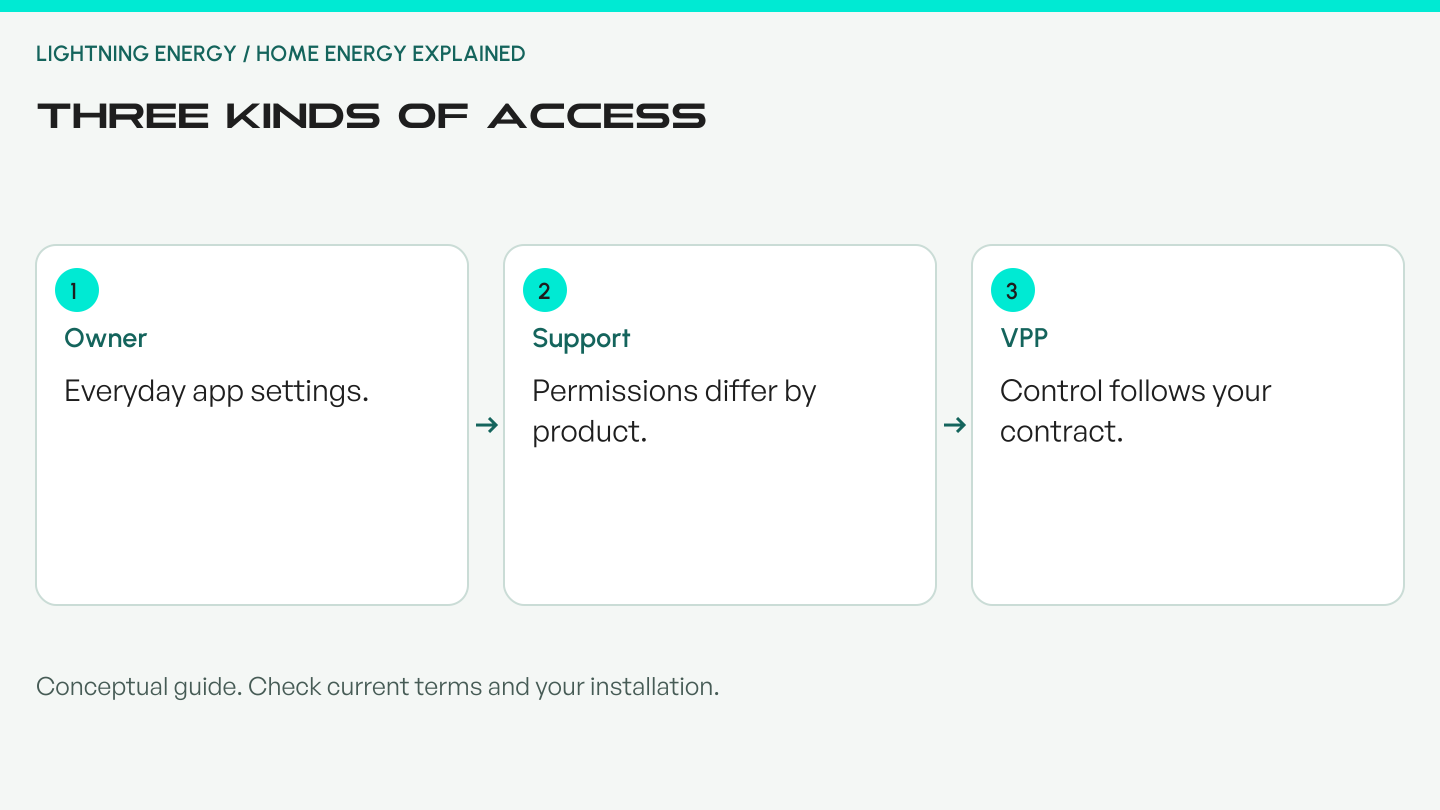
Access is usually split across several roles, and the split differs from one system to another.
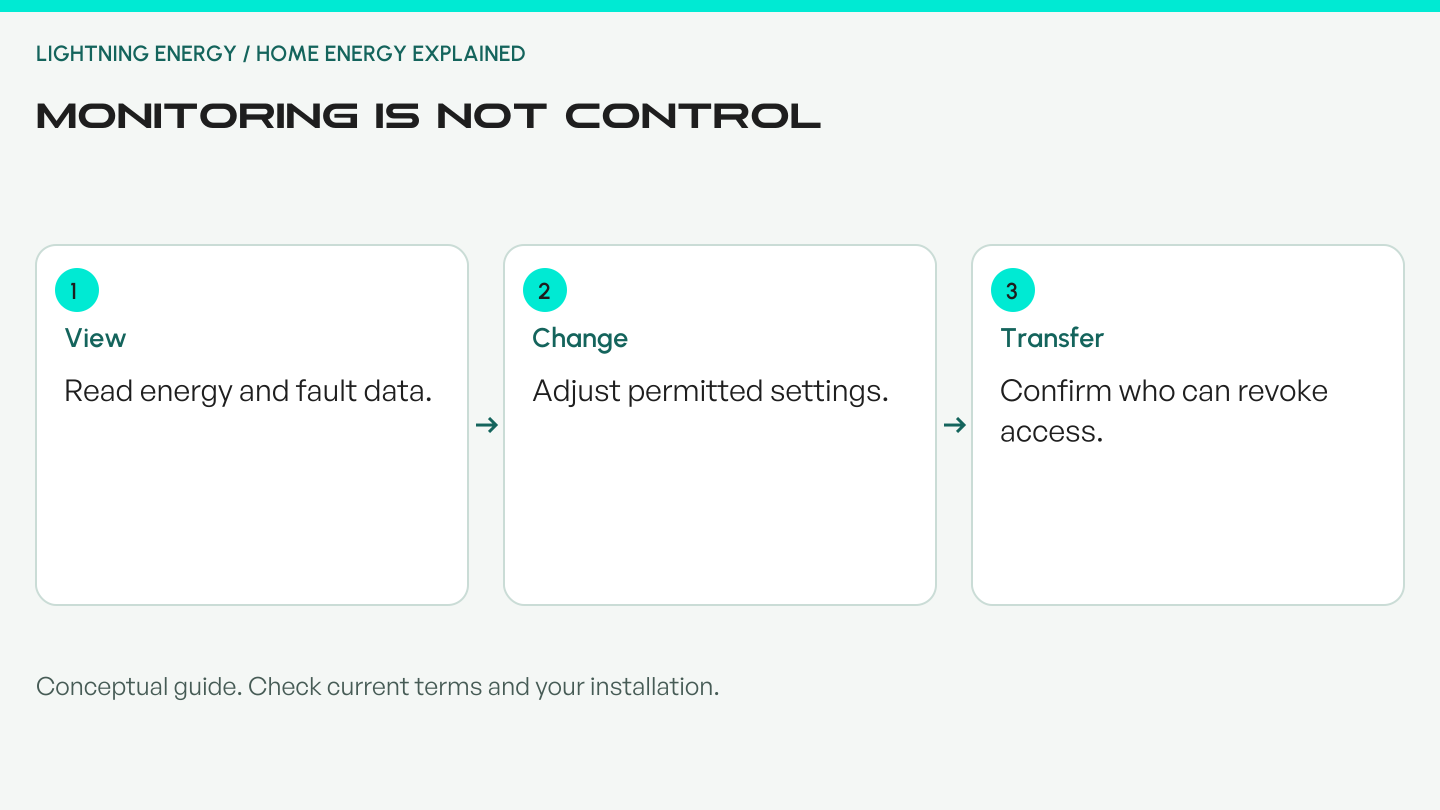
Seeing data is not the same as changing how the battery charges, discharges or exports.
A proper quote makes that distinction clear.
Who can see or change what
Conceptual guide. Check current terms and your installation.
These are the roles that commonly sit on a connected home battery.
What each of them can actually do varies by brand, by the permissions granted at commissioning, and by any agreement you later sign.
You should have your own owner account, on contact details you control, not a login that only the installer holds.
The owner app typically lets you see generation, household use, charging and discharging, and, depending on the product, change everyday settings such as operating mode or backup reserve.
Many modern batteries let the installer monitor the system, diagnose faults and, depending on the brand, remotely change operating settings after commissioning.
That continuing access is how remote support works.
It is also why you should pick an installer you would actually want on the account for the life of the system.
Manufacturer support permissions differ by product.
Remote Service Access is time-limited, with different periods depending on how it is enabled.
Ask for the rules that apply to your installed model and software, rather than assuming every brand works the same way.
A virtual power plant or retailer only gets access if you join.
The Clean Energy Regulator describes a VPP as an agreement between you and a VPP operator, who may also be your electricity retailer.
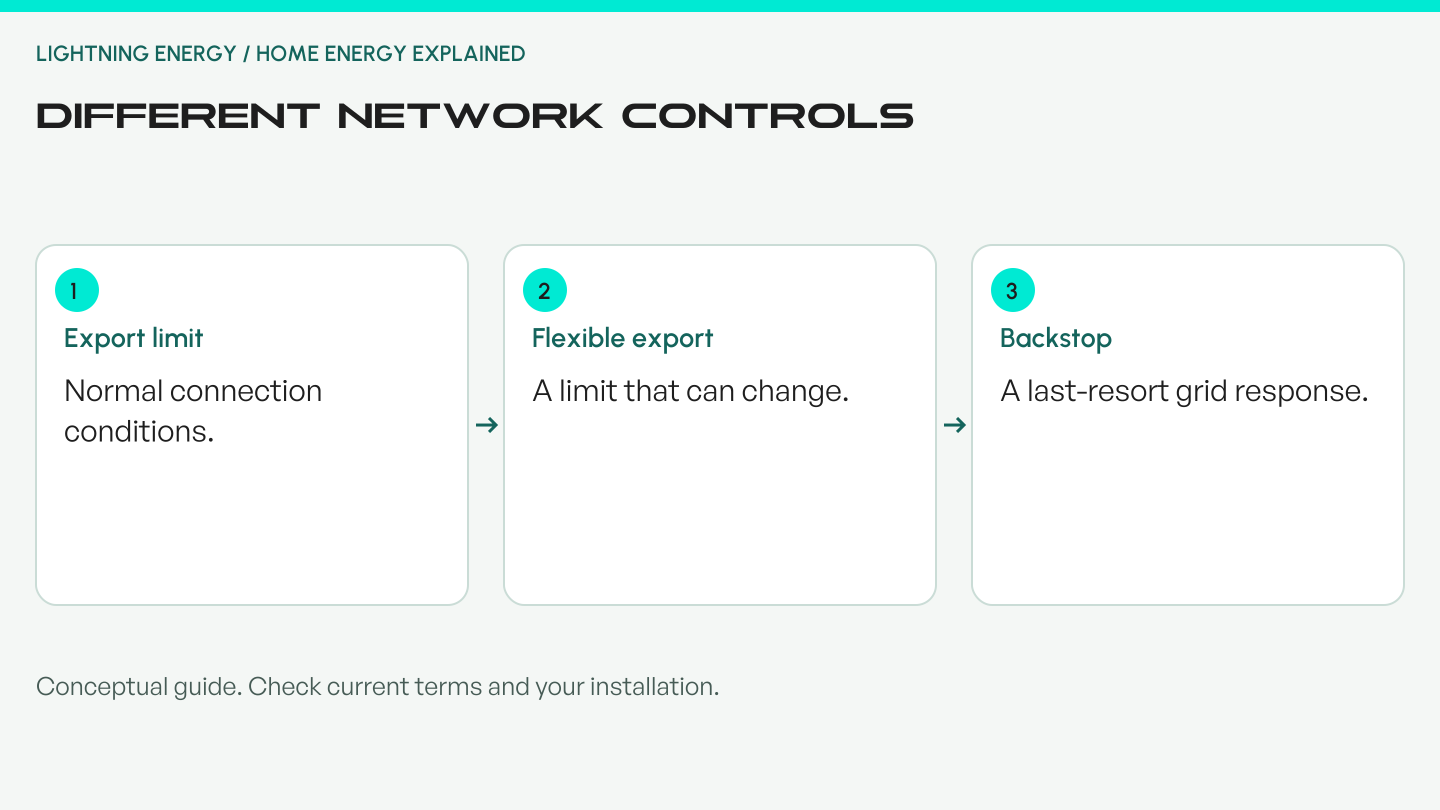
If you enrol, the operator can manage stored energy under that agreement, which typically means the battery needs an ongoing internet connection and the ability to respond to grid signals.
Hardware that is VPP-capable is not the same as joining a VPP.
Conceptual guide. Check current terms and your installation.
If you do join, the contract defines what the operator can change, what reserve you keep, and how access ends.
Here is what a proper installer or quote shows when you are comparing systems and support.
Use them to compare offers, not to talk yourself out of buying.
1. Who gets installer access on your system
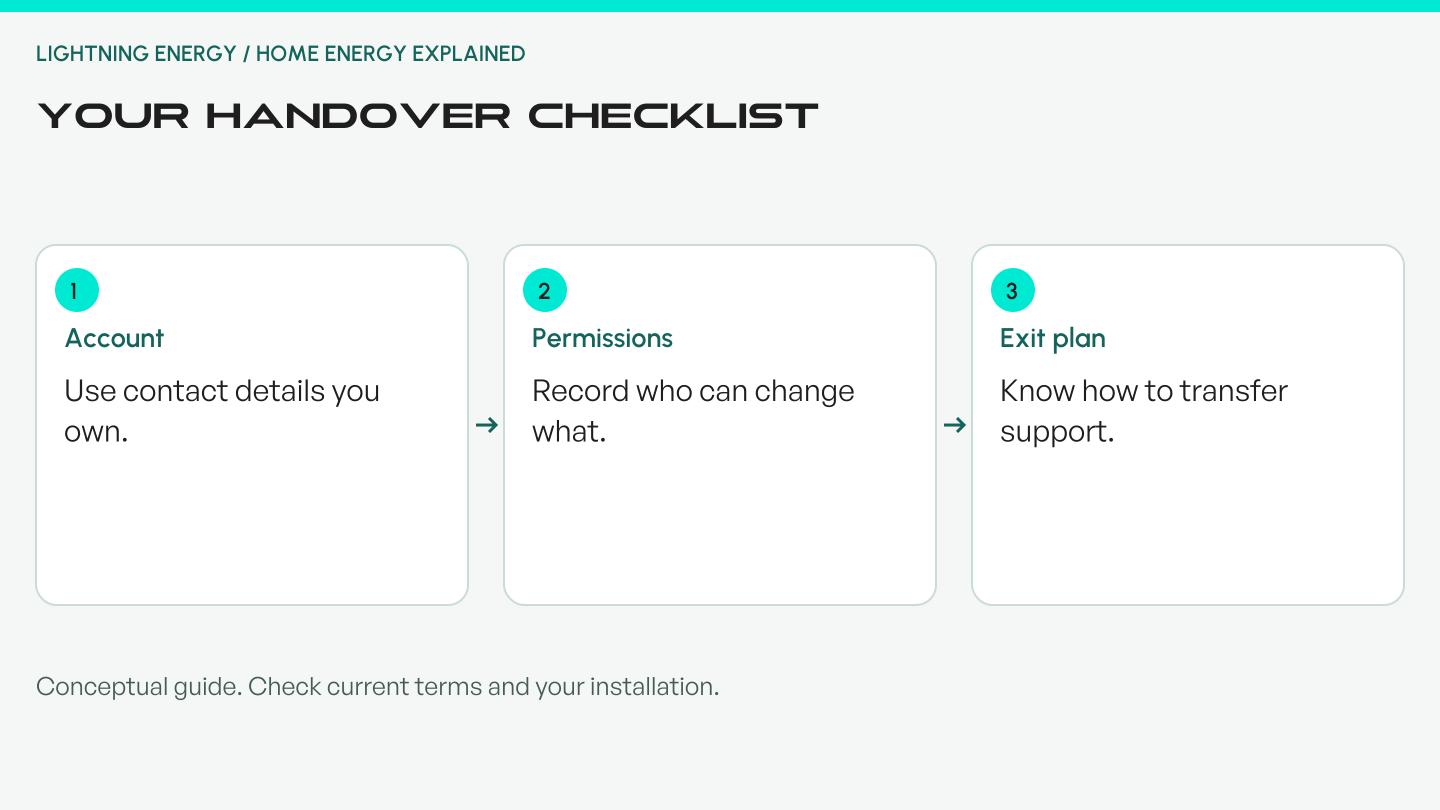
A proper quote names the business that will be on the installer account after commissioning, and confirms that you get an owner account on contact details you control.
2. What they can change remotely
A proper quote distinguishes monitoring from remote setting changes.
It should be clear what the installer can see, what they can change, and what still needs a site visit.
3. Whether you will be told before settings are changed
A proper quote or handover should make clear how you find out if support changes an operating setting, and how that is recorded.
If a notification promise matters to you, it belongs in writing.
4. How you can see that access in your app, and switch it off where the brand allows
Conceptual guide. Check current terms and your installation.
Where the product gives the owner a way to view, grant or time-limit service access, a proper handover shows you where that control sits in the app.
Do not assume every brand lets you remove installer access yourself.
5. What happens if you change support company later
A proper quote shows the process for transferring support to another qualified installer, and what happens if the original company is no longer available.
A home battery is a long relationship, not a one-off purchase.
Choose an installer you would want on the account for ten years, and get the access arrangements in writing.
The system you pay for should be one you can see and understand, with network or VPP access, if you join a VPP, sitting in plain view rather than as a surprise later.
Own your power, and own your options.
Knowing who holds the keys is part of buying well.
Cover: existing Lightning Energy site photography used for product or solar context. It does not identify a customer or installation location.
Compare home battery options once the access, payment and support terms are clear.
Book a consultation and we'll map solar, storage, hot water, and the rebates around your bills and your goals.
Loading consultations…
Lightning EnergyPlan your next energy upgrade.
⚡
Hi, I’m Lightning Energy’s project guide. I’ll ask a few practical questions, explain what usually matters for your project, and help you decide on a useful next step — no guesswork or sales pressure.
First, what kind of property are we planning for?