
Solar App Showing Zero? Separate a Data Problem From a Generation Fault
Troubleshoot a solar app showing zero by checking data timestamps, connection changes and model-specific messages, while leaving electrical faults to professionals.
Troubleshoot a solar app showing zero by checking data timestamps, connection changes and model-specific messages, while leaving electrical faults to professionals.

A zero in your solar app can mean no generation, no current data or the wrong measurement on screen. Start by distinguishing those possibilities before resetting equipment or assuming the panels need replacing.
The first checks are simple observations: the time of day, the last-update timestamp, the selected date range and any visible warning message. They do not require opening equipment or accessing the roof.
Our solar team can assess the records if the explanation remains unclear.
Check whether the screen shows today's generation, live power, exported power or another quantity. Zero export can be normal when the household is using the available solar or the system is export limited.
At night, zero solar generation is expected. During daylight, a stale timestamp suggests the app may not be receiving current information, even if the screen presents the old value prominently.
The Australian Government monitoring guide explains the difference between generation monitoring and wider household energy measurements.
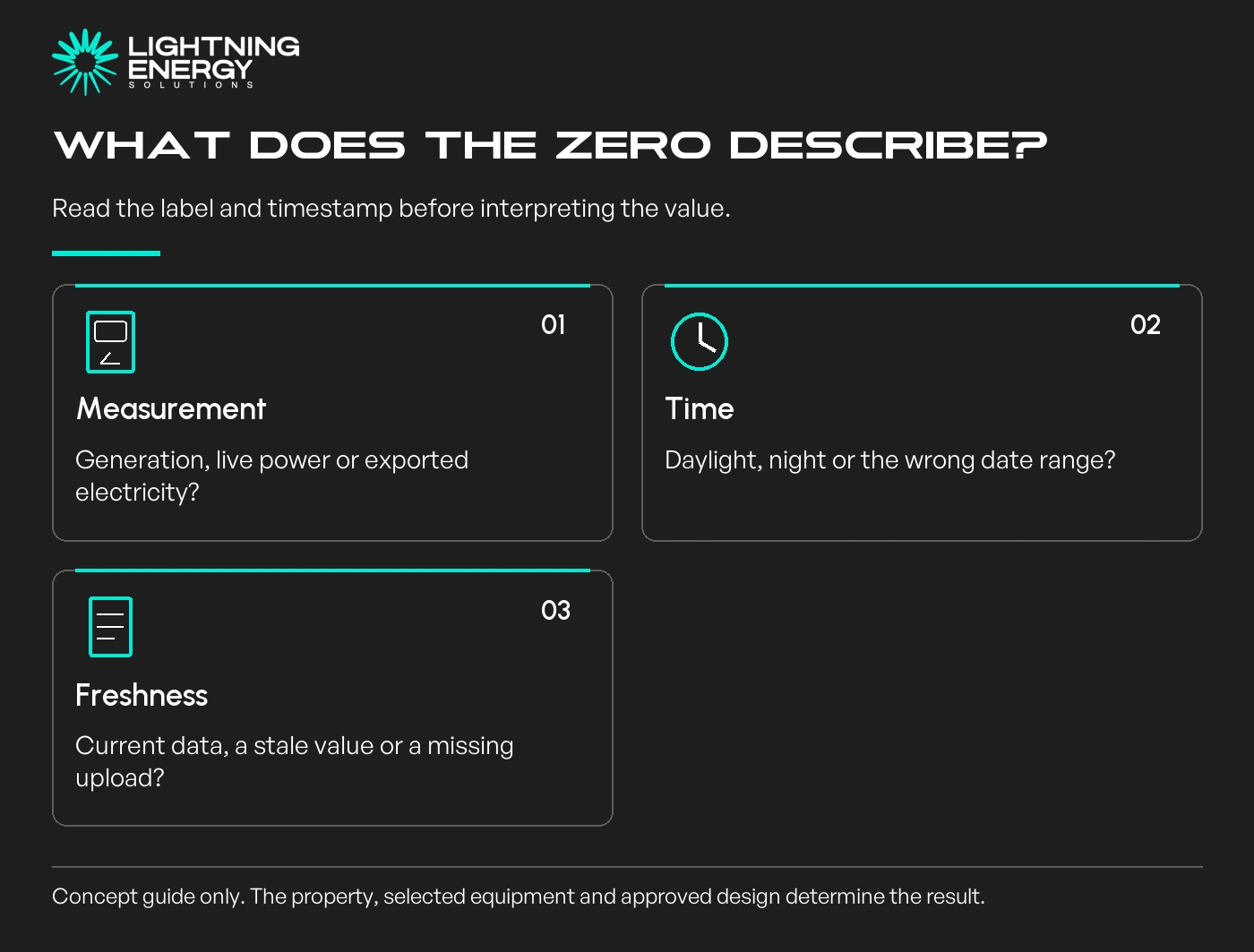
A blank section, a zero value and an offline warning do not necessarily mean the same thing. Take a screenshot that includes the label and timestamp rather than cropping out the context.
A new router, changed Wi-Fi password or interrupted internet service can stop monitoring uploads. Check whether ordinary internet access works and whether the app reports a communications problem.
Fronius's support guidance distinguishes missing Solar.web data from equipment operation and provides separate model-specific help. The steps appropriate for one model should not be transferred to another system.
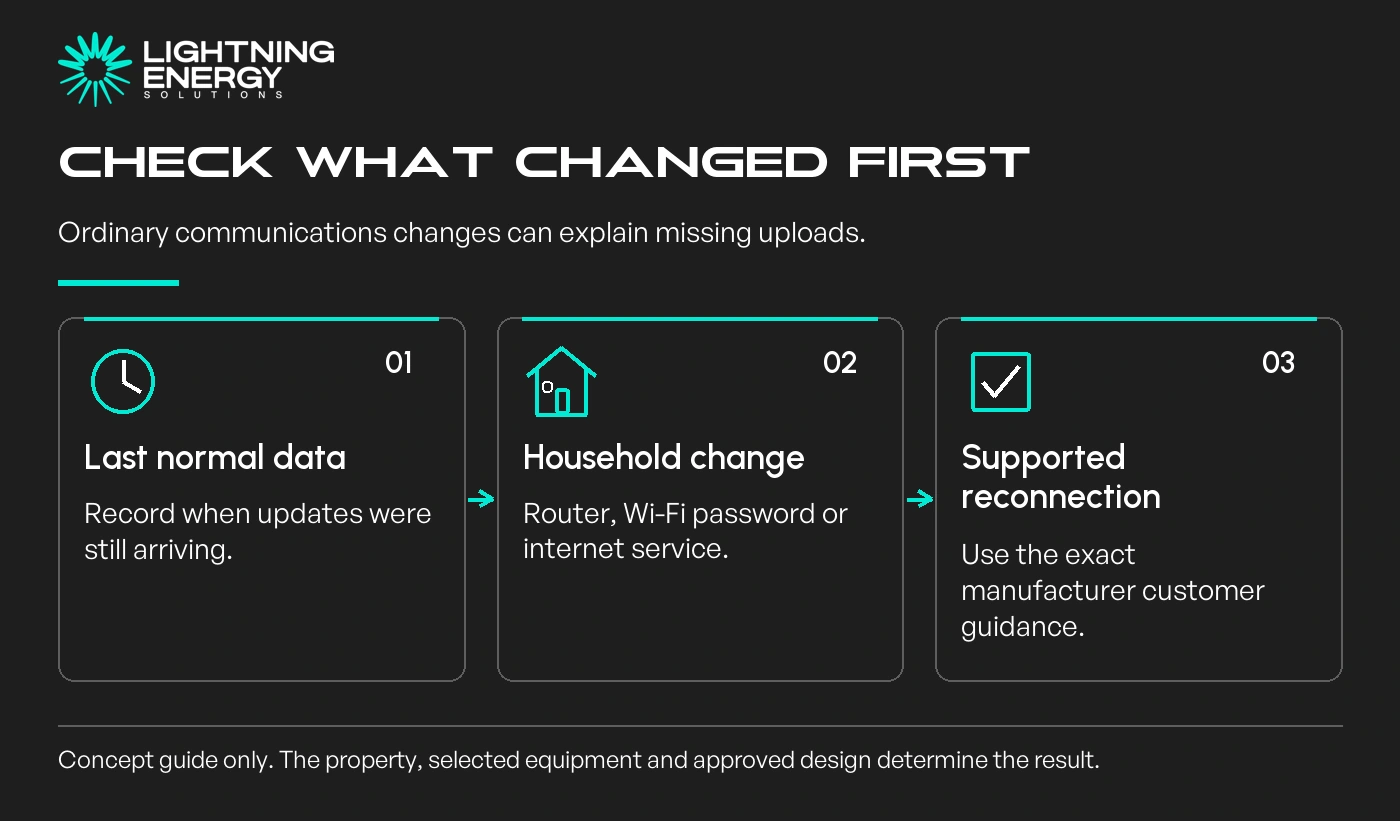
Use only the manufacturer's customer instructions for reconnecting the monitoring service. Do not guess an AC/DC switching sequence or use a factory reset simply because an unrelated online guide recommends it.
Some installations also rely on communications for network control or other functions. Restoring an app screen and confirming those services are operating can be separate checks.
Our export-control guide explains why approved settings should remain with the installer.
If an indicator or display is safely visible, record its exact message. Interpret it using the model's manual or support page, rather than assuming every red light or code has the same meaning.
For GEN24 equipment, Fronius directs owners to model-specific status information and the installer for unresolved technical problems.
Do not remove covers, touch damaged cables or investigate roof-mounted connections. Signs of damaged equipment or a genuine electrical fault require professional attention rather than repeated app troubleshooting.
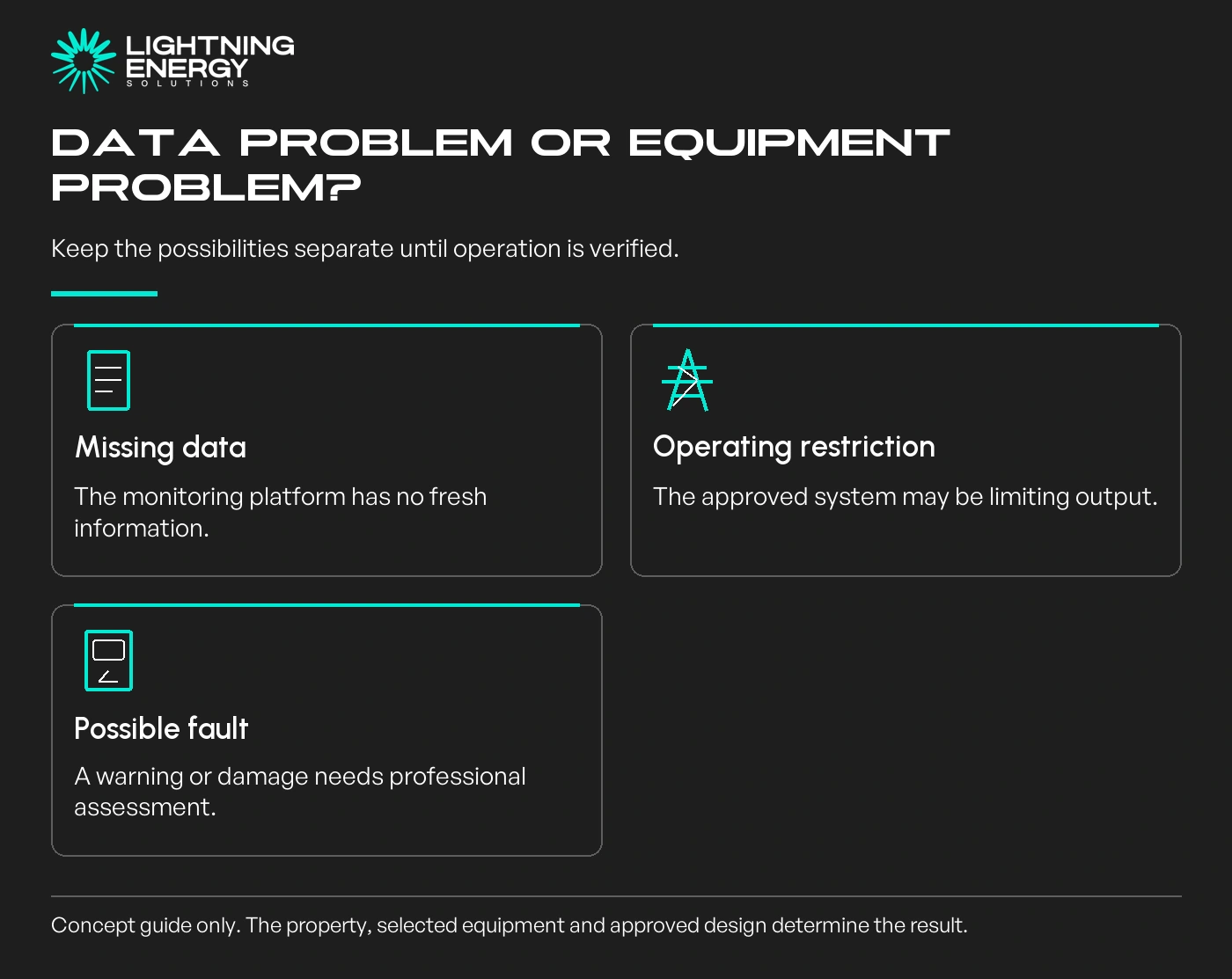
A working household internet connection does not prove the inverter is communicating. Conversely, the absence of a cloud update does not prove that electricity production has stopped. Further checks may need installer access or testing.
Our winter-output guide helps distinguish complete but lower production from missing records.
Include the inverter model, installation date, last normal reading, current timestamp and exact warning. Add any router changes, grid outages or work at the property near the time the problem began.
If available, include a complete daily chart and the previous comparable day. Do not send passwords, account recovery codes or unnecessary personal information with screenshots.
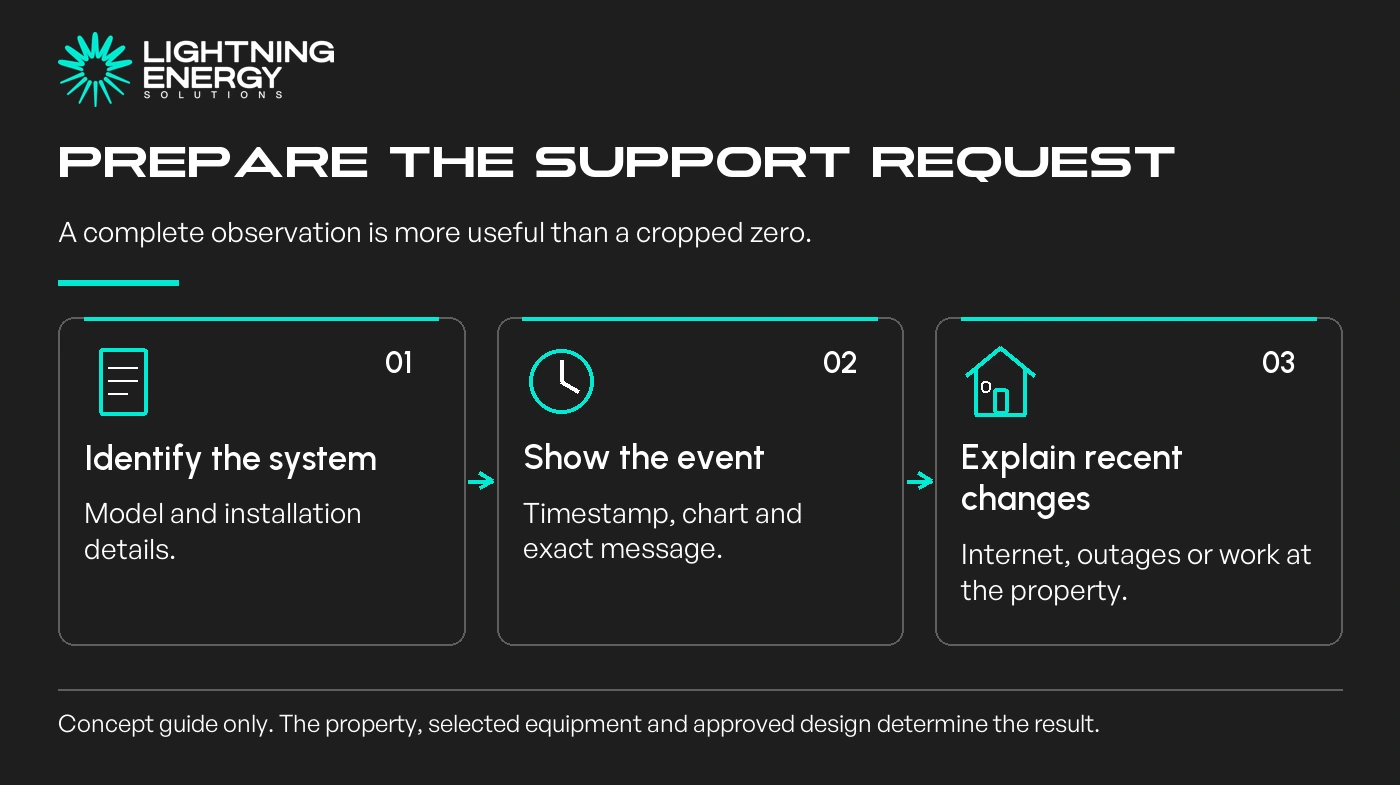
Imagine an app freezing on the day a router was replaced. That timing makes communications a useful first investigation, but it does not prove there is no separate fault. Keep the diagnosis open until current operation is verified.
Do not purchase a replacement inverter on the strength of a single zero reading. Establish whether the problem concerns data, configuration, an operating restriction or equipment failure.
Contact us with the model and dated observations. A concise evidence record helps the support team investigate without asking you to perform unsafe electrical work.
Available times
Book a consultation and we'll map solar, storage, hot water, and the rebates around your bills and your goals.
Question 1 of 6