
Why Solar Generation in Your App Differs From Exports on Your Bill
Understand why solar app generation differs from bill exports, with a clear household example and checks for timing, battery flows, estimates and meter records.
Understand why solar app generation differs from bill exports, with a clear household example and checks for timing, battery flows, estimates and meter records.

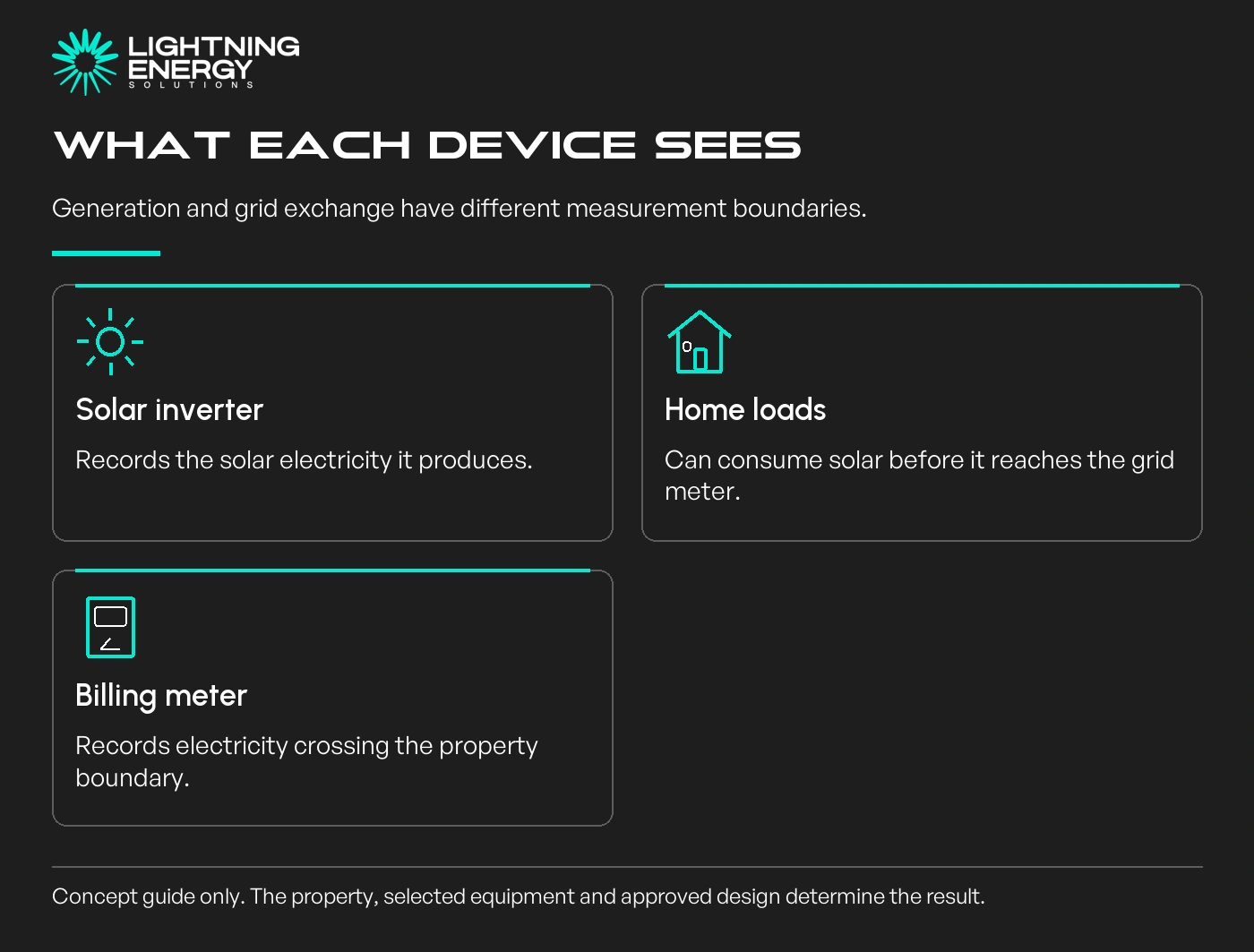
Your solar app and electricity bill often measure different things. The inverter reports solar generation; the billing meter generally records electricity crossing the property boundary, including exports to the grid.
Solar used inside the home does not need to cross that boundary. A lower export total therefore does not, by itself, mean energy is missing or the retailer has failed to credit all the solar you generated.
Our solar service can explain the measurements included with a proposed system and how to use them after installation.
Without a battery, generated solar can supply household loads at the time it is produced. Surplus can be exported within the approved limits. The home can still import electricity at other times.
The Australian Government monitoring guide explains why generation and household energy-flow monitoring are different measurements.
A meter at the grid boundary cannot directly show all the solar used behind it. The app needs suitable additional measurement or calculations to display a complete consumption picture.
Consider an illustrative day with 20 kWh of solar generation. The household uses 8 kWh of it directly and exports 12 kWh. The bill's export register shows 12 kWh, not the full 20 kWh generated.
If total household consumption that day is 15 kWh, the remaining 7 kWh comes from the grid. In this simplified example, 8 kWh of self-used solar plus 7 kWh of imports supplies the 15 kWh household load.
These are invented round numbers for explaining the measurement boundaries, not a forecast, measured installation or tariff calculation. Real metering and system losses can complicate exact reconciliations.
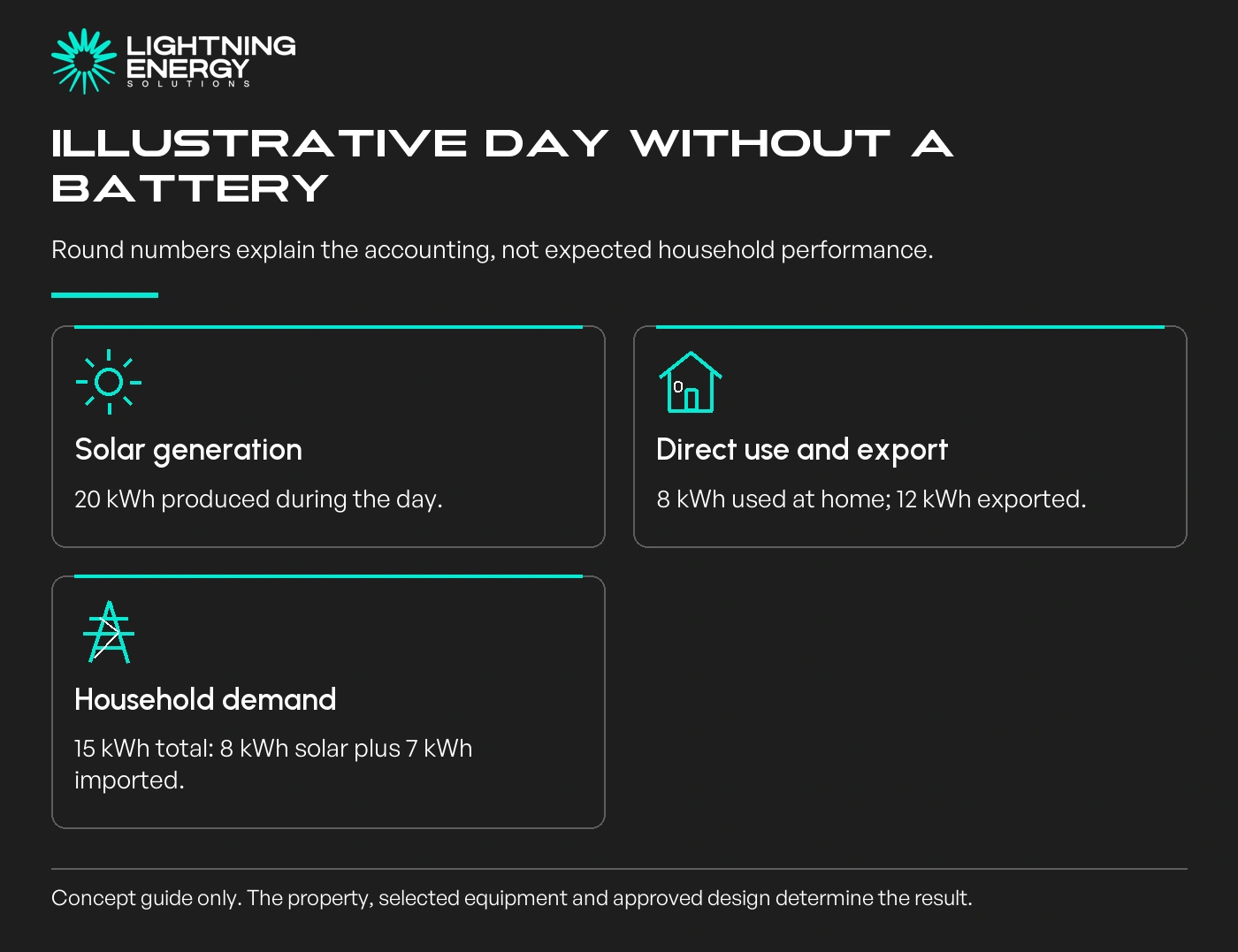
The practical lesson is that generation, consumption and grid exchange answer different questions. A household that uses more of its solar may export less while avoiding more grid purchases.
Our hot-water timing guide provides a useful example of changing when a load runs, without promising that every cycle will be solar powered.
With storage, some generation can charge a battery for later use. The battery may also charge from the grid or export under its configured operating mode, so bill exports are not necessarily all immediate solar surplus.
Check whether the app shows energy at the solar, AC, battery or grid boundary. Charging and discharging losses mean separate counters cannot always be subtracted as though every transfer were lossless.
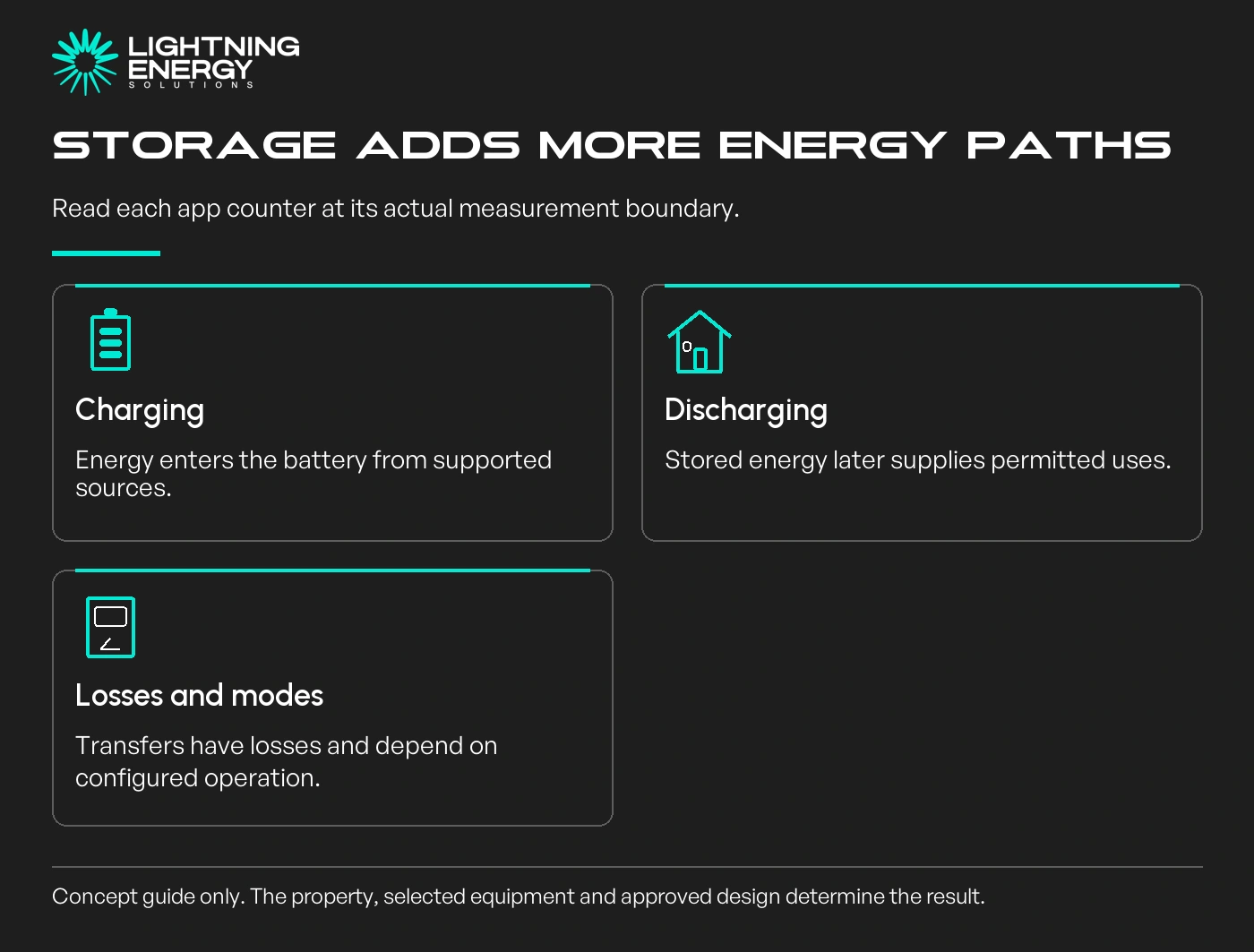
Manufacturer documentation should explain the displayed measurements, meters and energy-balance data.
Our battery quote checklist helps establish what monitoring and operating modes are included before storage is purchased.
Use the exact billing start and end dates, and compare energy in kWh with energy in kWh. A live kW reading cannot be reconciled directly with a monthly export total.
Check for incomplete app records, different upload delays, local-time settings and any change to the meter or system during the period. Ask the retailer whether the billed readings were actual or estimated.
EWOV's billing information explains Victorian energy-bill issues and the distinction between different recorded charges and quantities.
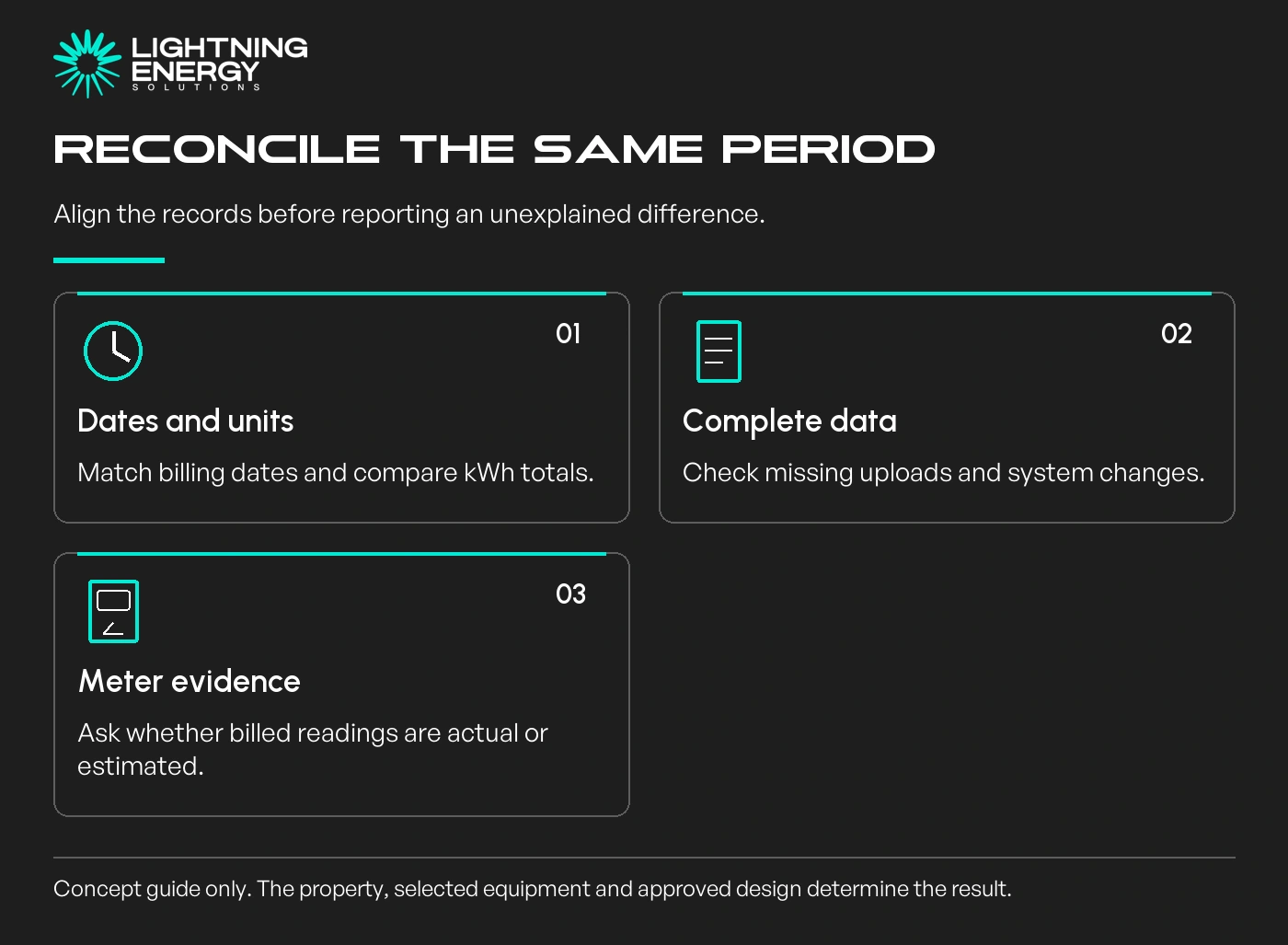
If the numbers still look inconsistent, request the underlying interval import and export records and compare them with complete monitoring data. Provide the dates and measurement labels when asking for help.
A retailer billing issue, incorrect monitoring setup and inverter performance problem can require different investigations. Replacing panels will not fix a wrong account setup or missing app data.
Our export-control guide is relevant if the dispute concerns an approved operating limit rather than a billing total.
Send us the bill period and monitoring records if you need help separating those questions. Start with the measurement boundaries before treating different totals as evidence of a fault.
Available times
Book a consultation and we'll map solar, storage, hot water, and the rebates around your bills and your goals.
Question 1 of 6