
Adding Powerwall 3 to Powerwall 2: The Australian Upgrade Checklist
Planning a Powerwall 2 upgrade? Check software, Gateway hardware, phase limits, existing battery condition and handover before adding Powerwall 3.
Planning a Powerwall 2 upgrade? Check software, Gateway hardware, phase limits, existing battery condition and handover before adding Powerwall 3.

Eligible Powerwall 2 installations can now be expanded with Powerwall 3 under Tesla’s Australian backward-compatibility guidance.
The next step is an assessment of the existing installation, rather than assuming every older system is ready for another battery.
Checked 24 November 2026. This is a desk-researched Australian planning guide, not a hands-on product test.
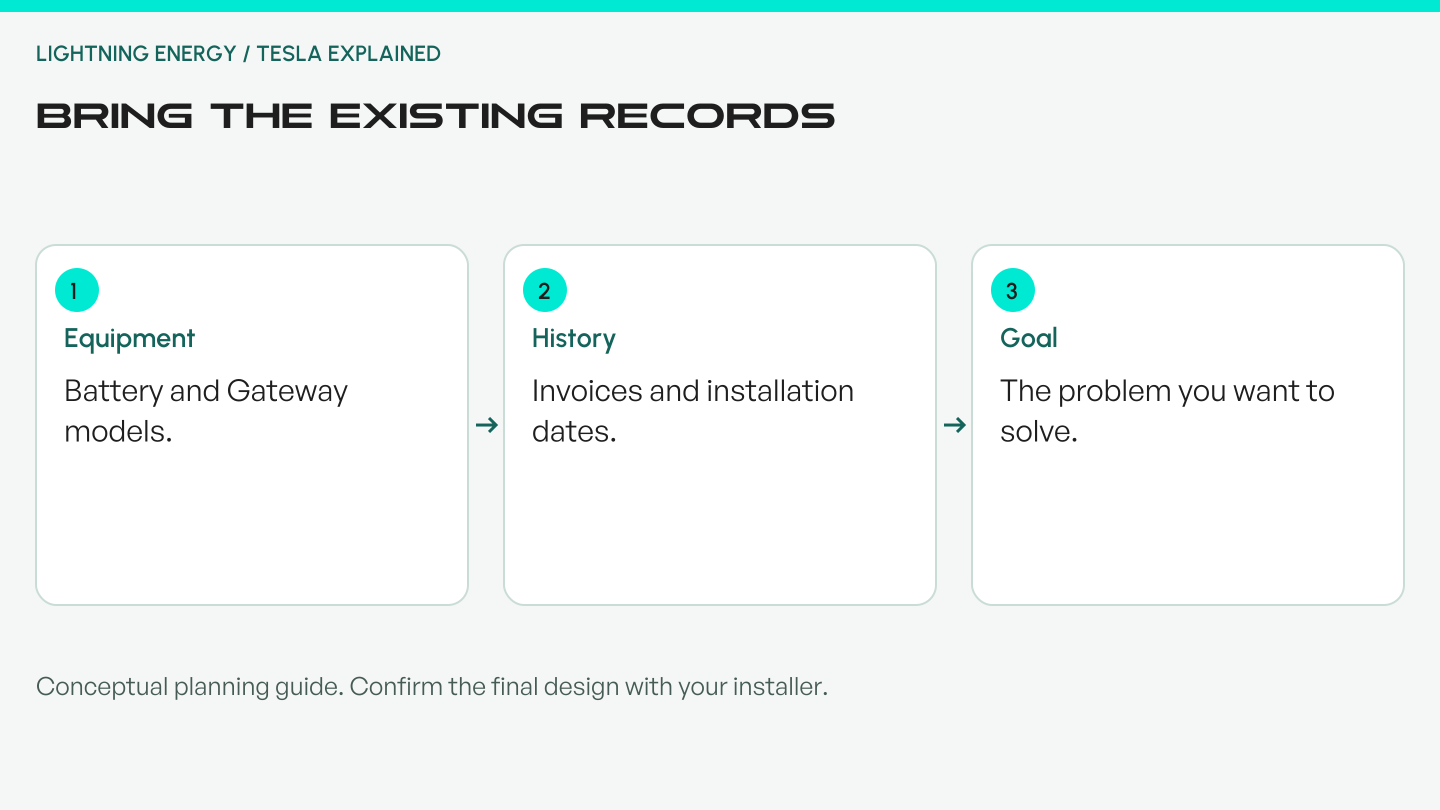
Collect the original invoice, installation date, equipment schedule and any later alterations. Record the Gateway model and the number of batteries from your existing documentation or installer records.
Do not open electrical equipment to identify it.
Include the solar inverter model, whether the property has single-phase or three-phase supply, and which circuits currently have backup. If those details are unclear, make identifying them part of the site assessment.
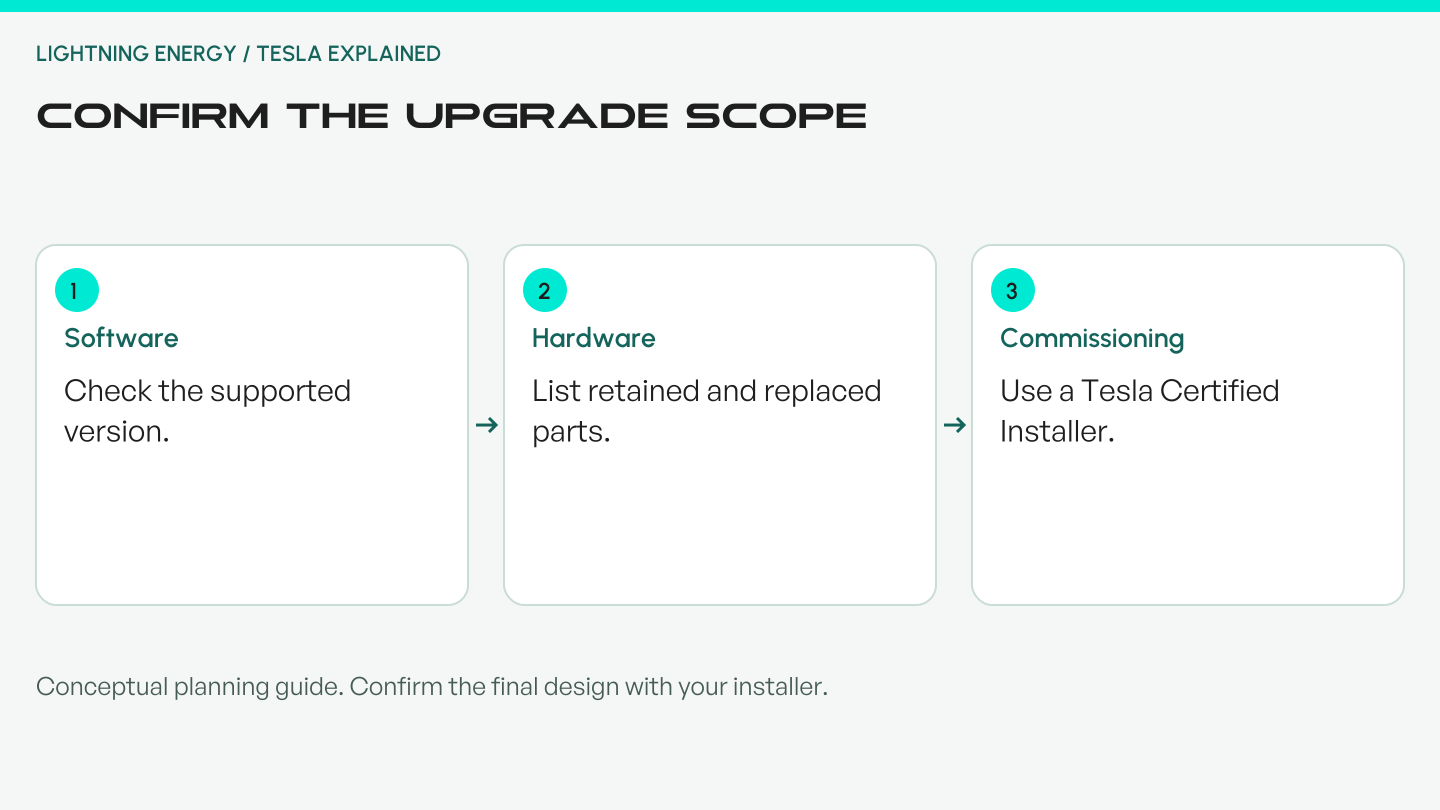
Tesla’s Australian compatibility page specifies software 26.26 or later and says Gateway 1 and Neurio Meter are not supported.
It describes an initial combination of up to four Powerwall 2 units, one Powerwall 3 and three Expansion units.
Treat those conditions as the start of a design review. Ask the Tesla Certified Installer to list what stays, what changes and what must be commissioned.
A software update does not by itself provide new electrical hardware or approvals.
Write down whether you want more overnight energy, longer essential-load backup or support for a changing household. Give the installer interval data and a list of future appliances.
These goals help determine whether the proposed addition is useful.
For an older battery, ask for an assessment of current performance and any unresolved alerts. Do not assume its remaining usable energy exactly matches a new unit’s nameplate figure.
Keep any service issue separate from the sales discussion.
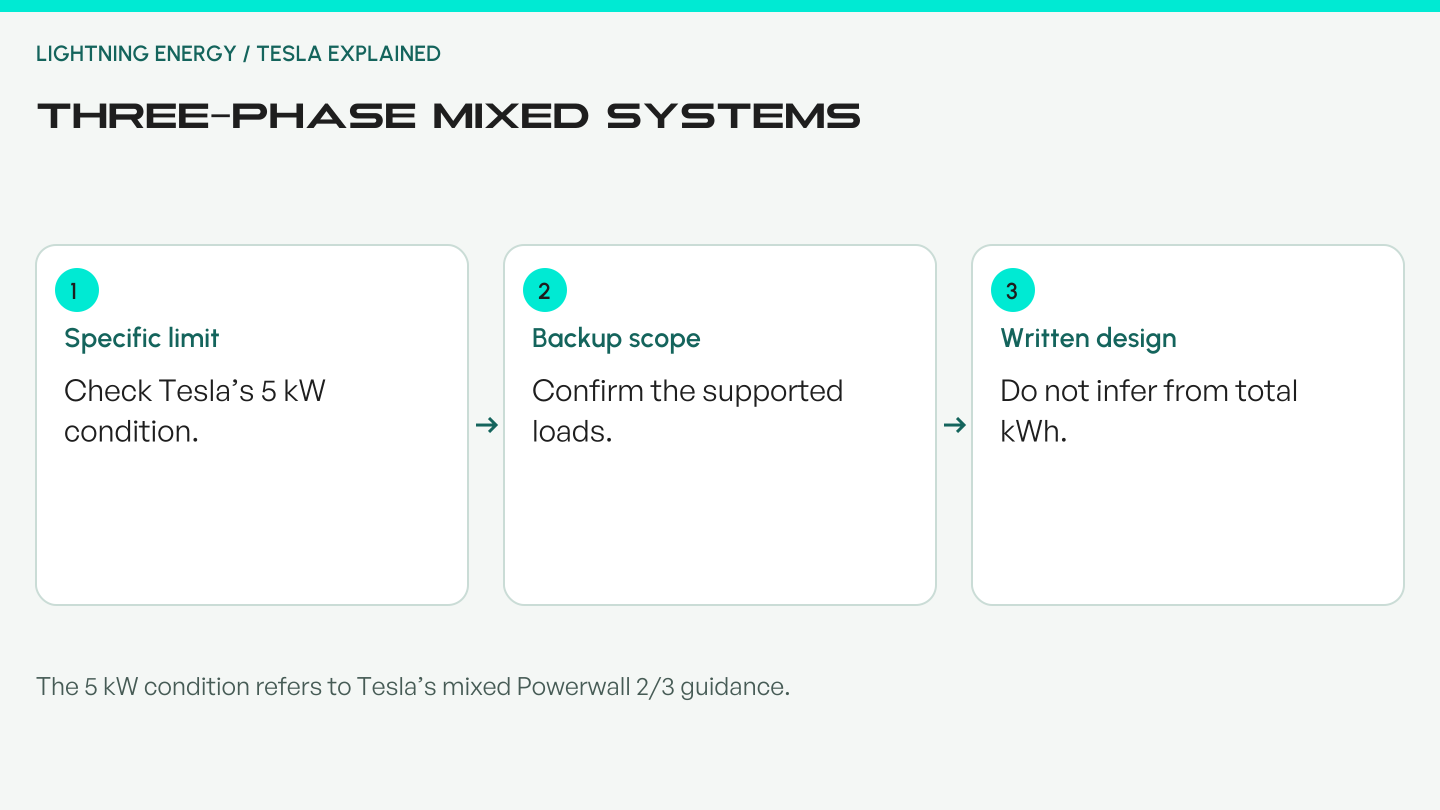
Tesla says Powerwall 3 output is limited to 5 kW on three-phase grids in the supported mixed-system arrangement described on its compatibility page. That specific condition should appear in the proposal when applicable.
Ask the designer to explain which loads operate during an outage and how the installation behaves while the grid is present. A total storage figure cannot tell you whether a particular three-phase appliance will have backup.
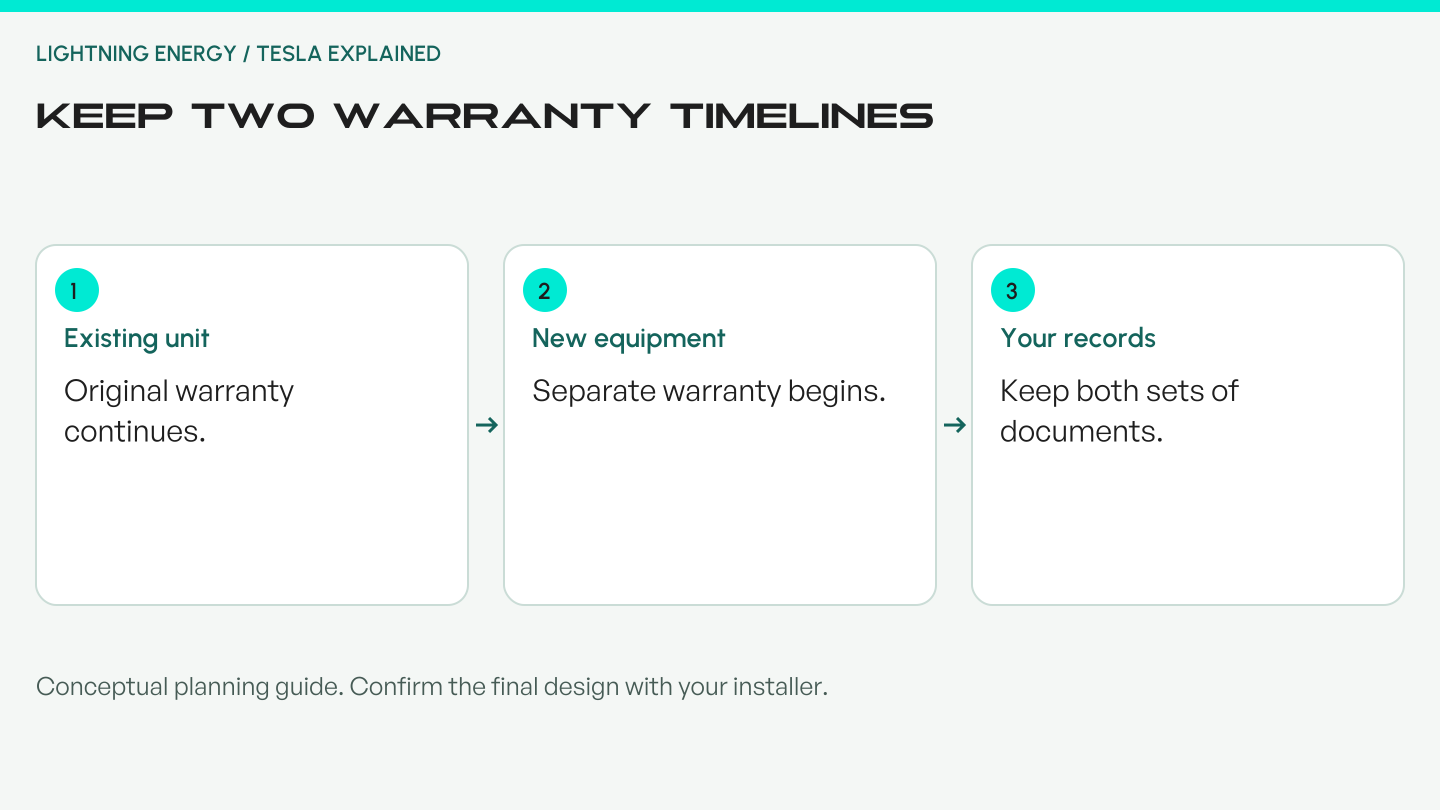
Tesla states that the existing Powerwall 2 retains its original warranty, while new Powerwall 3 and Expansion units receive their own ten-year warranty. The addition does not restart the older unit’s warranty clock.
The compatibility guidance also calls for a new connection agreement for the added equipment. Ask who handles that process and what is included in the installation price.
Have any incentive eligibility checked separately rather than assuming compatibility guarantees a discount.
Ask for an updated equipment schedule, commissioning record and explanation of app monitoring. The installer should document reserve settings, backup coverage and the agreed operating limitations.
Retain the original records alongside the upgrade documents.
For the final comparison, judge the upgrade against keeping the current system and changing household operation.
If most of the shortfall comes from one flexible load, understand the alternatives before paying for additional capacity.
Not necessarily. Tesla now supports eligible mixed systems. The installer must assess your equipment and the intended configuration.
No. Existing and newly installed units retain separate warranty positions and dates.
Tesla says Powerwall 3P cannot be combined with Powerwall 2 or Powerwall 3. Do not assume a future 3P unit is another add-on for this mixed system.
Tesla Powerwall 3 Australian product guide.
Current Powerwall 2 and 3 compatibility guide.
Powerwall 3P Australian specifications.
Tesla Powerwall 3P compatibility.
Cover photograph: Tesla manufacturer imagery, shown for product context. It is not a Lightning Energy installation or evidence of Australian availability. Original diagrams explain decisions, not wiring.
Available times
Book a consultation and we'll map solar, storage, hot water, and the rebates around your bills and your goals.
Question 1 of 6